Mobile App Design Iteration—Refine Screens After Real Feedback
You already have an app UI. Something in it is failing a task. We iterate those screens and flows—not a first-pass UX engagement and not a website redesign.
Need research and wireframes from a blank slate? Use UX design. This page is for teams that can point to existing screens.
Iteration for iOS and Android screens you already ship
Support tickets, drop-off on a checkout step, or a review that says “I can’t find settings”—those are iteration briefs. We change the named screens, keep the rest of the system, and hand files to your developers.
This sits under mobile app design. We do not write production code or publish to the stores. When prototype feedback points to a fuller wireframe-to-clickable engagement rather than refining shipped screens, hire a clickable app prototype.
Ready to name the screens? Request a quote.
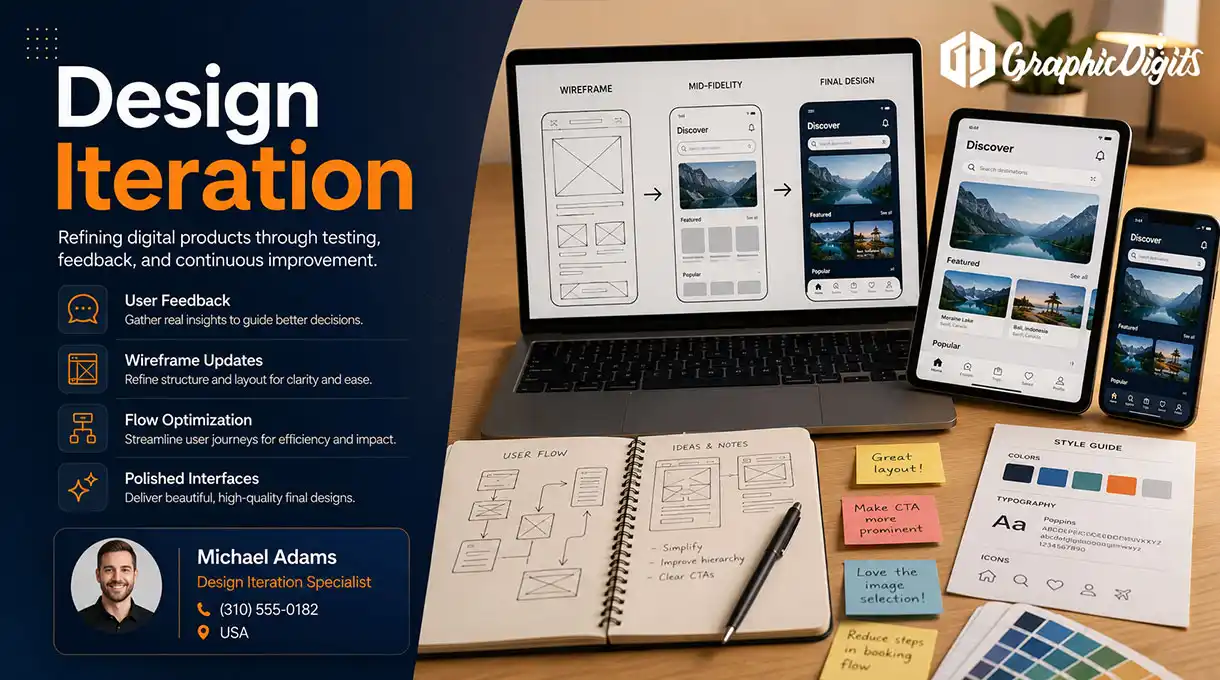
What design iteration includes
Named screens, evidence, and a round count. Not a heatmaps-and-labs package unless you scope research.
Screen-set audit
We mark what is confusing, inconsistent or blocking a task—on the screens you name, not the whole product by default.
Targeted UI updates
Revised layouts, type, hierarchy and states for the agreed flows.
Flow fixes
Fewer dead ends and clearer next steps where the current path drops people.
Prototype of the changed screens
Clickable coverage of what we touched so stakeholders can review before engineering.
Handoff files
Updated design files and notes for your developers—not a coded build.
Scoped rounds
A named number of review cycles. Extra screens or a new feature set is a new quote.
Questions on a live app? hello@graphicdigits.com
Who this iteration service is for
- Product teams with a shipped or beta app and a known friction point
- Founders who launched an MVP and now have reviews that name the problem
- Developers who need updated screens, not a new information architecture
- Teams that already collected feedback and need design to act on it
- Anyone who should not start over on UX design for a single broken flow
Iteration vs first-pass UX
No current UI? Start with UX design. Have screens and a specific failure? Stay here.
Request an iteration quoteWhy teams use us to iterate app UI
Mobile screens, scoped rounds, files developers can use—not a generic “iteration” slogan.
- Evidence you already have — We design from reviews, tickets and notes you share.
- Named screen sets — We do not reopen the whole product unless you quote it.
- Handoff, not code — Updated files and notes. Your engineers ship.
- Honest research line — Labs and heatmaps only when you scope them.
How app design iteration works
Lock the screen list before polish so engineering is not waiting on a moving target.
Intake
Current files, the failing task, and the evidence.
Mark the set
Agree which screens and states are in scope.
Revise
Update layout, copy hierarchy and flow on those screens.
Review
Stakeholder pass within the quoted rounds.
Handoff
Updated design files and notes for development.
Ready to iterate a live app UI?
Send the screens and the problem they fail. We will scope iteration—not a from-scratch UX rebuild.
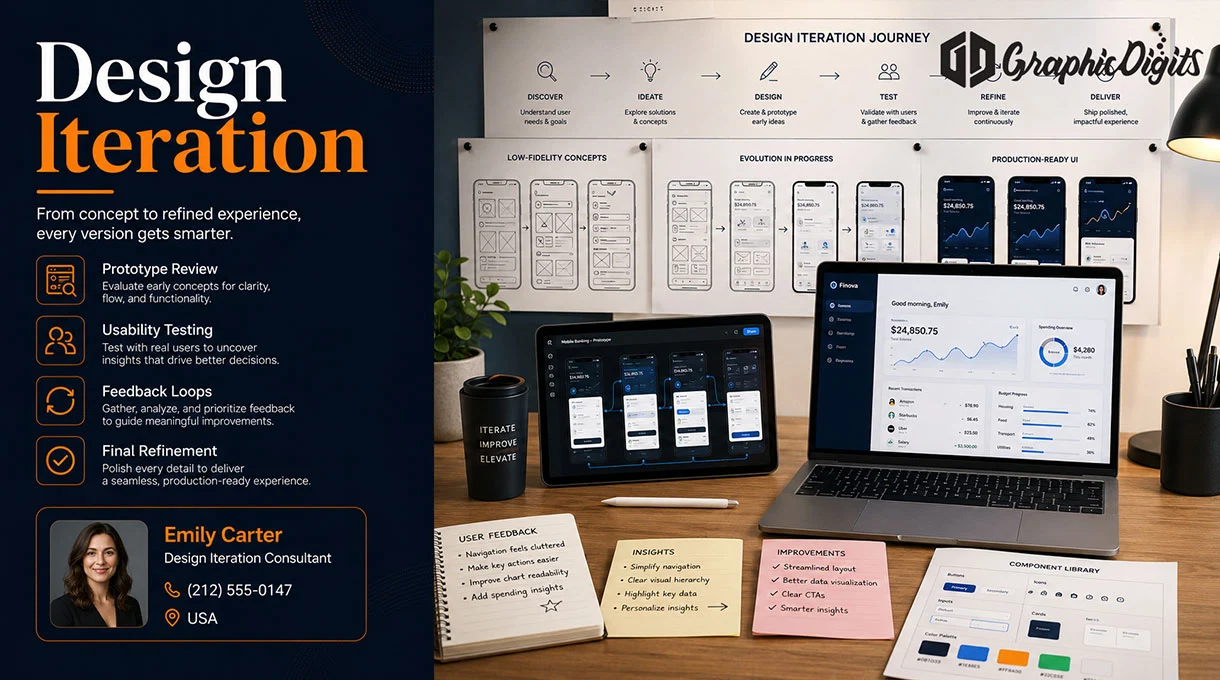
Frequently asked questions about mobile app design iteration
Make an appointment
Bring the current screens and the task that fails. We will scope mobile app design iteration—not a website redesign or a blank-slate UX project.