Mobile App UX Design Services for Flows, Wireframes and Task Definition
GraphicDigits provides mobile app UX design services that map how people finish jobs in a mobile product before high-fidelity screens are drawn. Our UX designers structure user flows, information architecture, wireframes, and interaction logic around the tasks users need to complete—implementation-ready UX direction before visual UI styling or coded development. This is mobile app UX design for structure and flow—not a coded app, not an ADA certificate, and not a screen-polish cycle.
Need finished UI for engineering? Use mobile app UI design or web and app design. Already have screens to fix? Use design iteration.
UX that defines the path before the pixels
If users cannot finish a task, prettier screens will not save the product. We define who is using the app, what they must complete, and the wireframes that prove the path—usability-focused mobile experiences documented for handoff toward UI design. Request a scoped quote—not a free audit.
This sits under mobile app design. Clickable coverage of a defined flow can move to app prototyping when that is the deliverable. For what to clarify in a prototype brief before that hire step, see mobile app prototyping. For teams learning the educational process before engaging a service, see the mobile app UX design process guide.
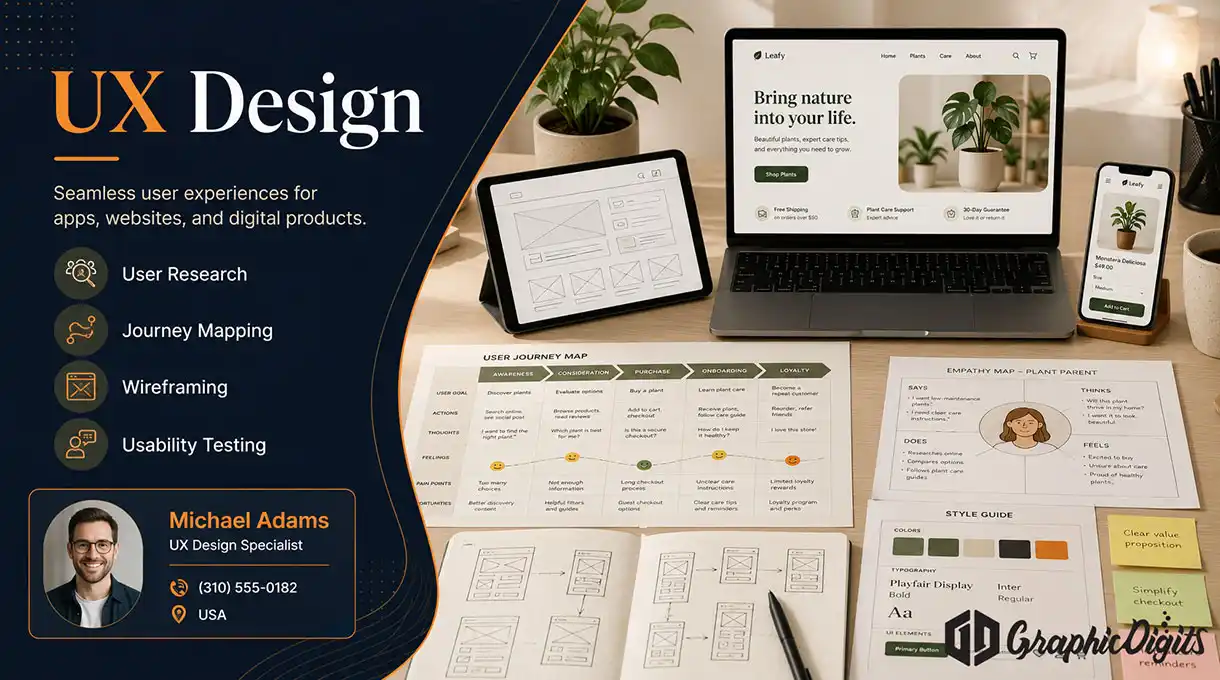
What a UX engagement can include
Named in the quote. We do not ship every item on every project.
Brief and task definition
Who uses the product and which jobs must succeed. Not a default recruited research lab.
User journey mapping
Flows, decision points and dead ends across the screens you named.
Wireframes and IA
Structure before visual design. High-fidelity UI belongs on web and app design.
Review against your evidence
Stakeholder walkthroughs, support notes or research you already have. Formal labs are extra scope.
Low-fi flow prototypes
Clickable coverage of agreed paths. Production prototyping can sit on the prototyping page.
Handoff to UI
Notes so visual screens can follow the IA. We do not engineer the app as a default.
Not a legal a11y audit
Contrast and tap-target notes can be in the brief. Certification work lives on app accessibility.
Who this UX page is for
USA product teams who still need the path defined—not a polish pass on a finished UI.
- Startups defining a first mobile product
- Teams adding a new task flow that does not exist yet
- Product owners who need wireframes before a UI sprint
- SaaS teams with a signed-in job that is still unclear
- Agencies that need UX structure, then hand visual UI elsewhere
When to use a sibling page
Existing screens that fail a known task belong on design iteration. Inclusive contrast and certification language belong on app accessibility. We do not treat UX as a conversion guarantee.
Why scope UX here
Clear splits so you do not buy screens, iteration and accessibility on the wrong URL.
- Task-first briefs — We design around jobs users must finish, not slogans.
- Evidence you already have — We use your notes; we do not invent a lab.
- Handoff that UI can follow — Wireframes and notes, not a surprise coded build.
- Mobile-first on this URL — Website or brand identity is a different service.
- Scoped rounds — Named revision counts. No unlimited UX promise.
How a UX project usually runs
Order can shift. A 3–6 week default is not a promise.
Discovery
Goals, platforms and the tasks that must succeed.
IA and wireframes
Structure for the agreed flows before visual UI.
Flow review
Walkthroughs with your team. Formal testing only if quoted.
Handoff to UI
Files and notes so high-fidelity screens can follow.
Later work is separate
Screen polish after launch is design iteration, not this engagement.
Define the path before you paint the screens
UX here is the map. Visual product UI, accessibility certification and post-launch iteration each have their own page so the quote stays honest.
Share the jobs users must finish. We will scope wireframes and flows—not a coded app or a ranking claim.
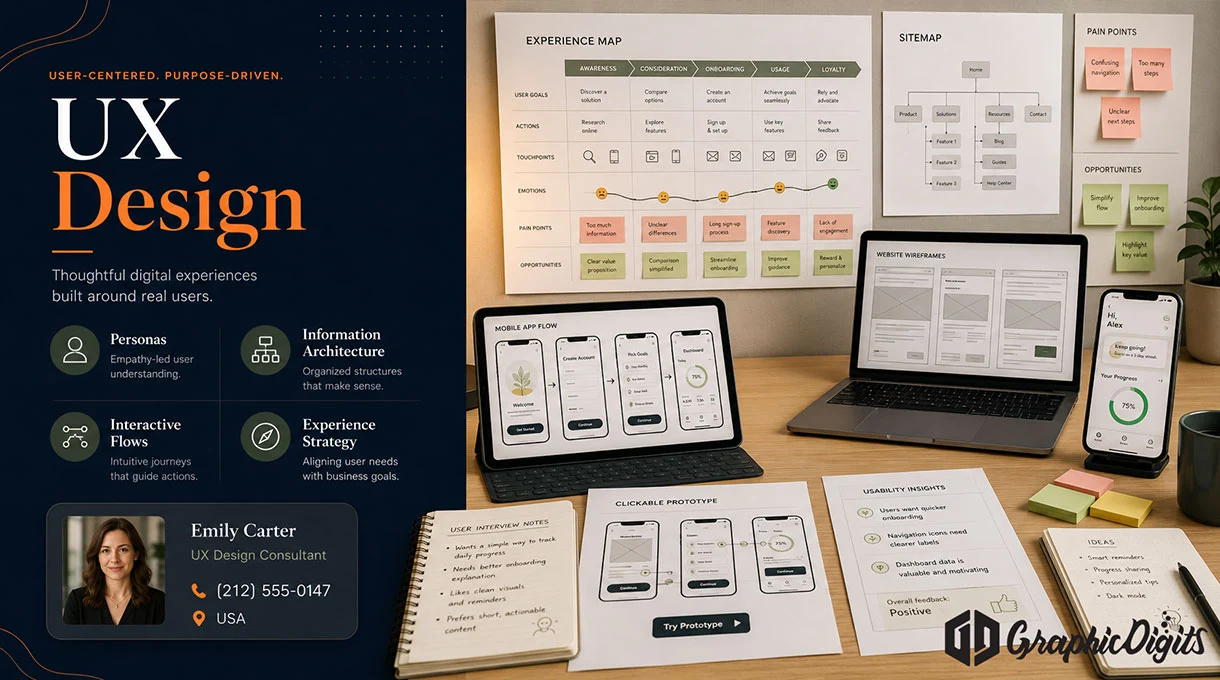
UX design in action
Press play below to watch directly on this page.
Press play to watch
Frequently asked questions about mobile app UX design
How is UX design different from web and app design?
How is this different from mobile app design iteration?
Do you run a formal user-research lab by default?
Do you certify ADA, WCAG or legal accessibility compliance?
Do you offer unlimited revisions or a free UX quote package?
What should I send before a UX project?
Make an appointment
Bring the tasks users must finish. We will scope UX flows and wireframes—not a coded build, ADA certificate, or a post-launch iteration cycle.