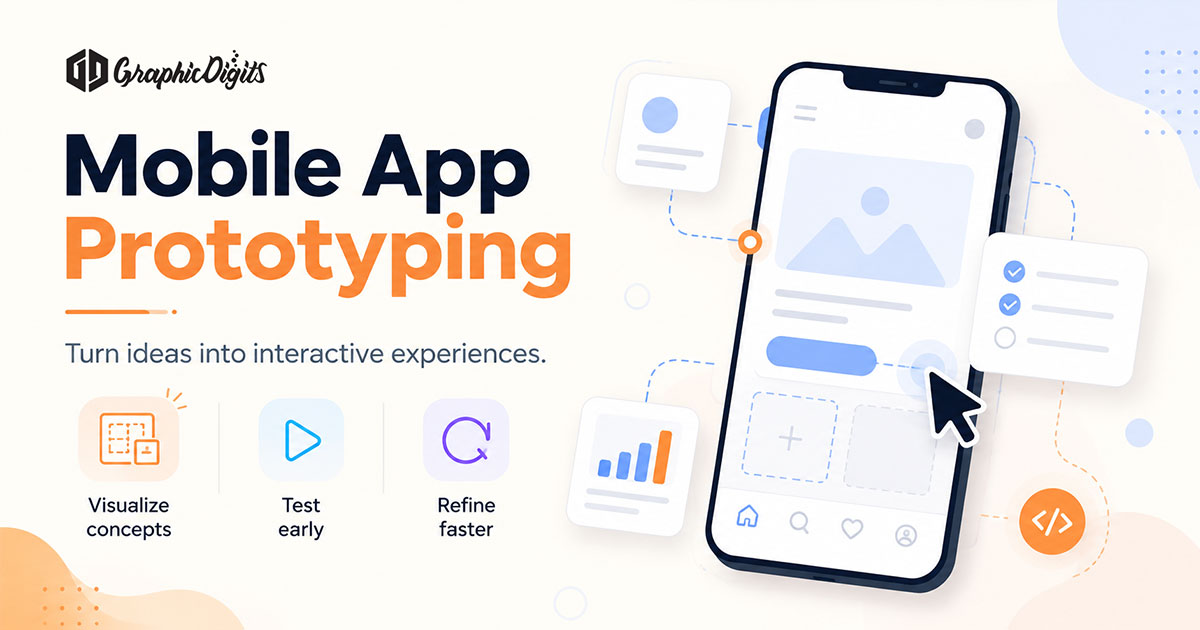
Mobile app prototyping builds a clickable model of screens and flows so teams can review navigation, tasks, and states before engineering multiplies every guess. This article is a briefing guide—what to prepare and decide before you hire—not a full craft tutorial on how to construct every prototype type.
A useful prototype brief usually clarifies the product goal, priority users and journeys, important screens, navigation expectations, critical UI states, interaction points that matter, the fidelity you need, what you want validated or reviewed, and what is intentionally out of scope. GraphicDigits designs prototypes and related UI/UX files. We do not ship production apps from this page. When you are ready to hire, use app prototyping.
For a deeper look at how prototypes progress from wireframes through interactive testing and refinement, see our guide to mobile prototype design. Broader product-level prototype education lives on app prototype. Packaging across mobile services sits on custom mobile app design services. When journeys still need definition before a clickable model, start with mobile app UX design services.
Define what the prototype should prove
Before you request screens, name the job of the prototype. Common briefing goals include validating a user journey, reviewing navigation, aligning stakeholders on a concept, preparing for usability feedback, or giving developers a clearer picture of intended behavior—without treating the prototype as a finished product or a conversion guarantee.
Write the goal in one sentence. If the team cannot agree on what success looks like for the review, the brief is not ready.
Users, journeys, screens and states to name in the brief
Include enough product context that a designer can scope the clickable path:
- Priority users and journeys — who is trying to finish what, where they start, key steps, and the expected outcome
- Required screens — core screens for that journey, supporting screens that matter now, repeated patterns, and items that can wait
- Navigation and interactions — main navigation, key taps, forms, menus, modals, confirmations, and decision points that affect the path
- Critical UI states — empty, loading, success, error, selected, disabled, or confirmation states that change the experience on important steps
- Devices and constraints — phone, tablet, or both; brand rules that cannot change
A competitor screenshot dump is not a brief. Neither is “make it feel like Instagram.” Name the journey you need to prove.
Source material helps when you have it—requirements notes, existing wireframes, feature priorities, branding or UI guidelines, draft copy, references, or known platform limits. None of these is mandatory for every project; share what you already trust.
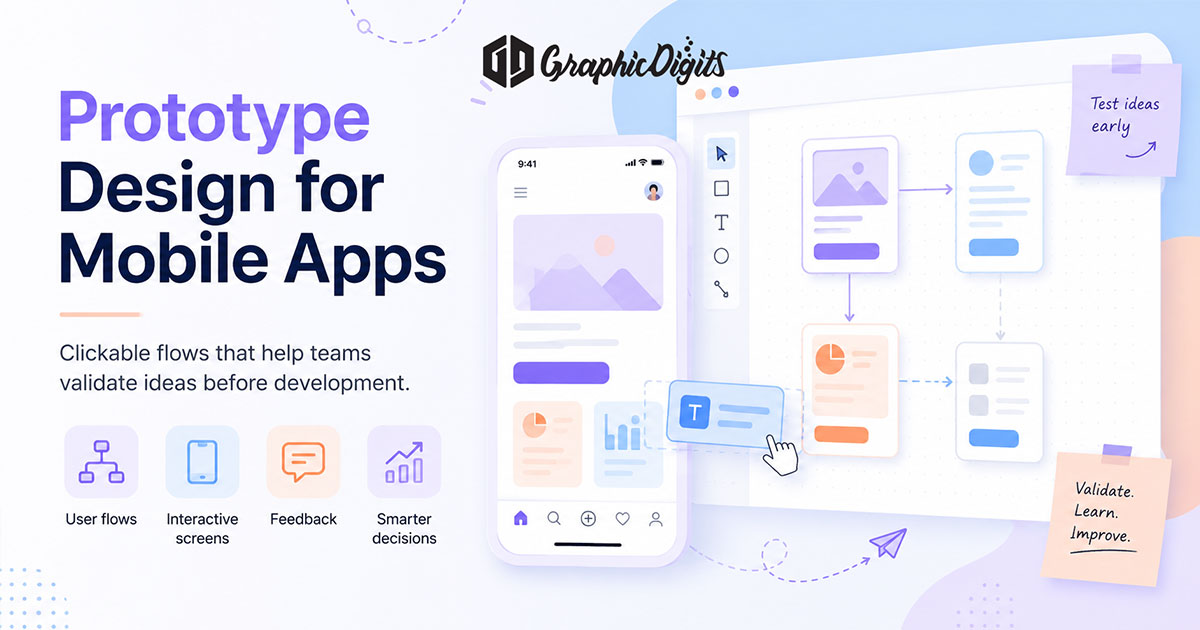
Choose the fidelity that matches your objective
Fidelity is a briefing decision: what level answers today’s question without overbuilding? Use low when you only need linked paths for early flow and scope; mid when hierarchy and labels must be clear; high when stakeholder demos or usability feedback should feel product-like.
Say which fidelity you need—and which flows are in scope. For how low-, mid-, and high-fidelity prototypes are built, tested, and refined in practice, use the mobile prototype design craft guide rather than treating this page as that deep dive.
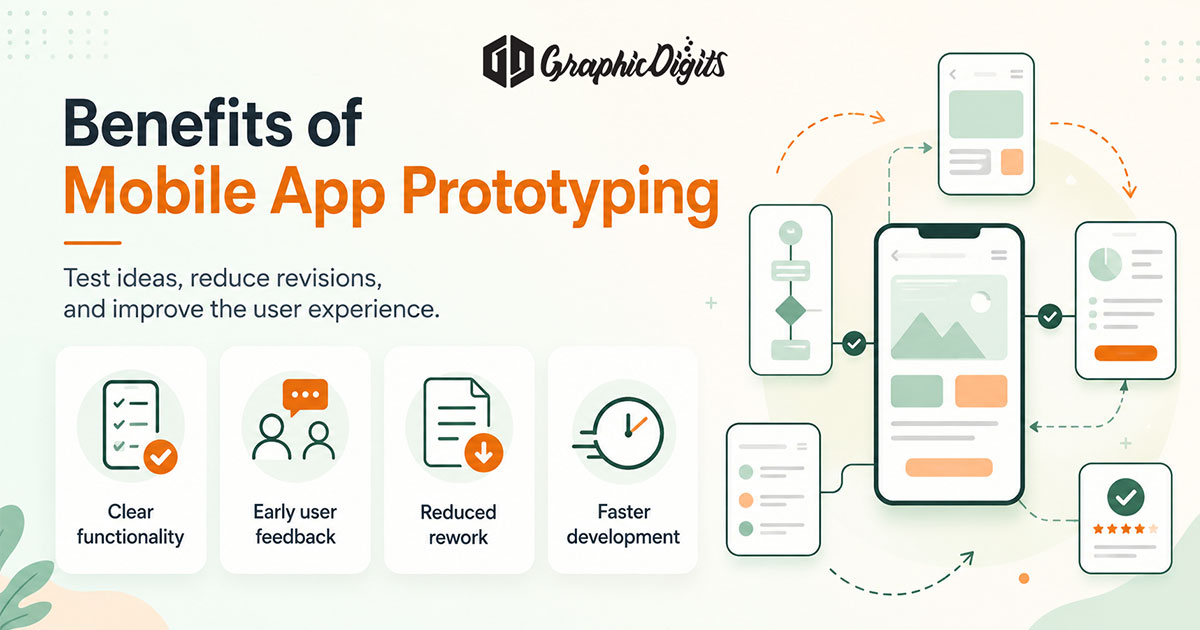
What you want reviewed—and what stays out of scope
Name who will review the interactive prototype and what feedback you need: stakeholders confirming the path, users attempting a task, internal teams checking labeling, or developers checking intended states. Also list what the prototype will not cover—secondary features, edge cases, or production behavior that can wait—so the engagement does not drift into an open-ended product rebuild.
Design, not development
A prototype demonstrates intended experience. It is not the production build, not app-store submission, and not backend work. GraphicDigits delivers design files and clickable prototypes. Your developers—or a separate build partner—own engineering. Revision rounds are scoped. Unlimited revisions usually means the flow list was never locked.
When you are ready to hire
Open app prototyping and request a quote with the primary journeys, fidelity level, devices, and review goals. Keep craft-depth reading on the mobile prototype design guide and broader prototype education on the app prototype article.
Frequently asked questions about mobile app prototyping
What should I provide before requesting a mobile app prototype?
A useful brief names the product goal, primary user, priority journeys, screens that must click, critical UI states, devices, desired fidelity, and what you want reviewed or tested. Wireframes, brand rules, and content assumptions help when you have them—they are not all mandatory.
How detailed should my app prototype be?
Match fidelity to the decision you need. Low for early flow and scope, mid when hierarchy and labels matter, high when demos or usability feedback must feel product-like. Say which level in the brief so the quote stays accurate.
Do I need wireframes before requesting a prototype?
Not always. Wireframes help when structure is still open. If journeys and priority screens are already clear, you can brief a clickable prototype directly. Deeper wireframe-to-prototype craft lives on the mobile prototype design guide.
Is a mobile app prototype the same as a developed app?
No. A prototype demonstrates intended screens, navigation, and interactions for review. It is not production engineering, app-store submission, or a backend. GraphicDigits designs prototype files; development stays with your engineering team or a separate build partner.
How is this different from app prototyping services?
This article is education: what to prepare and decide before you hire. Commercial delivery lives on app prototyping. Broader mobile packaging sits on the mobile app design hub.