What a flipbook maker does for digital booklets
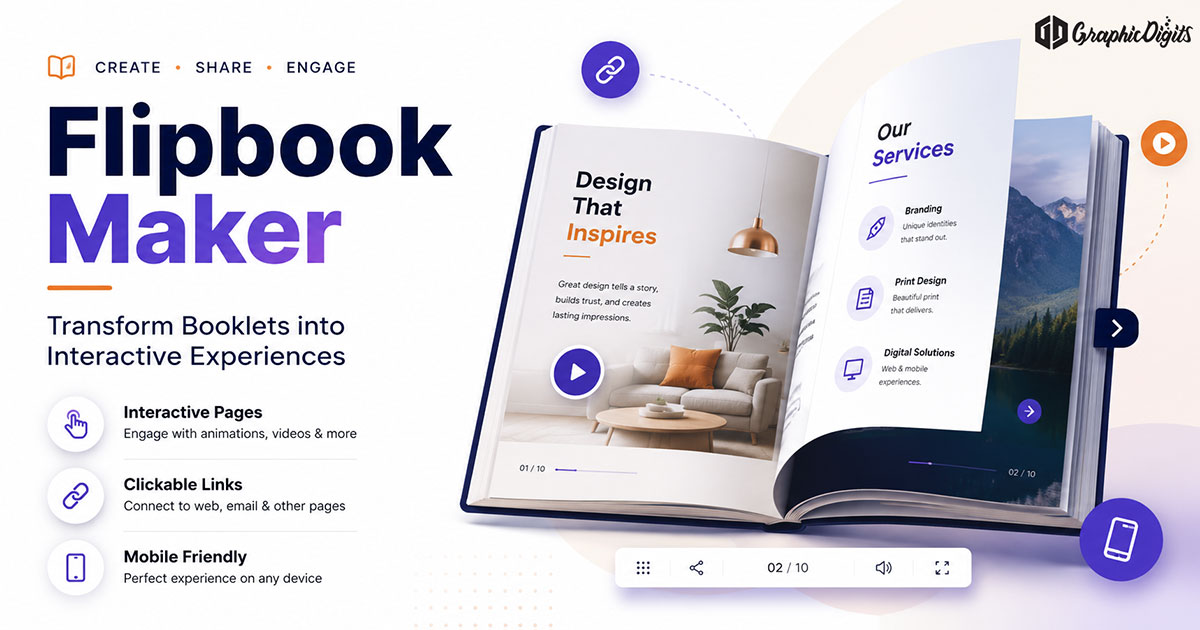
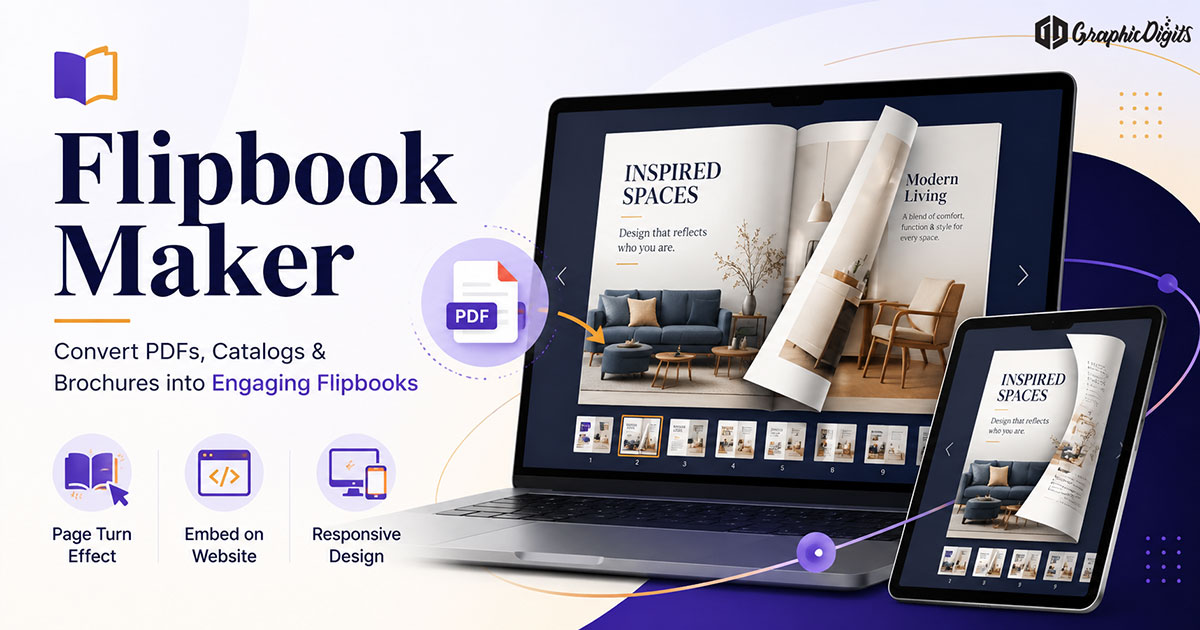
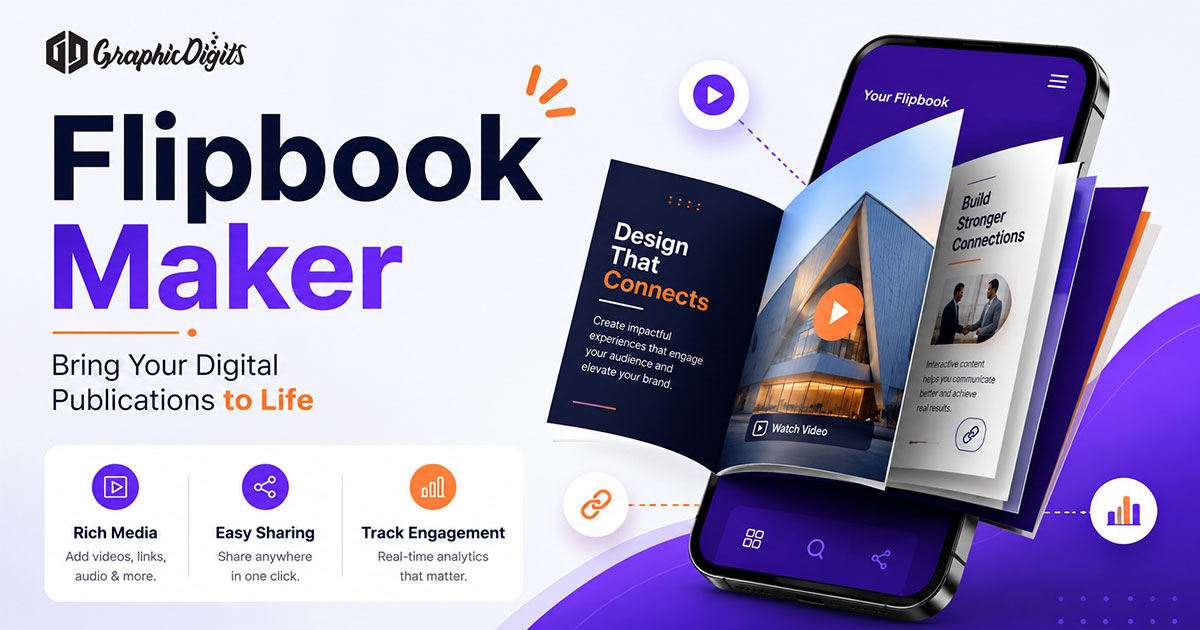
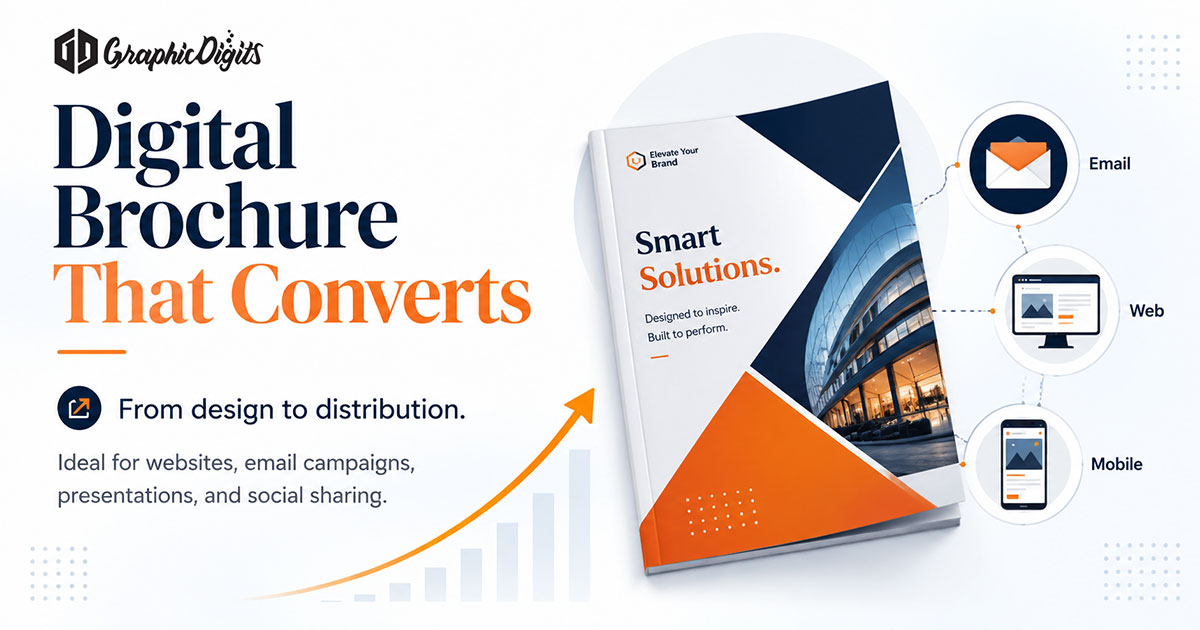
A flipbook maker converts multi-page PDFs or designed layouts into interactive booklets that readers can browse in a browser. The goal is clearer presentation: page navigation, shareable links and optional clickable elements—not merely a larger email attachment.
This guide explains when a flipbook helps, how to prepare pages for screen reading and how maker tools differ from custom brochure design. GraphicDigits publishes it as planning guidance. If you later need brand-aligned layouts built for digital reading, our digital brochure design service covers scoped commercial work.
When a flipbook beats a static PDF
Choose a flipbook when the experience of browsing matters: catalogs with visual pacing, capability books for stakeholders or presentations that should feel intentional on mobile. Keep a static PDF when recipients need offline printing, simple version control or minimal tooling.
- Product or service catalogs meant for on-screen browsing
- Corporate profiles and annual summaries shared as links
- Event programs and training booklets for mobile readers
- Portfolio-style pieces where page-turn pacing supports storytelling
Flipbook maker checklist before you publish
Tools can turn almost any PDF into a flip experience, but weak source layouts stay weak after the conversion. Prep the designed pages first.
- Readable type sizes for phone and laptop viewports
- Clear cover that works as a thumbnail and first impression
- Consistent margins so content does not collide with page-turn chrome
- Links, CTAs and contact details that remain clickable in the digital viewer
- Logical section breaks so paging feels intentional
- Compressed images that keep load time reasonable
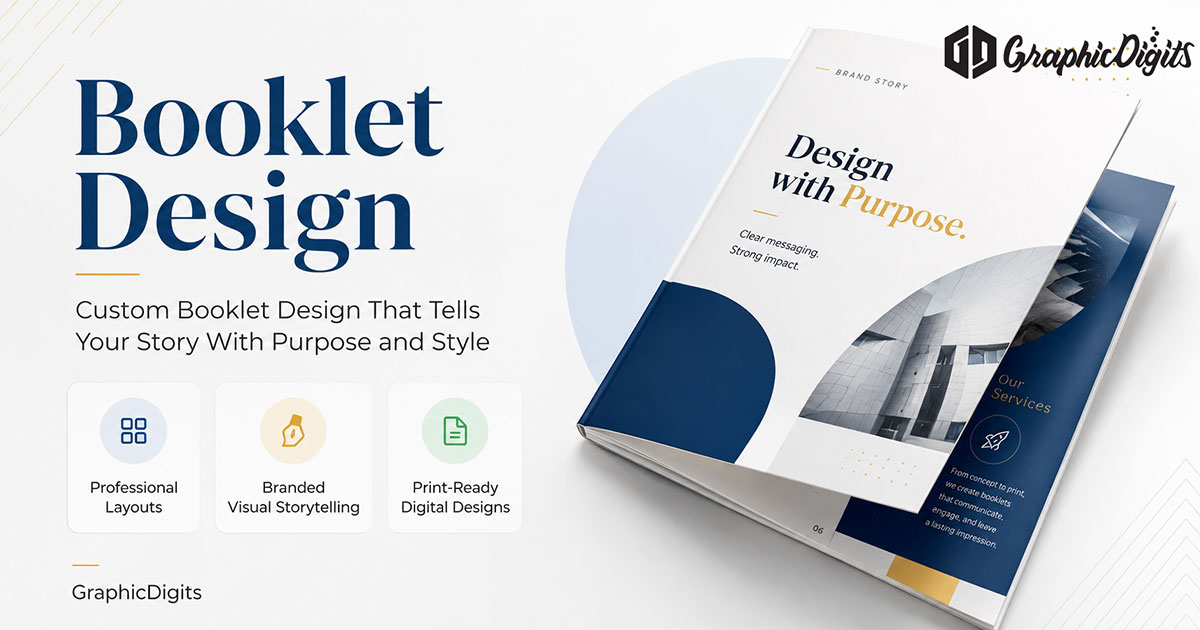
For print-oriented layout craft that often feeds flipbook source files, see booklet design. For digital brochure cousins, browse digital brochures design.
DIY maker tools vs designed flipbook assets
DIY flipbook makers are useful for quick publishing when content already exists. Custom design becomes more useful when branding, complex multi-section catalogs or dual print-digital systems need consistency. Think of the maker as the delivery layer; design quality still sits in the source pages.
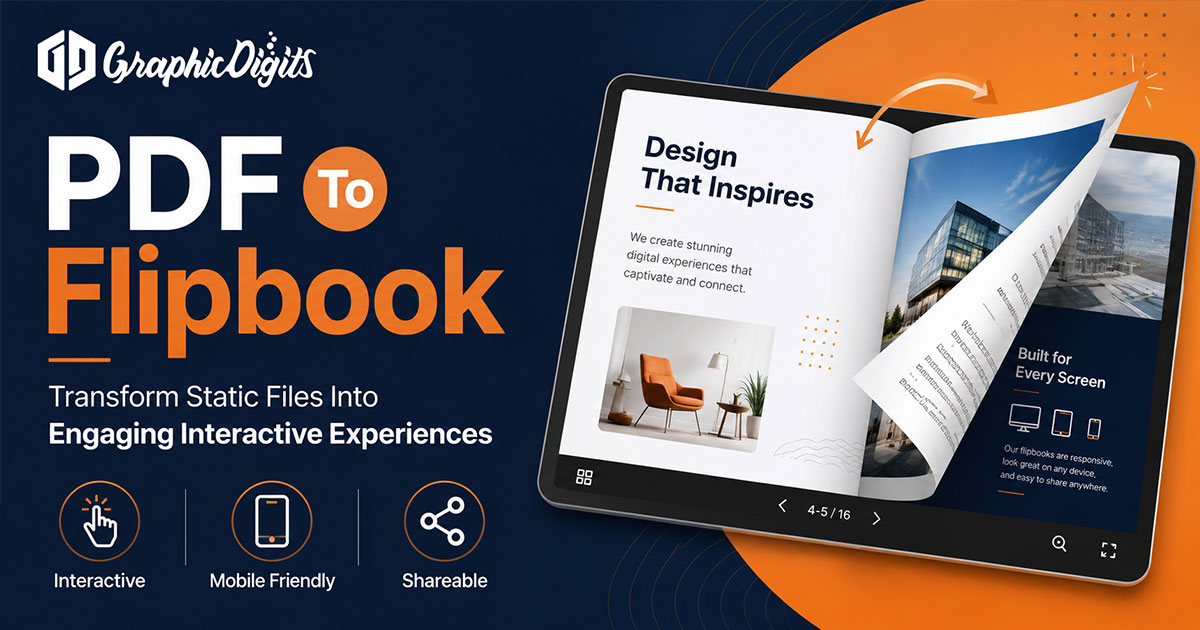
If your primary need is converting an existing PDF after design is approved, follow the workflow notes in our PDF to flipbook guide rather than overlapping that conversion detail here.
Sharing and embed considerations
Before publishing, confirm how people will open the piece: link in email, embed on a website or QR on a printed insert. Test mobile width, loading speed and whether your CTAs still work inside the viewer. Avoid promising analytics or hosting outcomes unless your chosen platform documents them.
When custom digital brochure design helps
Teams can use maker tools for DIY publishing. Custom digital brochure design helps when hierarchy, brand systems and multi-format rollouts need a structured brief. Mid-project support usually routes through digital brochure design.
Frequently asked questions about flipbook makers
What is a flipbook maker?
A flipbook maker turns multi-page PDFs or designed layouts into interactive digital booklets with page-flip navigation, shareable links and optional clickable elements for catalogs, reports and brochures.
When should I use a flipbook instead of a static PDF?
Use a flipbook when presentation quality and browsing experience matter more than a simple file download—such as product catalogs, capability booklets and stakeholder presentations meant to be viewed in-browser.
How is this different from PDF-to-flipbook conversion guidance?
This page covers what a flipbook maker is and how to prepare designed pages for digital reading. Our PDF-to-flipbook guide focuses on conversion workflow choices after the source PDF is ready.
When should I use custom digital brochure design instead of DIY?
Move to custom design when brand consistency, complex catalogs or production-ready layouts matter more than a quick DIY upload. Professional digital brochure design can prepare pages that perform better in both print and flipbook formats.