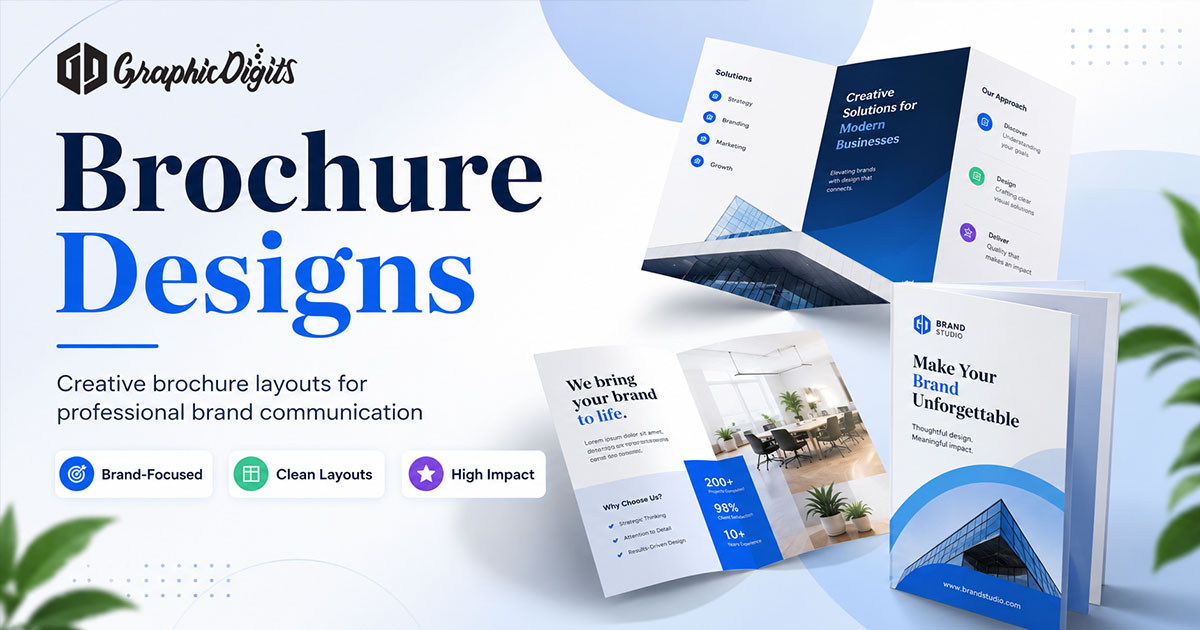
What digital brochure design is
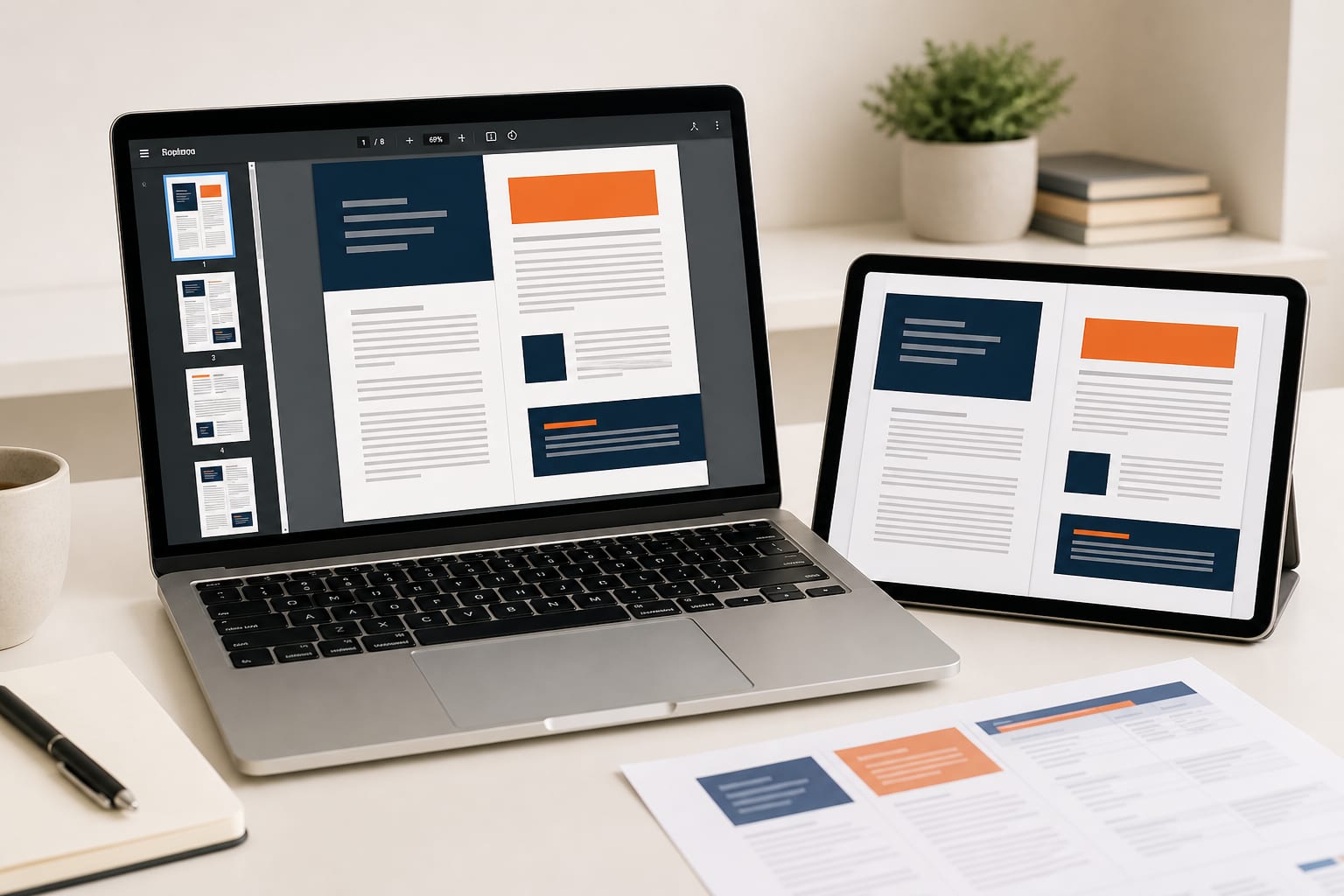
Digital brochure design is the practice of planning and laying out a multi-page marketing document for screens. The piece still has a cover, a short content path and a clear next step—but typography, image weight, navigation and file size are tuned for laptops, tablets and phones rather than paper folds.
A digital brochure is commonly shared as a PDF download, an interactive flipbook or a web-based page sequence. It introduces a company, product, service or offer and is usually distributed by email, website embed, QR code, proposal pack or sales follow-up.
How digital brochures differ from print
Printed brochures excel at events, desks and in-person leave-behinds. Digital brochures excel when readers are remote, content changes often or links need to live inside the reading experience.
- Distribution: email, link or QR versus physical handoff
- Updates: revised PDF or live page versus reprinting
- Interaction: clickable contents, forms or media versus fixed paper
- Reading context: scrolling and zooming versus fold panels
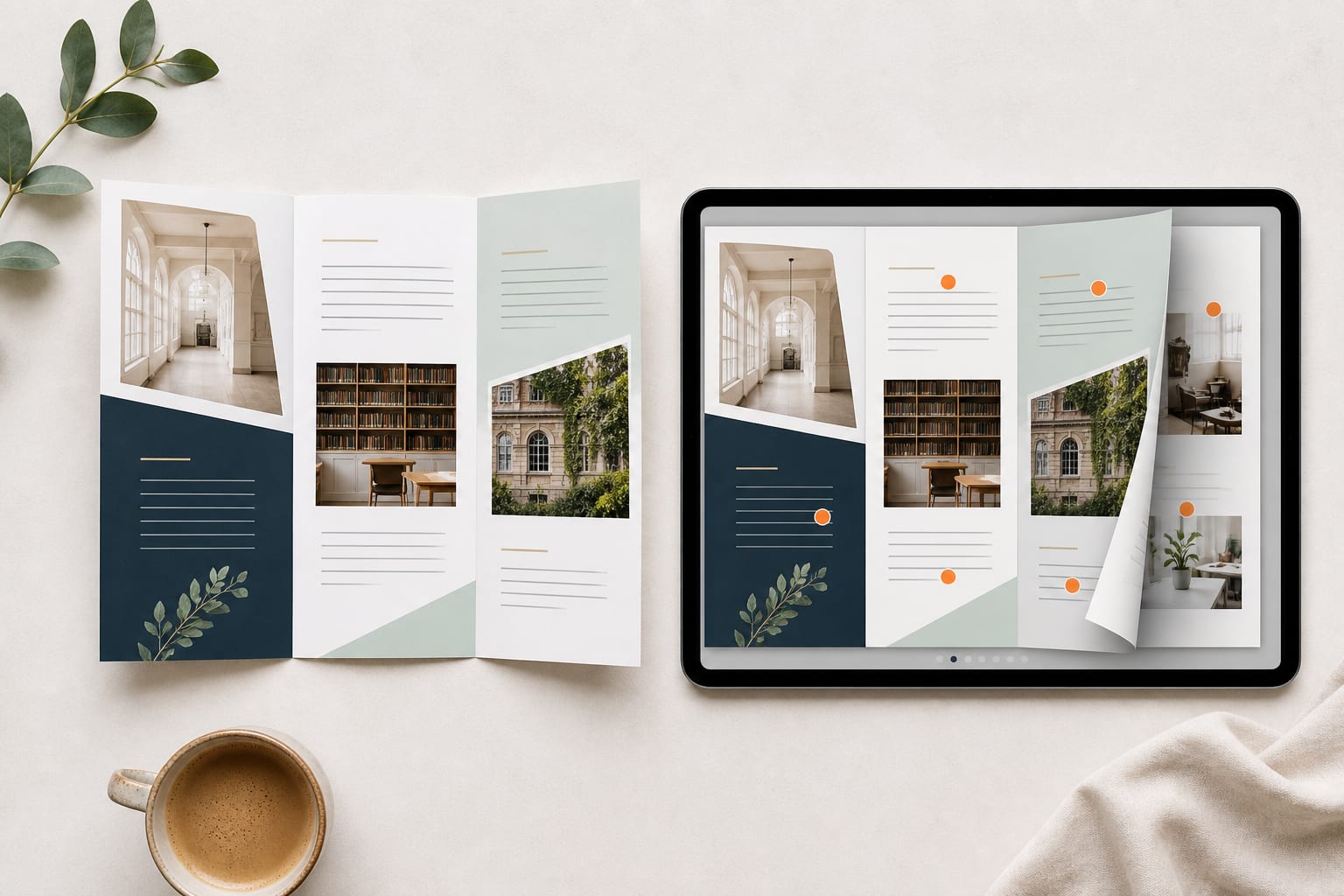
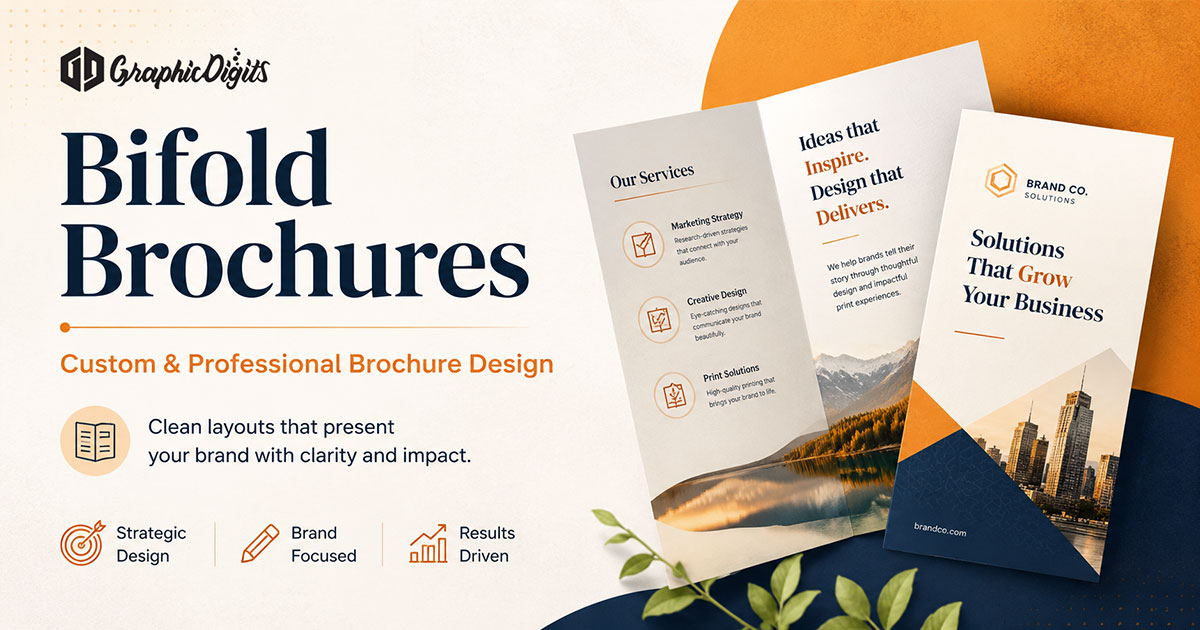
Many teams keep both. Fold references such as trifold brochures and bifold brochures still help when a digital file must later match a printed companion.
Common digital brochure formats
- PDF brochure: portable, familiar for proposals and email
- Interactive flipbook: page-turn navigation with optional media
- Web-based brochure: hosted pages that can track visits and update quickly
- Linked one-sheets: modular sales pages when a long PDF feels heavy
Choose the format that matches how buyers actually open the file. PDF remains the default when the brochure must travel between teams as an attachment.
Layout hierarchy and section flow
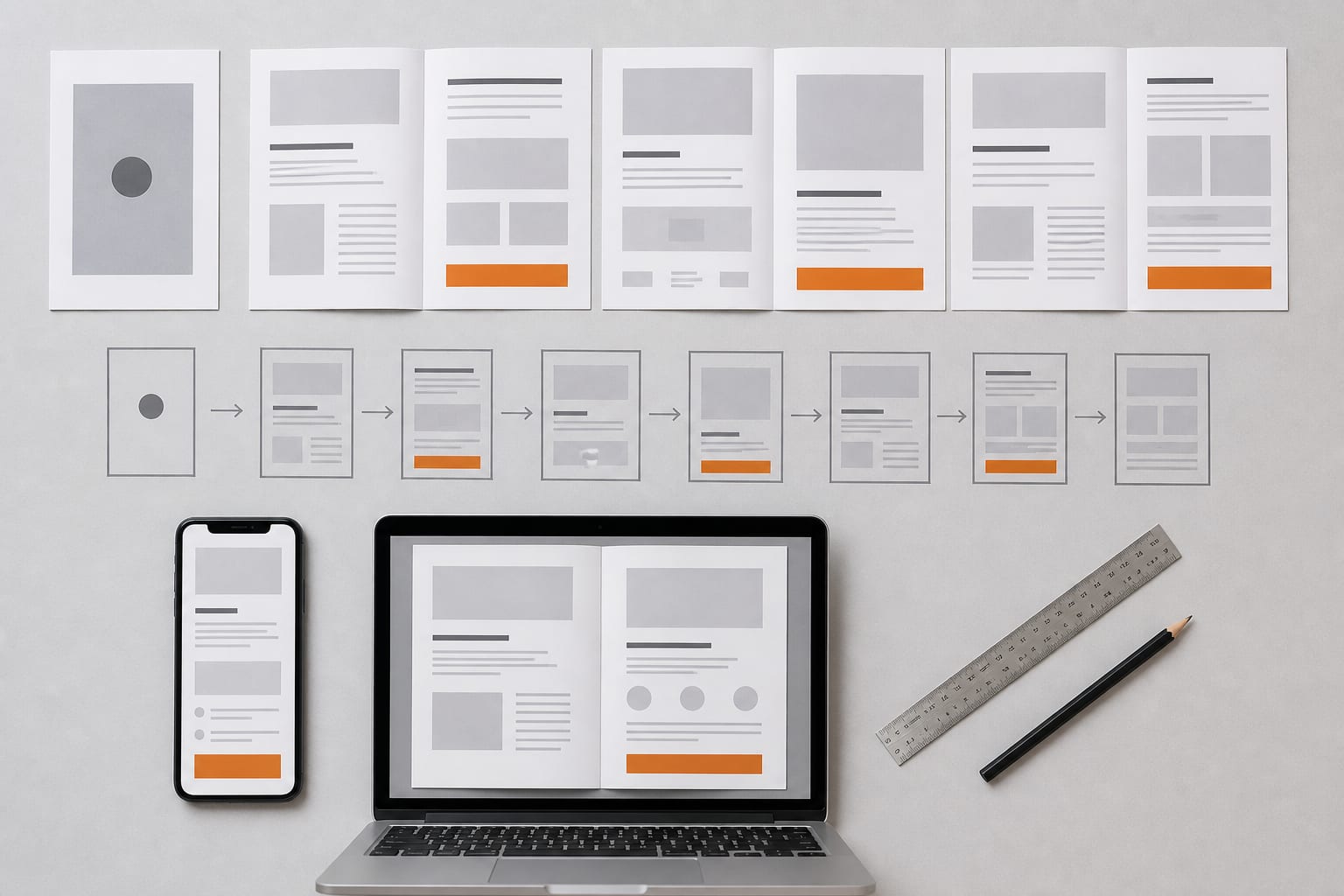
Strong digital brochure layouts usually follow a short screen path:
- Cover with one audience cue and one promise
- Problem or opportunity opening
- Solution, offer or product overview
- Proof, process or detail spreads
- Closing page with a single primary next step
Keep one primary grid and reuse margins, type scale and image treatments so pages feel related. Portrait often reads well on phones; landscape can suit desktop walkthroughs—pick one orientation as the primary design and check the other carefully.
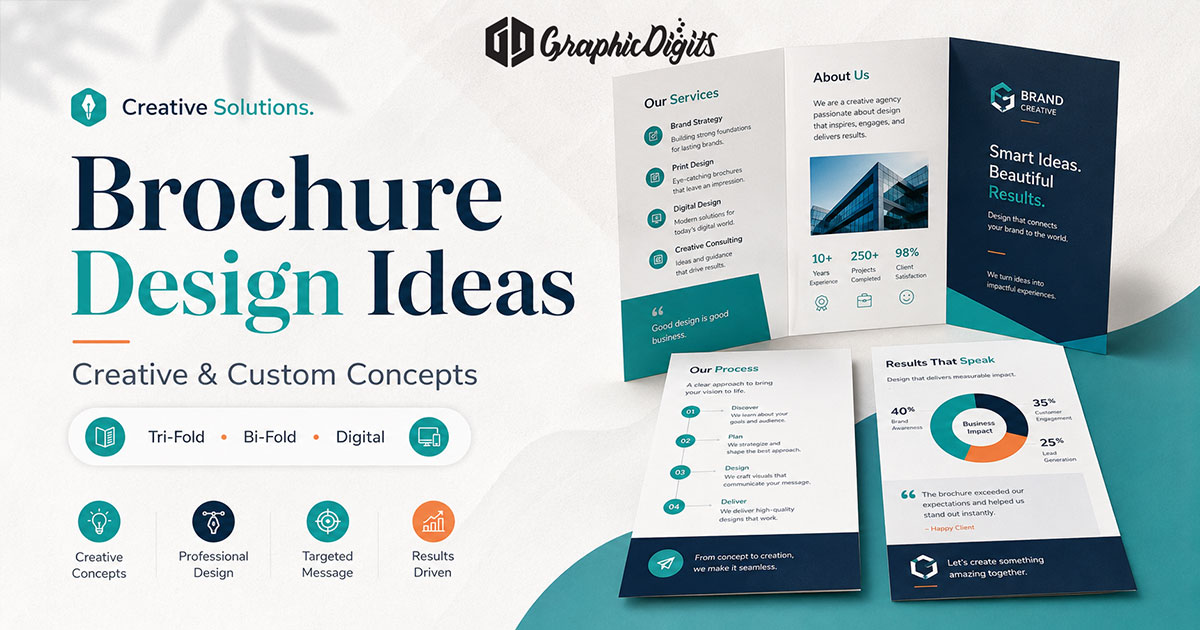
For creative directions and style examples after these fundamentals, see digital brochure design ideas. Broader format inspiration sits in brochure designs.
Readability on laptops, tablets and phones
Screens reward clarity. Use distinct heading levels, short paragraphs and scannable lists. Keep body type large enough for phones, maintain contrast and avoid locking critical text into busy photographs.
Design for the phone as a first-class channel. Prefer fewer columns, clearer page breaks and tap targets that do not require precise cursor placement.
Typography, images and file performance
Typography should support scanning: one display style for titles, a readable body face and restrained accent uses. Compress photos carefully so the PDF remains usable on mobile networks without becoming blurry. Oversized exports are a common reason digital brochures fail in email.
Navigation, hyperlinks and CTA placement
Digital formats can include contents links, jump buttons, email/phone links or calendar links. Use interactions that help the reader move or act—not decorations that add weight.
Give each brochure one primary call to action and, if needed, one secondary option. Place the main CTA on the closing page and optionally repeat a lighter version after strong proof. Label links clearly so people know where they lead.
Accessibility considerations
Use readable contrast, descriptive link labels and a logical reading order. When the PDF format allows, keep heading structure clear and avoid relying on color alone to carry meaning.
Export and checking checklist
- Confirm fonts embed correctly in the PDF
- Test every hyperlink on phone and desktop
- Open the file over a mobile connection to judge size
- Check cover and closing pages without zooming
- Verify contact details and URL spelling
- Review contrast on a bright outdoor screen when possible
When a digital brochure is appropriate
Digital is usually the better first choice when:
- Prospects request materials remotely
- Offers update frequently
- Links to demos, calendars or product pages matter
- Team members need a shareable attachment for proposals
Print still wins for trade shows, reception areas and high-touch leave-behinds. Plan separately when a single file must serve both paper and screens without compromise.
Common digital brochure mistakes
- Exporting a dense print layout without enlarging type for phones
- Covers that look decorative but never state who the piece is for
- Broken or vague links
- Oversized files that fail in email
- Inconsistent page grids that feel like separate flyers stapled together
- CTAs buried after long feature lists with no closing summary
When professional brochure support helps
Self-serve templates can work for internal drafts. Structured design support is more useful for sales leave-behinds, proposal packs, brand launches or multi-language suites that must stay consistent. Review applied work in the design portfolio and collaboration style in our process.
For dedicated screen-ready work, explore digital brochure design services. For production-focused brochure services spanning print and digital, see brochure design services. Broader business brochure scope sits on business brochure design.
Conclusion
Effective digital brochure design starts with a clear audience job, a short page path, readable hierarchy and intentional links. Choose PDF, flipbook or web based on distribution needs, then test on a phone before sending. This guide stays educational; commercial brochure work should live on service pages when you need production support.
Frequently asked questions about digital brochure design
What is a digital brochure?
A digital brochure is a multi-page marketing document designed for screens—commonly shared as a PDF, interactive flipbook or web-based page set—rather than handed out as a printed fold.
What is the difference between a digital brochure and a printed brochure?
Printed brochures are physical leave-behinds optimized for paper folds and tactile reading. Digital brochures are optimized for screens, remote distribution, clickable links and easier updates.
What file format works best for a digital brochure?
PDF is the most portable option for email, proposals and downloads. Interactive flipbooks or web brochures can help when embedded media, tracking or page-turn navigation is a priority.
What makes a digital brochure easy to read on different devices?
Larger body type, clear hierarchy, short sections, strong contrast, thumb-friendly links and a file size that opens quickly. Test on a phone before sending.