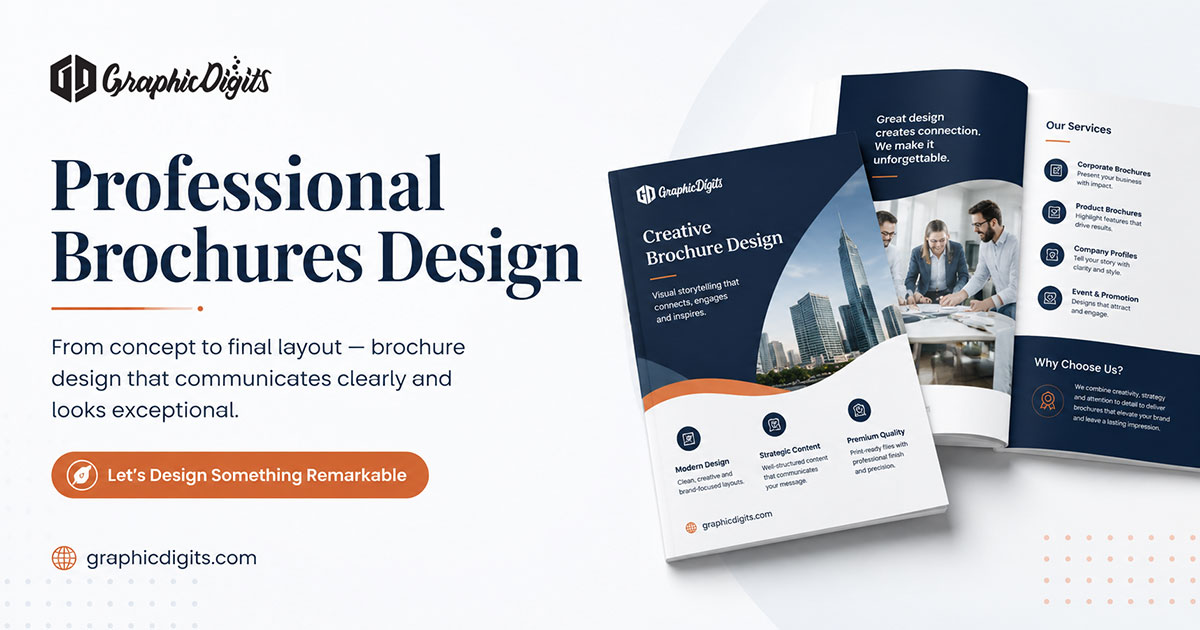
What a bifold brochure is
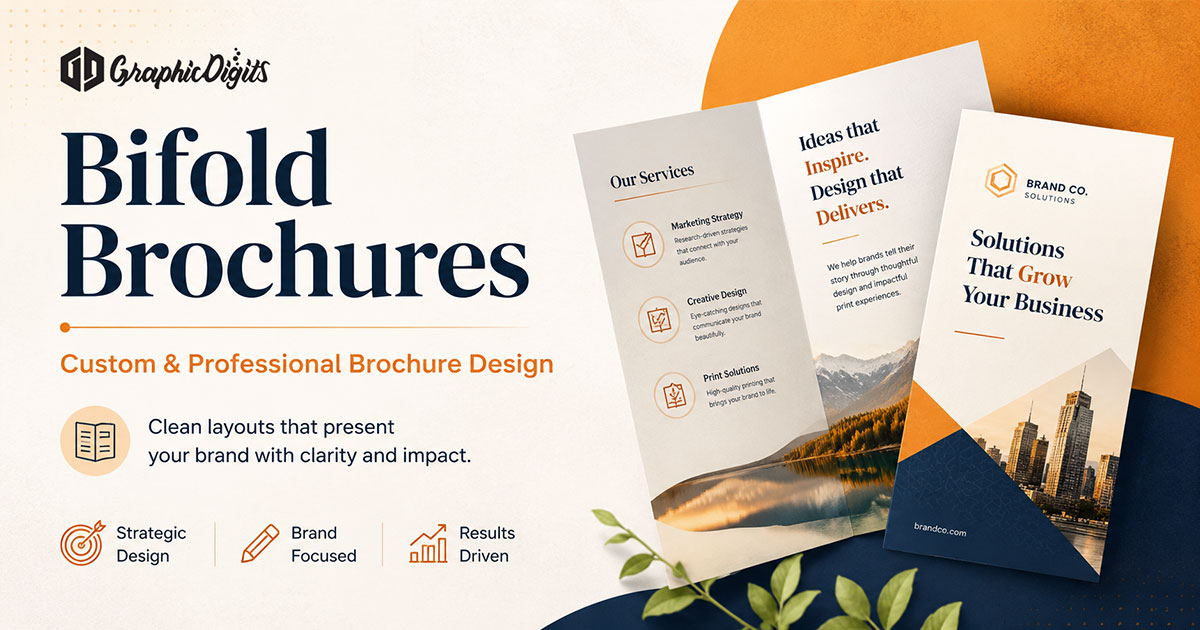
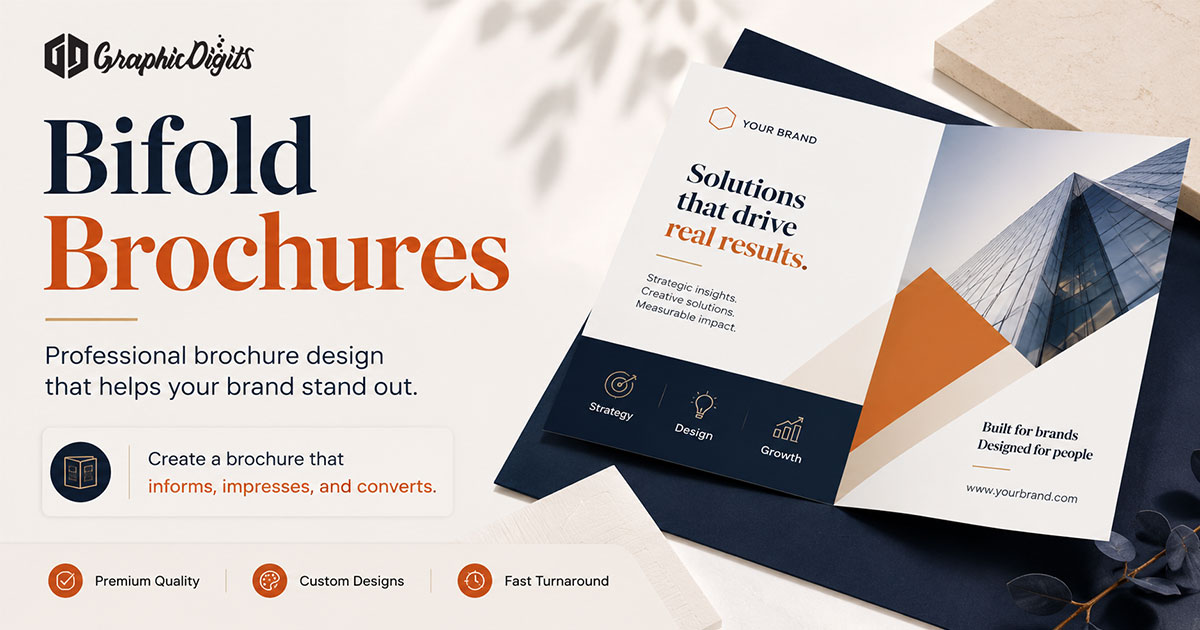
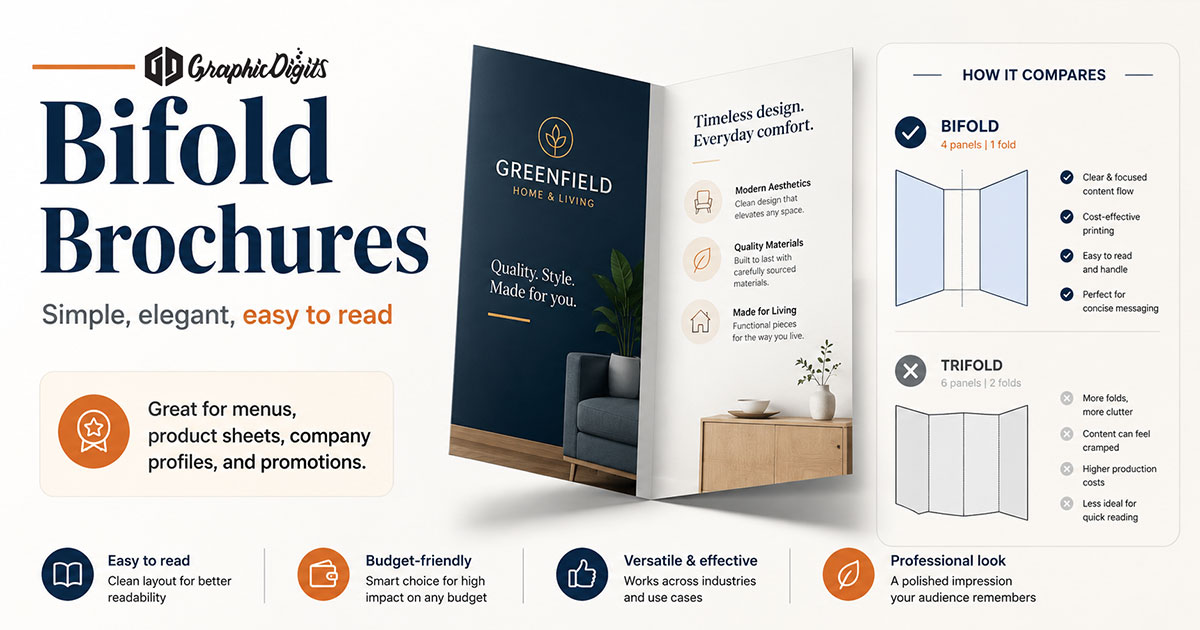
A bifold brochure is one sheet folded once down the center. That fold creates four panels: a front cover, a back cover and an inside spread that opens into two connected panels. The format works well when you need a concise story with strong visuals rather than a long multi-section walkthrough.
For a step-by-step creation walkthrough, see how to create a brochure. For broader brochure design ideas across formats, see the brochure designs guide. For commercial brochure production support, review business brochure design services.
How the four panels work
- Front cover: brand, offer hook and reason to open
- Inside left: context, problem or process start
- Inside right: proof, offerings or supporting detail
- Back cover: contact details, QR/web and next step
Plan panel roles before decorating. If every panel tries to say everything, the fold stops helping the reader.
Front cover, back cover and inside-spread hierarchy
The front cover should communicate audience and value at a glance. The inside spread is where most of the story happens—treat it as one composition that can still be scanned as two columns. The back cover should not introduce new heavy claims; it should make contact effortless.
- One primary headline on the cover, not three competing ones
- Clear section labels inside for scanning
- Contact block that stays readable after folding
- Consistent margins so content does not crowd the crease
Content planning before design
Write the panel map first: what the reader must know, what proof supports it and what action they should take. Trim until each panel has one job. Template-style outlining can help structure early drafts—see brochure template planning guidance.
Typography, imagery and spacing
- Use a clear heading/body pair that stays readable at arm’s length
- Keep long paragraphs off the cover
- Choose high-resolution images that survive print screening
- Leave breathing room around the fold line
- Align columns so the inside spread feels intentional, not split randomly
Common bifold sizes and fold considerations
| Sheet size | Common use after fold |
|---|
| 8.5 × 11 in (letter) | Most common bi-fold leave-behind |
| 8.5 × 14 in (legal) | Extra height for lists or tall photos |
| 11 × 17 in (tabloid) | Larger visual panels for events or retail |
Keep critical text and logos away from the crease. Confirm with your printer whether the fold is parallel to the short or long edge before locking layout frames.
Bleed, safe area and print preparation
- Extend backgrounds past trim into a bleed zone (commonly 0.125 in)
- Keep text and logos inside a safe margin from edges and fold
- Export print PDFs with fonts embedded or outlined as required
- Ask whether color should be CMYK and which paper stock is planned
Print vs digital/PDF adaptation
A print bifold can become a downloadable PDF, but page turning and zoom behavior change. For screen use, ensure type remains legible when zoomed out and that CTAs include URLs people can tap or copy. For digital-first brochure thinking, see digital brochure design ideas.
Bifold vs trifold
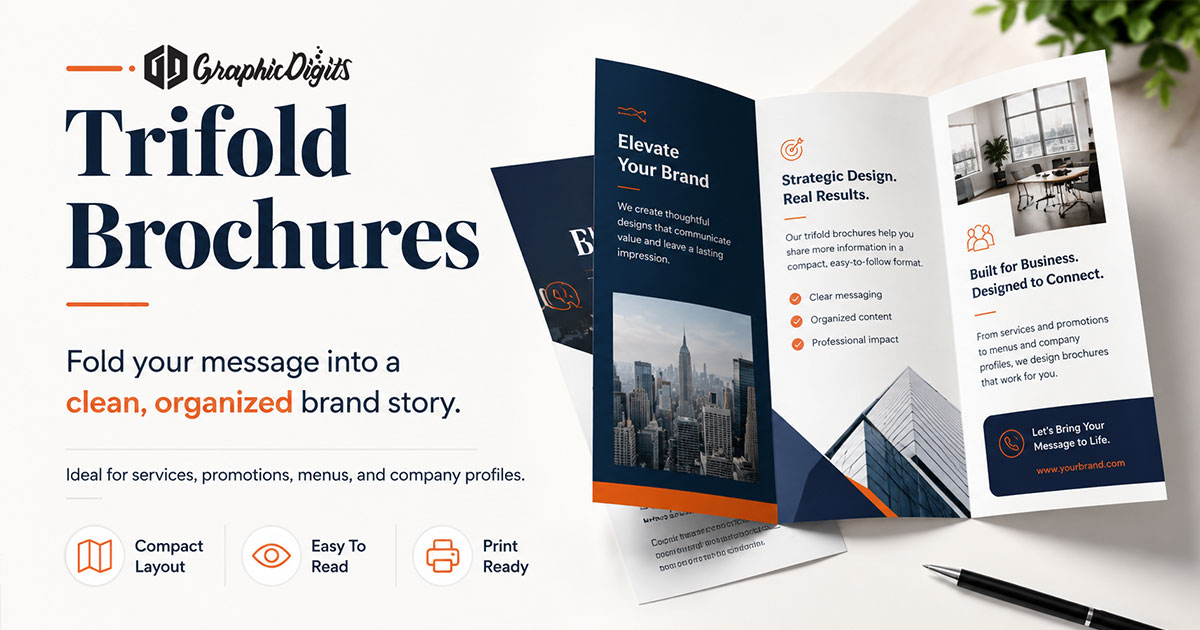
Choose bifold when the story is short, visual and benefit-led. Choose trifold when you need more sections—services list, itinerary, checklist or multi-offer breakdown. Compare format details in the trifold brochures guide. For multipage bound pieces, see booklet design before locking a print run.
Business use cases
- Service overviews and consulting leave-behinds
- Event programs and venue introductions
- Product feature highlights
- Real estate or clinic introductions
- Membership or package summaries
Common bifold mistakes
- Text and logos sitting on the fold line
- Cover overloaded with six competing messages
- Low-resolution photos that look soft in print
- Missing contact details on the back panel
- Choosing bifold when content clearly needs six panels
When professional brochure design helps
Outside design support is useful when brand systems must stay consistent, when print specs are unfamiliar or when multiple stakeholders need a clear panel map before production. Review applied layout quality in the design portfolio, or explore brochure designing for scoped production support.
Conclusion
Strong bifold brochures succeed through panel purpose, hierarchy and print-aware layout—not by repeating the word “custom.” Plan content into four roles, protect the fold, prepare bleed and safe areas, then decide whether print, PDF or both are needed. When you are ready for production-focused design support, explore business brochure design.
Frequently asked questions about bifold brochures
What is a bifold brochure?
A bifold brochure is a single sheet folded once down the center, creating four panels—two outer and two inner—used to present services, products or company information clearly.
How many panels does a bifold brochure have?
A bifold has four panels: front cover, back cover, and a two-panel inside spread that opens as one continuous area for storytelling or offers.
What size is commonly used for bifold brochures?
Letter size (8.5 × 11 inches) before folding is common. Legal (8.5 × 14) and tabloid (11 × 17) sheets are also used when more inside space is needed.
What is the difference between bifold and trifold brochures?
A bifold folds once into four panels and often feels more open and visual. A trifold folds into six panels and suits longer, step-by-step content paths.