Brochure structure, layout and production planning
This guide focuses on professional brochure structure and production planning—parts of a brochure, sequencing, formatting principles, fold implications and print or digital handoff. For a beginner step-by-step walkthrough, see our guide to creating a brochure. For types, styles and examples, see brochure designs.
Decide format, hierarchy and distribution before polishing artwork. For commercial layout execution, see our brochure design service.
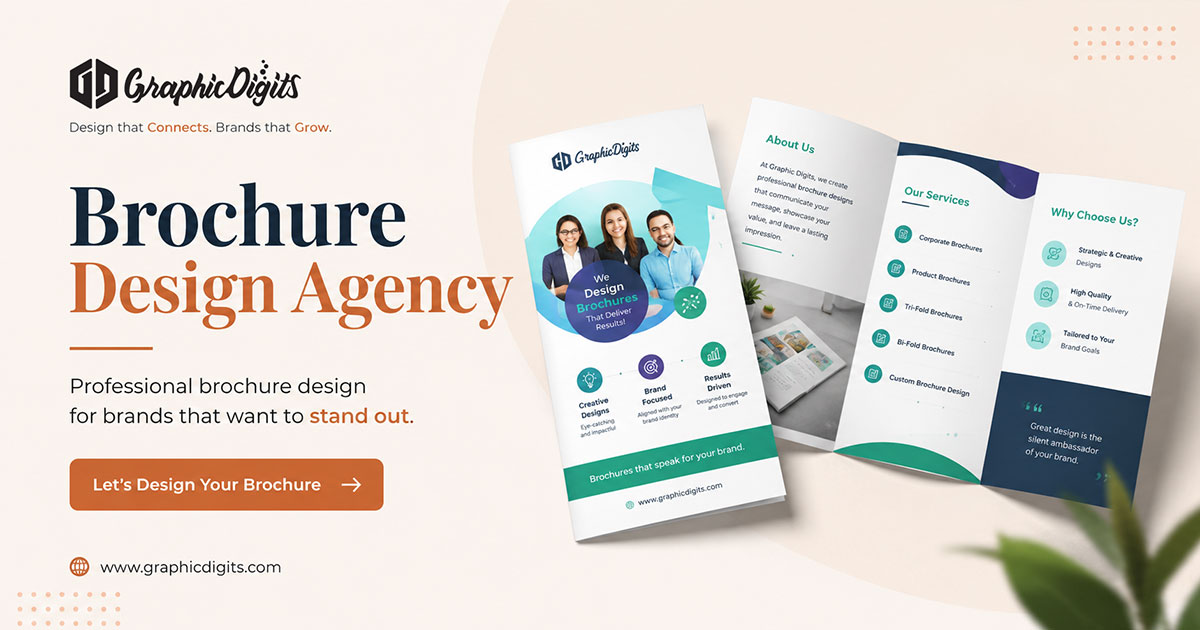
Parts of a brochure and reading order
Most folded brochures share the same structural jobs even when panel counts differ:
- Cover / front panel: primary topic, brand and reason to open
- Opening interior: problem, promise or overview
- Middle panels: proof, offerings, process or features
- Closing / back panel: primary CTA, contact paths and practical next steps
Assign each panel one job. If every panel repeats the same headline-level claim, folds cannot create discovery. Numbering or sequencing should match how readers physically open the piece—map outside panels first, then the inside spread, so print imposition does not scramble the story.
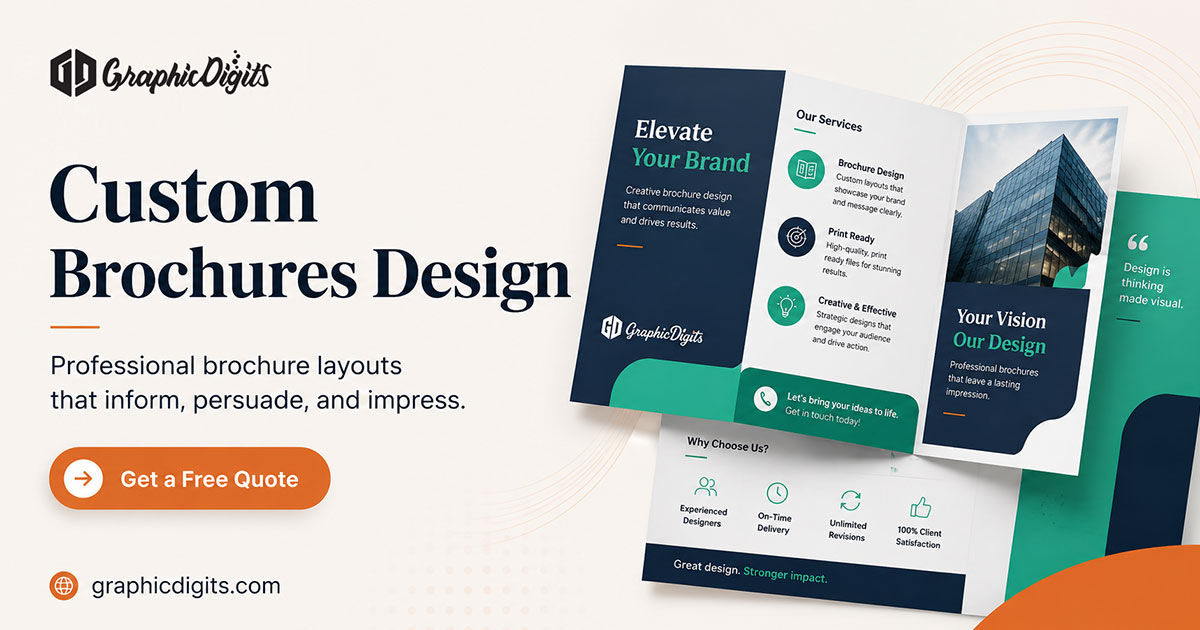
Format and fold implications
Bi-folds suit shorter narratives and larger visual panels. Trifolds organize multiple sections across six panels. Custom folds can help when content or finishing requires a different structure—confirm production feasibility with your printer first. Fold choice changes where safe margins sit and which edges hide content until opened.
Brochure design principles and formatting
- Lead with one cover message that establishes the topic.
- Keep typography readable at the intended print size; limit competing styles.
- Protect consistent margins and whitespace so hierarchy stays visible.
- Place one primary call to action where readers expect next steps.
- Align imagery and colour to brand rules so collateral matches other channels.
Prepare for print or digital delivery
Print and digital versions can share a visual system, but they are not interchangeable files. Confirm finished size, folds, bleed, safe area, color mode, image resolution, stock constraints, links, and accessibility needs before final export. Build backgrounds into bleed; keep critical text inside the safe area away from trim and fold lines. A printer proof or sample remains the printer's responsibility.
For production handoff, deliver a press-ready PDF that matches printer specs, plus screen-friendly exports when digital distribution is required. GraphicDigits designs artwork and files; printing stays with your vendor.

Proofing before handoff
Soft-proof hierarchy, contact details and CTA language on screen. When print quality matters, approve a hard proof for colour, trim and fold accuracy before a large run. Catch low-resolution images and text-in-fold issues at this stage rather than after delivery.
Brochures design planning FAQs
What should I decide before starting brochures design?
Define the audience, purpose, primary call to action, fold format, page count, brand references, and whether the piece will be printed, shared as a PDF, or both.
What are the main parts of a brochure structure?
Cover or front panel for the primary message, interior panels for supporting detail and proof, and a closing panel for CTA and contact information—sequenced to match how the piece opens and folds.
How should content be structured in a brochure?
Lead with the main message on the cover, then use panels or pages for supporting details, proof points, and a clear next step. Keep hierarchy readable at the intended print size.
What files are needed for brochure printing?
Printers commonly request a press-ready PDF with specified dimensions, bleed, color settings, and image resolution. Confirm the printer's requirements before final export.