Web App Design Services for SaaS, Dashboards and Product Interfaces
GraphicDigits provides web app design services for browser-based products such as SaaS platforms, dashboards, portals and workflow tools. We design the user flows, interface structure, responsive screens, component patterns and handoff files that help product and development teams move from requirements to implementation.
Our scope is design—UI/UX, wireframes, prototypes where needed, interface systems and developer handoff—not frontend or backend engineering. Public marketing sites belong on website design services.
What We Offer
Web application UI/UX
Workflows & screens
Design systems
Developer handoff
Custom
Design Solutions
Within 24h
Initial Response
Est. 2008
GraphicDigits
USA
Market Focus
What Web App Design covers
Browser-based products where users sign in and finish work—not brochure sites.
Web applications typically include logged-in experiences, application workflows, data-driven screens, account areas, dashboards, portals, tools and SaaS interfaces. Web application design services here mean UI/UX for those products—plus handoff your developers can build from—not a WordPress theme catalog or a coded engineering engagement.
Product types we design for
SaaS products, dashboards, admin interfaces, client portals, internal tools, analytics views, workflow applications and account or member areas—scoped to the screens and jobs in your brief.
Design files for your builders
We deliver screens, components and notes your developers can implement. We do not ship production code as a default, and a full design-system library is a scoped add-on—not promised on every quote.
What to bring to a quote
Product goals, users and roles, key workflows, required features, existing screens, brand assets, technical constraints, content or data needs and browser or platform requirements. A homepage mockup is not a product brief.
USA product teams
We design for USA product, SaaS and service teams who need readable web application screens and organized files—not a generic “customers will love it” pitch. Evaluating a UI/UX partner? See our UI/UX design agency guide.
Interface design for product screens
Web application UI design covers screen hierarchy, navigation, sidebars, forms, tables, filters, search, dashboards, cards and modules—plus empty, loading, error and success states that keep complex products usable.
Responsive web applications
We plan desktop, tablet and mobile browser layouts—sidebar adaptation, dense data, tables, forms, content priority and touch targets. Responsive Web App design is not the same as native mobile app design.
UI patterns we plan for
- Navigation, sidebars and account screens
- Forms, tables, filters and search
- Dashboard modules and settings
- Empty, loading, error and confirmation states
- Reusable components and responsive variations
- Practical readability: contrast, labels and clear hierarchy
UX and workflow design for task-driven products
Web Apps are task-oriented. Web application UX design here covers task flows, role-based journeys, information architecture, workflow mapping, multi-step processes, wireframes and interaction planning—so screens match how people actually finish work.
Complex workflows
Depending on scope, we map roles and permissions, forms, filters, search, settings, notifications, data relationships and approval or status states. Formal research labs stay separate; native mobile UX definition lives on mobile app UX design.
UX focus areas
- Task flows and multi-step processes
- Role-based journeys and IA
- Wireframes when structure is unclear
- Interaction and validation planning
- Iteration after review
- Clickable prototypes when they reduce build risk
Focused clickable prototype deliverables live on app prototyping when that is the primary need.
What a Web App Design engagement may include
Depending on scope, deliverables may include user and task flows, wireframes, high-fidelity Web App screens, responsive layouts, component patterns, design-system foundations, interaction and state definitions, clickable prototypes where appropriate and developer handoff notes with assets and specifications.
Technical handoff
We document screen states, responsive behavior, component usage, spacing and interaction notes so engineering can estimate and implement. We do not write React, HTML/CSS production code, APIs or database work as a default.
Design vs development
- Design: UI, UX, flows, wireframes, prototypes, systems, handoff
- Development: frontend code, React, backend, APIs, database, hosting
- GraphicDigits owns design scope on this page
- Engineering stays with your team or a named partner
- Revision rounds are listed in the quote—not unlimited
- No free website audit on this URL
Design systems for product consistency
When a product reuses screens across teams, scoped design-system foundations help: reusable components, shared states, typography, spacing, tokens, interaction patterns, responsive variations and component documentation. A design system is an add-on—not included on every UI quote.
Why this matters
Without shared patterns, each new screen reinvents the last. With them, engineering has a clearer source of truth. We still do not code the library as a default.
System foundations may include
- Component libraries
- Design tokens
- Figma libraries
- Developer handoff specs
- Documentation
- Practical guidance for reuse
When to use another page
This URL owns browser-based Web App Design. Marketing sites and native mobile have dedicated owners.
Marketing websites
Public brochure, brand and content sites are not this page's primary job. Campaign landing pages also belong with marketing-site work—not as a peer service on this Web App URL.
website design servicesFrom-scratch builds: custom website design
Native mobile products
If a product also needs native mobile screens, Web App engagement can coordinate patterns and flows with the Mobile App Design team. Native work is supporting here—not an equal primary block.
Mobile App DesignScreens: mobile app UI design · Flows: mobile app UX design
Focused prototypes
Prototypes may appear inside broader Web App Design scope. When the primary deliverable is a clickable prototype file, use the dedicated prototyping service.
App PrototypingFrequently Asked Questions
Web App Design scope, UI/UX, handoff and development boundaries.
Selected work
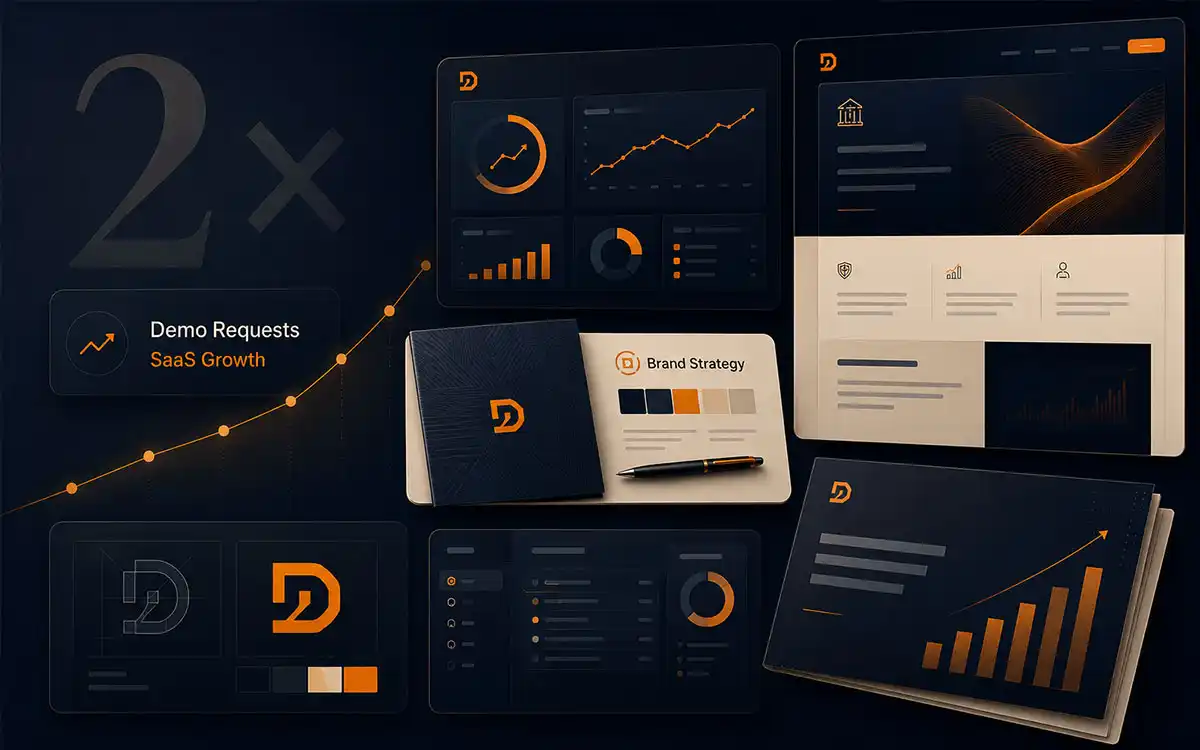
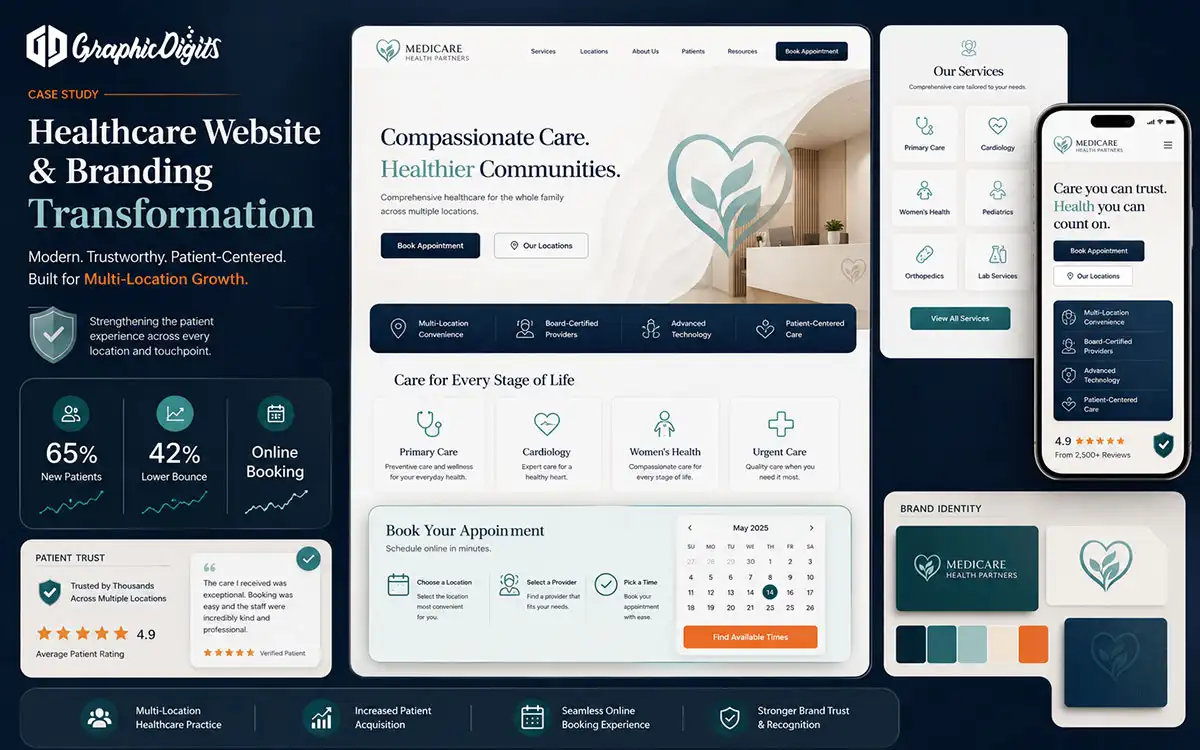
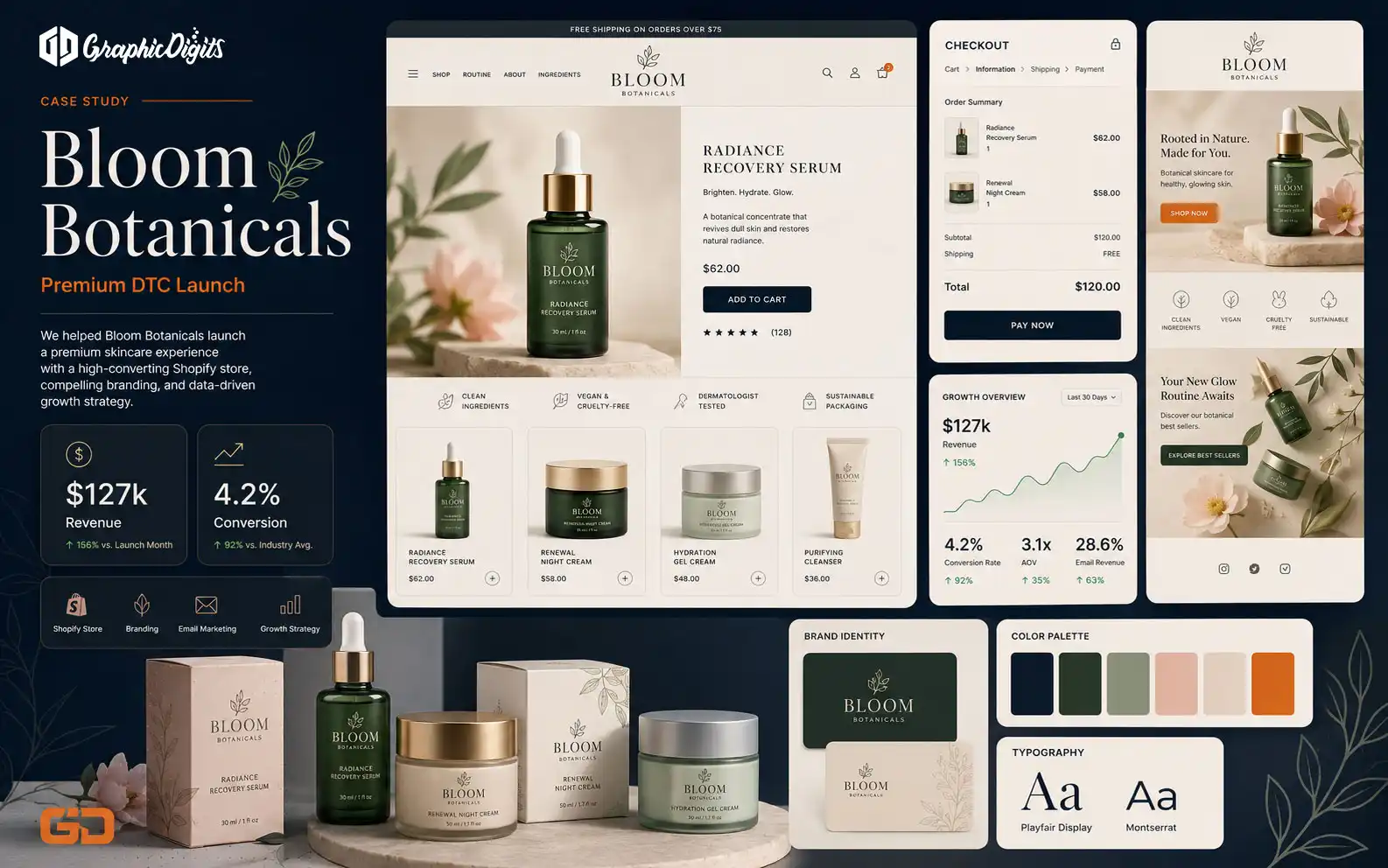
Examples from our case-study library—brand and website projects included. They are not labeled as Web App UI case studies unless the project itself is a product interface engagement.
Explore Related
See how our services connect to solutions, industries, and proven work.
Other Service Areas
Explore More Ways We Can Help
Explore connected design and growth services that support your brand.
Branding & Design
Build a visual identity that makes your business easier to recognize, trust, and remember.
Explore ServiceMarketing & Growth
Support your brand with strategic creative assets designed for visibility, engagement, and conversion.
Explore ServiceDesign Services
Explore the full range of GraphicDigits design solutions for growing businesses.
Explore ServiceReady to scope Web App Design?
Share the workflows users must finish. We will quote design files—not a coded web application or a free website audit.