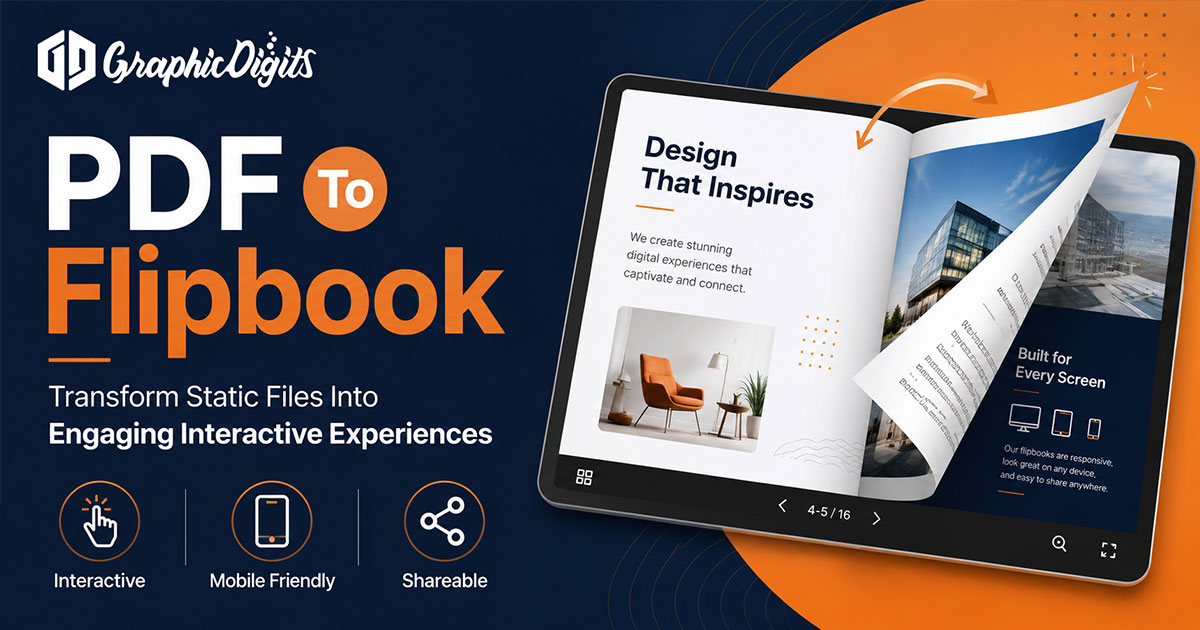
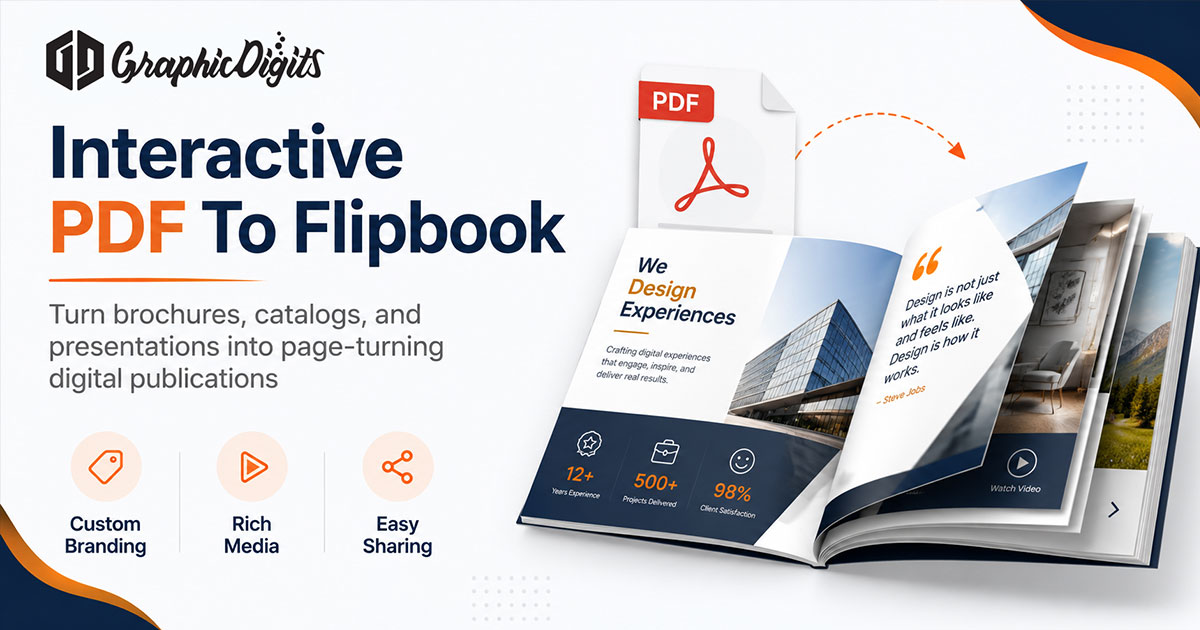
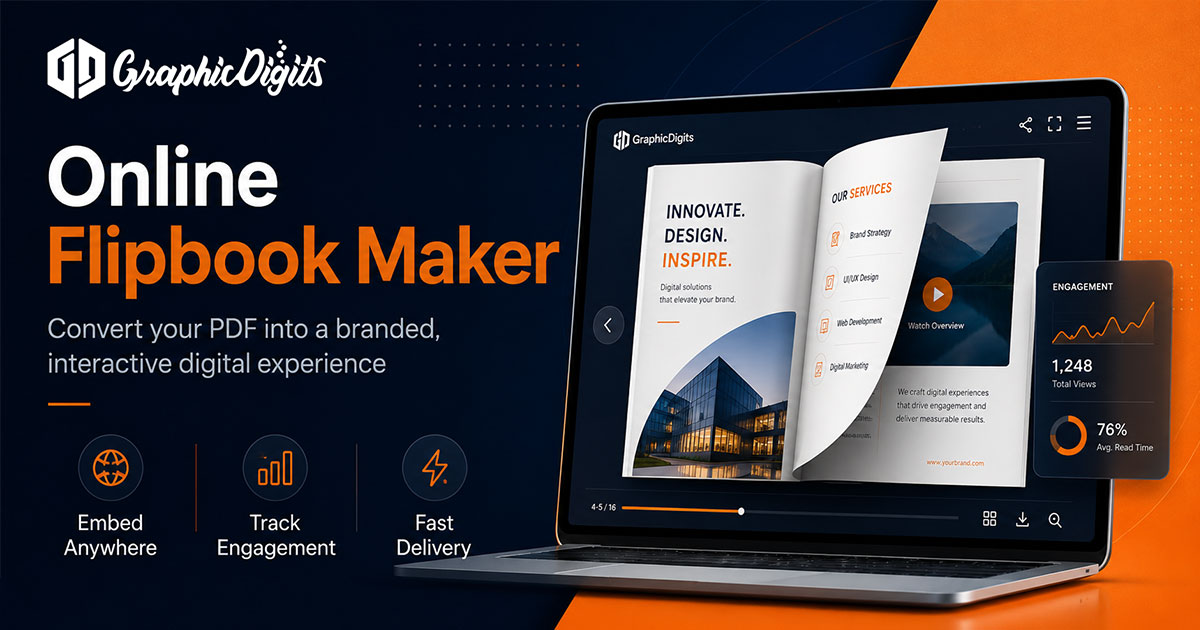
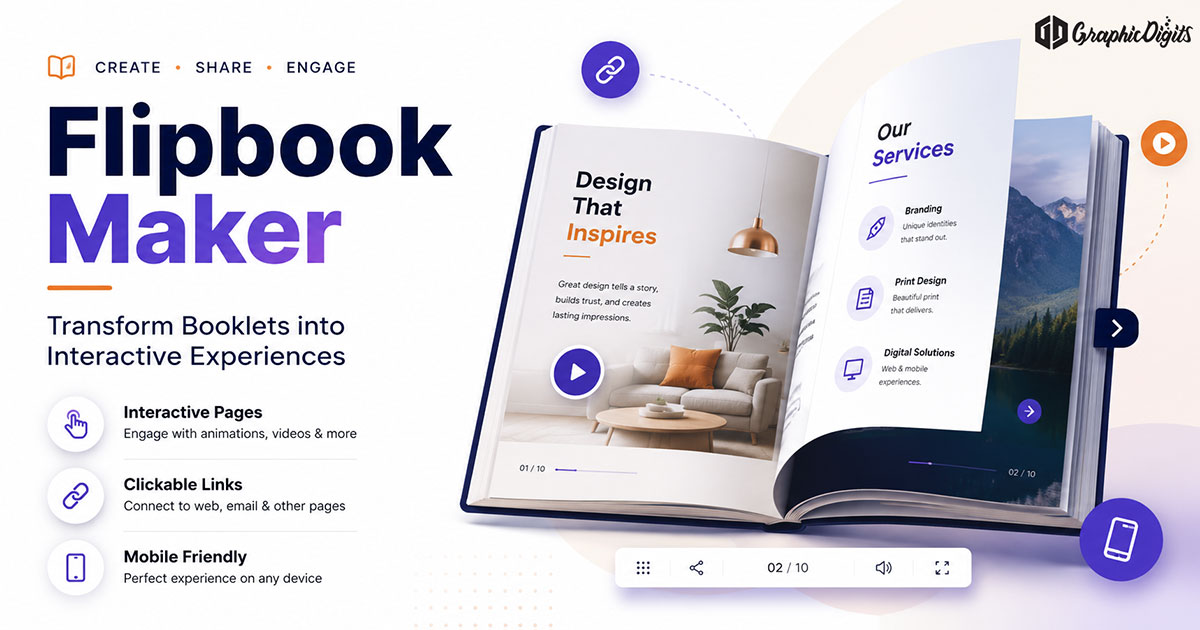
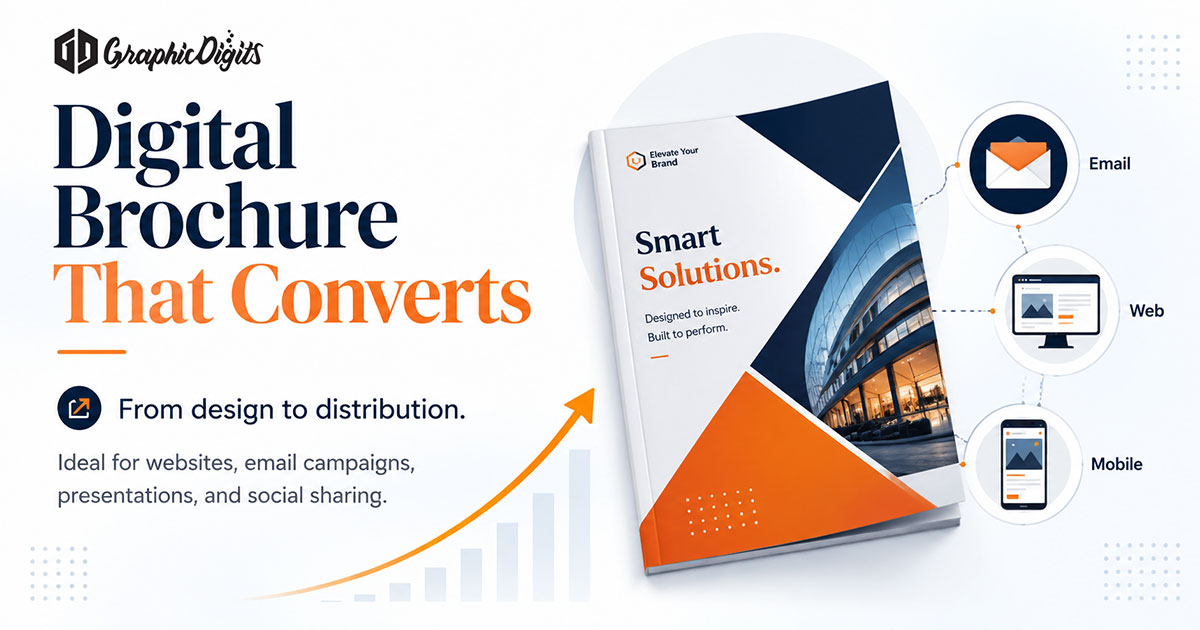
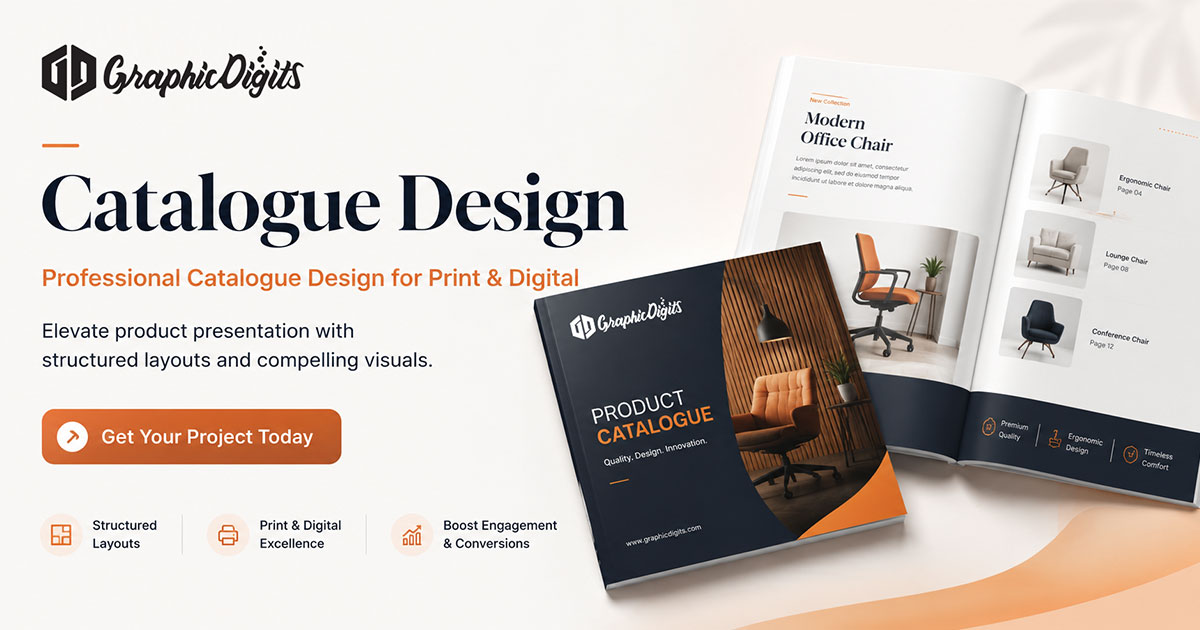
Converting a PDF to a flipbook turns a static multi-page file into an interactive digital booklet readers can browse in a browser. The conversion layer matters, but the quality of the source PDF matters more.
This guide covers the conversion workflow after a PDF is ready. For maker-tool planning and when flipbooks beat static PDFs, see flipbook maker. If you need brand-aligned layouts built for digital reading, our digital brochure design service covers scoped commercial work.
When PDF to flipbook conversion helps
- Product catalogs meant for on-screen browsing
- Company profiles and annual summaries shared as links
- Marketing brochures with clickable next steps
- Reports or presentations where page pacing supports storytelling
Keep a static PDF when recipients need offline printing, simple version control or minimal tooling.
Prep checklist before you convert
- Readable type sizes for phone and laptop viewports
- Clear cover that works as a thumbnail
- Consistent margins so content does not collide with viewer chrome
- Links and CTAs that remain clickable after upload
- Logical section breaks so paging feels intentional
- Compressed images that keep load time reasonable
Tools can flip almost any PDF. They cannot fix a crowded, low-contrast or print-only layout that was never designed for screens.
A practical conversion workflow
- Finalize the PDF — Approve copy, brand treatments and page order before upload.
- Choose a viewer platform — Pick a third-party flipbook host or embed tool that matches your sharing needs. Features and pricing belong to that provider.
- Upload and configure — Set branding options the platform allows (logo, colors, navigation). Add links or media only where the source supports them.
- Test on mobile — Check load time, tap targets and whether CTAs still work.
- Publish and share — Use a link, embed or QR based on how people will open it.
GraphicDigits designs the layouts that feed this workflow. We do not operate an online flipbook maker product, host flipbooks or guarantee platform analytics.
Customization that actually matters
Useful customization is usually brand-aligned covers, clear navigation, working links and mobile readability—not every animation a viewer offers. Prefer restraint when extras slow loading or distract from the content.
Exporting flipbook content back to PDF
Some platforms can export or print a PDF-like version for offline sharing. Treat that as a platform-specific feature. Keep your designed source PDF as the master when you need reliable print or archive files.
When custom digital brochure design helps
DIY conversion is enough when the PDF already reads well on screens. Custom digital brochure design helps when hierarchy, brand systems or dual print-digital rollouts need a structured brief before any converter runs.
Frequently asked questions about PDF to flipbook
What does PDF to flipbook mean?
PDF to flipbook is the process of converting a finished multi-page PDF into an interactive digital booklet with page-flip navigation, shareable links and optional clickable elements for on-screen reading.
How is this different from a flipbook maker guide?
This page focuses on conversion workflow after a source PDF is ready. The flipbook maker guide covers what a maker tool is, when flipbooks beat static PDFs and how to prepare designed pages before publishing.
What should I check before converting a PDF?
Confirm readable type sizes for phones, a clear cover, consistent margins, working links or CTAs, compressed images and logical section breaks. Weak source layouts stay weak after conversion.
Does GraphicDigits host flipbooks or provide analytics?
No. GraphicDigits designs digital brochure and booklet layouts that can be published through third-party flipbook platforms you choose. Hosting, viewer analytics and platform features depend on that provider—not on GraphicDigits.