UX Designer vs UI Designer: What Changes Between the Roles
UX and UI are related but not interchangeable. UX design clarifies how people complete tasks; UI design makes that structure visible, usable, and consistent on screen. Knowing which decisions belong where keeps product teams from asking a visual screen treatment to solve an untested flow problem.
This is a role-comparison guide: responsibilities, handoffs, and when each discipline should lead. It is not a hiring page or a build-service claim. For the screen-level specialty, see what a user interface designer does. For mobile flow practice, see mobile app UX design.
What a UX Designer Owns
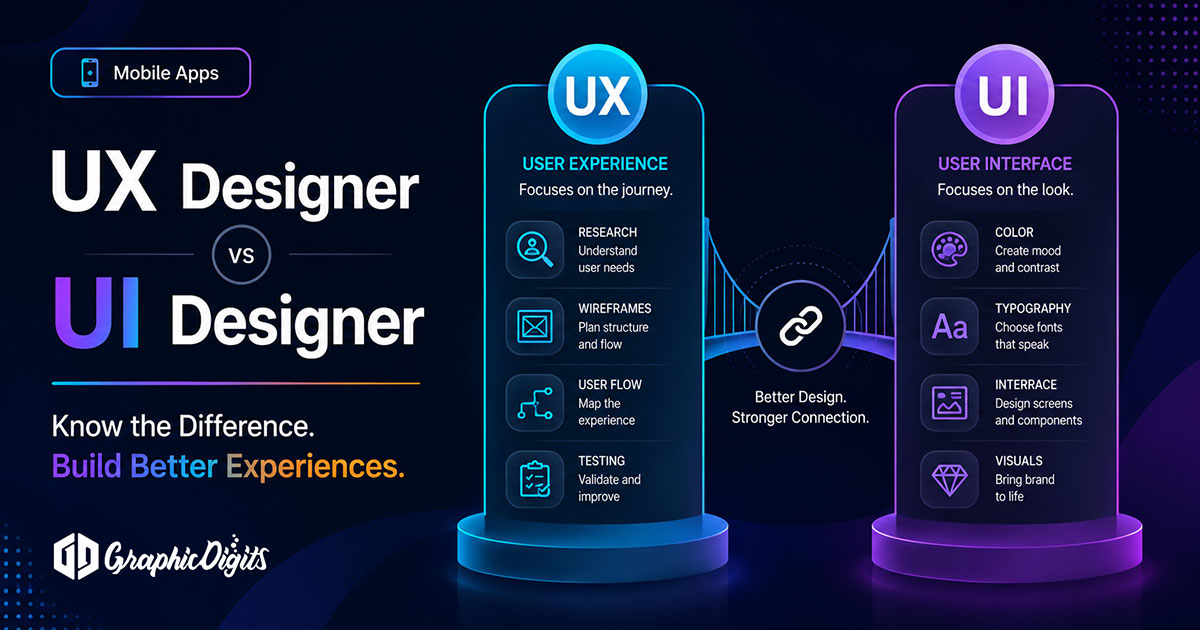
A UX designer works on the problem before polished screens: user needs, task order, information architecture, flows, wireframes, prototypes and usability evidence. The aim is to make the next action understandable and to identify friction before it becomes expensive to build.
- Defining priority users, tasks and success criteria
- Mapping flows, navigation and information architecture
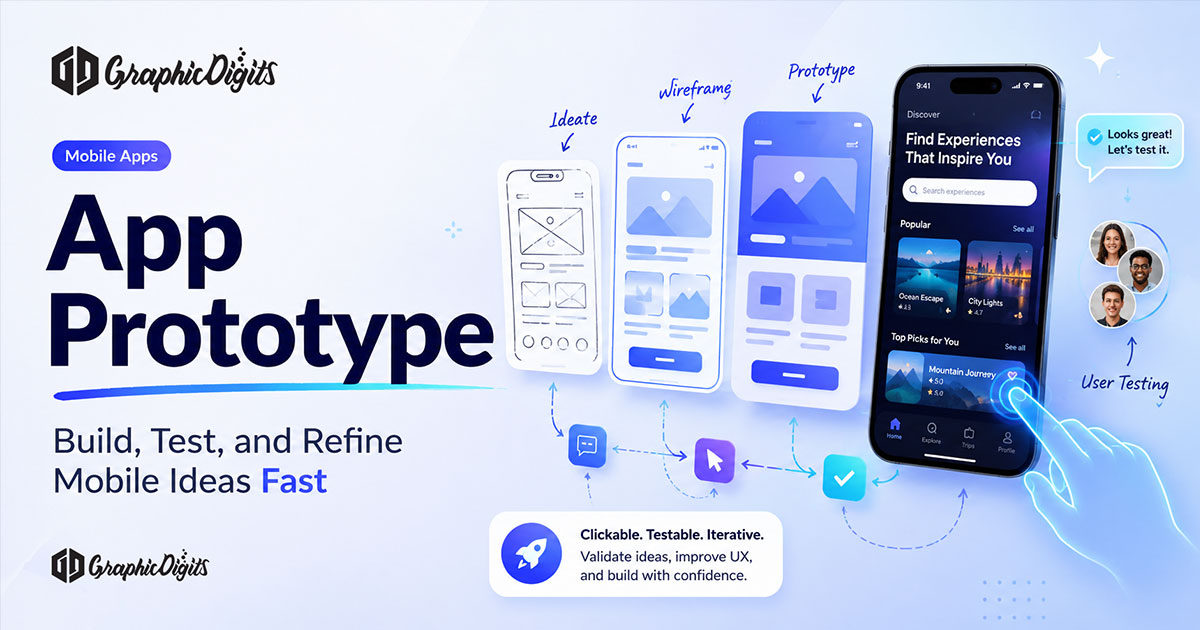
- Creating low- or mid-fidelity wireframes and prototypes
- Testing assumptions, edge cases, errors and accessibility needs
UX is not only research and it is not a guarantee of product outcomes. It gives the team an evidence-based structure to evaluate before visual decisions and engineering implementation solidify.
What a UI Designer Owns
A UI designer turns approved structure into a screen system. The focus is visual hierarchy, components, type, color, spacing, responsive behavior and interaction states. UI makes task paths easier to scan and helps the product stay coherent as screens and teams grow.
- Screen layouts and visual priority
- Components, variants and interaction states
- Typography, color, iconography and spacing rules
- Responsive behavior and design-system documentation
UI cannot replace missing information architecture. When a flow is undefined, the UI designer should surface the decision rather than decorate around it. Learn more about the discipline on the UI design service page.
Where UX Hands Off and UI Begins
The work is collaborative, not a hard wall. A practical handoff gives UI enough structure to design without reopening every product decision: prioritized tasks, user flows, content and hierarchy constraints, wireframes, validated assumptions, open questions and error states.
UI then returns a system that developers can interpret: final screen states, component behavior, responsive rules, assets, tokens and interaction notes. A review loop between UX, UI and engineering catches gaps before build.
Some smaller teams use a hybrid practitioner. That can work when the person has demonstrated strength in research, structure and visual systems. It is a team-shape decision, not a reason to skip either kind of work. For the hybrid-role discussion, see the role of UI/UX designers.
How to Choose the First Discipline for a Project
Start with UX when the team does not agree on users, tasks, navigation, content order or success criteria. Start with UI when the flows are already fixed but screens need hierarchy, responsive patterns, or a coherent design system. Many product efforts move from UX into UI, then return to UX when testing exposes a structural issue.
Bring both roles together early for constraints that cross the boundary: accessibility, content length, responsive behavior, component limits and implementation feasibility. Engineering should be in the review loop before final handoff, not asked to infer the product from a static screen.
Briefing Checklist
- State the product, priority users and the tasks that matter most.
- Identify what is already decided: flows, wireframes, brand rules or code constraints.
- List target devices, accessibility expectations and known edge cases.
- Specify whether you need UX structure, UI screens, or both in sequence.
- Define delivery needs: prototype, component library, screen set or handoff notes.
GraphicDigits provides UX and UI design deliverables, not application engineering or deployment. When you are ready to scope design support, review UX design and UI design; revisions are scoped—not unlimited.
Frequently asked questions about UX designers and UI designers
What is the main difference between a UX designer and a UI designer?
A UX designer focuses on tasks, flows, information structure, research and usability validation. A UI designer focuses on screen hierarchy, components, type, color, states and visual consistency. The work overlaps, but the primary decisions differ.
Do we need both a UX designer and a UI designer?
Many projects need both disciplines, though a smaller project may use one person with proven strength in each. Choose based on the unknown: use UX first when tasks and flows are unclear; use UI first when flows are locked but screens lack a usable visual system.
What should UX hand off to UI?
A useful UX handoff includes prioritized user tasks, flow decisions, information architecture, wireframes or prototypes, content constraints, known edge cases and research evidence. UI then turns that structure into clear screens and interaction states.
What should UI hand off to developers?
UI handoff should document final screens, component states, responsive behavior, typography, color tokens, assets and interaction notes. Engineering still decides implementation architecture, backend behavior and release management.
Does GraphicDigits build the finished app or website?
No. GraphicDigits provides UX and UI design files and related handoff documentation. Engineering, backend systems, app-store submission and production deployment stay with your development team or a separate build partner.