What an app prototype is
An app prototype is a simulated version of product screens and flows used to validate direction before full engineering. It lets teams click through navigation, try key tasks and spot confusion while changes are still inexpensive.
Prototypes support product planning, design reviews and early usability checks. For the wider product-design context around UI, UX and delivery, start with mobile app design services.
Prototype vs wireframe vs mockup
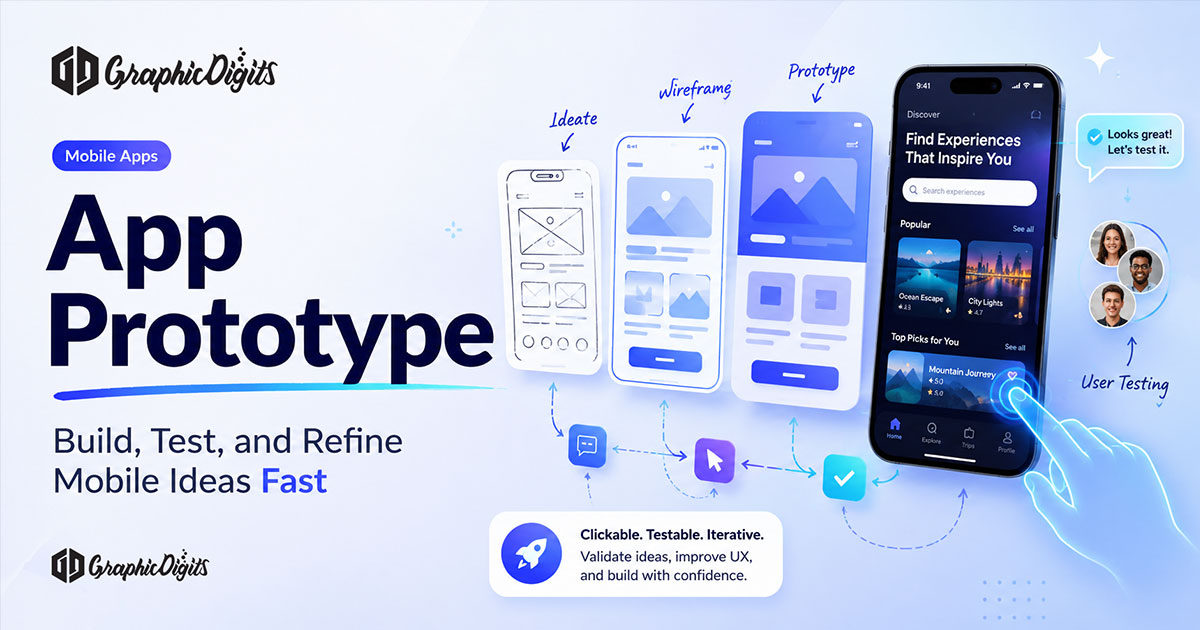
- Wireframe: structure, content priority and layout logic
- Mockup: visual styling without full interaction
- Prototype: linked screens or states people can try
Teams often progress through all three. Skipping to a polished visual mockup without testing the flow can hide navigation problems that only appear when someone tries to complete a task.
Low-fidelity vs high-fidelity prototypes
Low-fidelity prototypes use simple shapes, placeholder copy and limited interaction. They are best for early flow decisions and fast stakeholder alignment.
High-fidelity prototypes use closer typography, components, spacing and realistic interactions. They are better for usability testing, demos and engineering reference when the experience needs to feel product-like. A mobile-specific deep dive lives in mobile app prototyping.
Clickable prototypes and user flows
A clickable app prototype connects screens so users can move through a journey—sign-up, browse, checkout, settings—rather than reviewing isolated artboards. Map the primary path first, then add alternate and error states that users actually hit.
Write each flow as a job: who is trying to do what, what success looks like, and where they go if something fails. Clear flows make testing tasks easier and reveal missing screens earlier.
Interaction design in prototypes
Interactions should communicate feedback: button states, loading moments, empty states, validation messages and transitions that confirm an action happened. Avoid decorative motion that hides broken navigation.
Keep interaction scope honest. If a control is not yet designed, label it clearly rather than faking behaviour that will set wrong expectations. For UX principles that sit around this work, see mobile app UX design.
A practical app prototyping process
- Define the learning goal — what decision should this prototype unlock?
- Outline critical user journeys — primary paths first
- Wireframe the structure — content and hierarchy before polish
- Build a clickable prototype — choose fidelity to match the goal
- Test and revise — fix friction, then retest key tasks
- Prepare handoff — specs, states and open questions for build
Testing and feedback
Prototype testing works best with task-based sessions: ask people to complete a goal, observe silently, then discuss what felt unclear. Five focused sessions often surface repeating problems.
Capture where users hesitate, mis-tap, or invent steps that are not in the design. Prioritise fixes that block the core journey before polishing secondary screens. For commercial help turning validated flows into delivery assets, review app prototyping.
Tools—only where useful
Most teams use a modern design tool that supports components, variants and clickable linking (for example Figma). Pick the tool your design and product partners already share. The quality of the flow and test plan matters more than the brand of the software.
Prototype handoff to development
- Final primary flows and key edge cases
- Component states and interaction notes
- Spacing, type and colour references
- Known out-of-scope items and open decisions
Handoff should reduce ambiguity, not replace conversation. Annotate anything that is easy to misread in a static screen. Related design/UX reading: mobile app design UX.
Common app prototype mistakes
- Polishing visuals before validating the main path
- Prototyping every edge case at once with no learning goal
- Testing without a scripted task
- Fake data that hides empty or error states
- Handing over screens without states or interaction notes
- Skipping accessibility basics such as contrast and tap targets
When a prototype is needed before development
Build a prototype before development when the flow is new, stakeholder risk is high, funding or sales demos need a realistic walkthrough, or engineering time is expensive relative to design iteration. Simple content updates or already-proven patterns may not need a full high-fidelity prototype.
Conclusion
A strong app prototype clarifies what to build next by making flows, interactions and weak spots visible early. Start with the learning goal, choose the right fidelity, test real tasks and hand off with clear states—not just pretty screens.
Need help turning a product concept into a testable clickable experience? Request a free design quote from Graphic Digits.
Frequently asked questions about app prototypes
What is an app prototype?
An app prototype is an interactive representation of an app experience used to test flows, layout and interactions before full development. It can be low-fidelity or high-fidelity depending on what you need to learn.
What is the difference between a wireframe, mockup and prototype?
A wireframe maps structure and content. A mockup shows visual design without realistic interaction. A prototype connects screens or states so people can click through the intended experience.
When should you build a high-fidelity app prototype?
Use high fidelity when you need stakeholder buy-in, usability tests that feel close to the product, or a clear reference for engineering. Earlier exploration usually starts with lower-fidelity flows.
How do you test an app prototype?
Give people a realistic task, watch where they hesitate or fail, note feedback, then revise the flow. Repeat on the critical journeys until the main path feels clear and recoverable from errors.