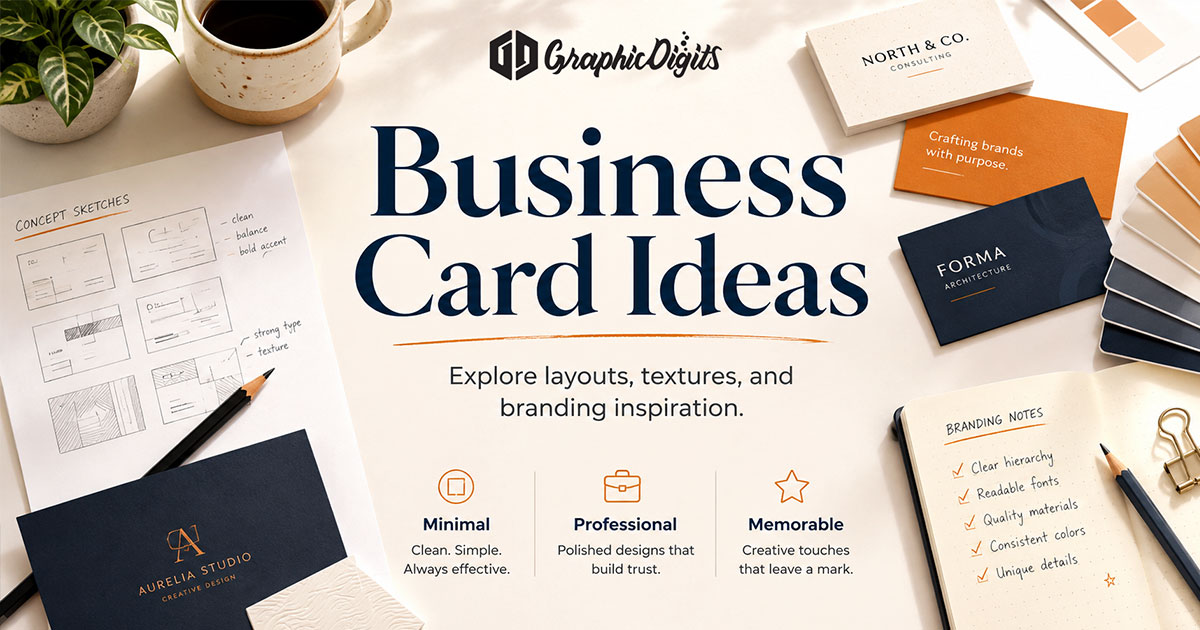
Practical business card ideas help you choose layout direction, content hierarchy and front/back options before design starts. The goal is a card that fits the audience and brand—readable in a wallet, clear about who you are and easy to act on—not a stack of competing messages.
GraphicDigits provides design and artwork for business cards. Printing, paper and physical production stay with your chosen printer. Specialty finishes and materials are covered separately in our guide to business card finishes and creative treatments.
Idea directions that still stay usable
Use these as concept options—not a checklist to combine all at once:
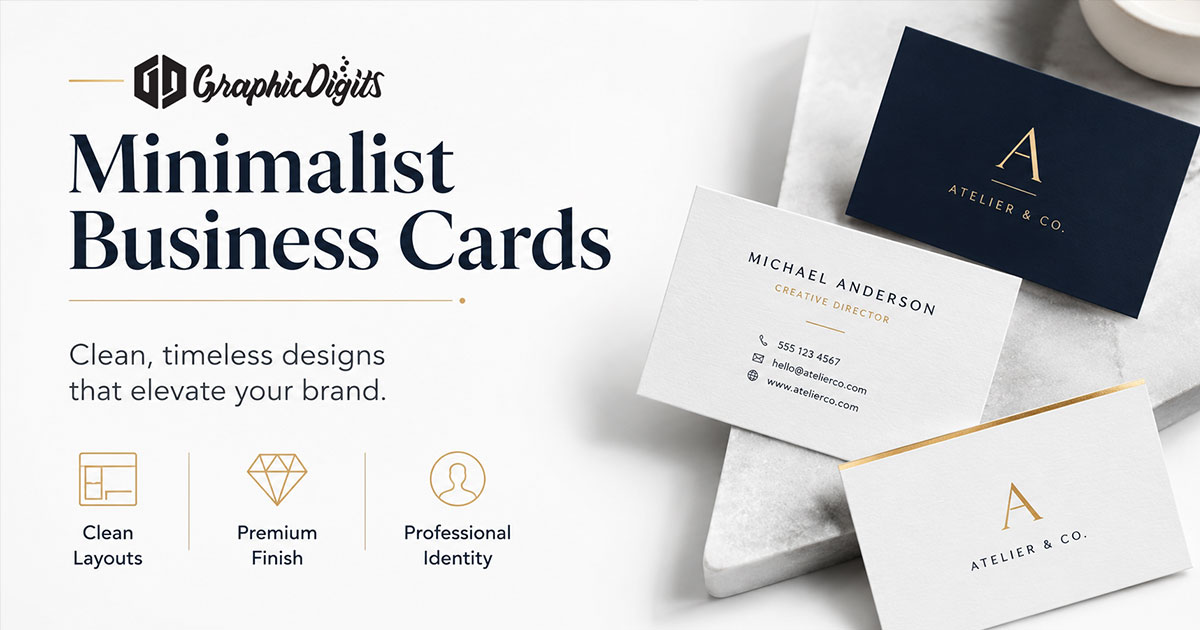
- Minimal — quiet layout, essential details only; for a deeper hierarchy and whitespace treatment, see minimalist business cards
- Bold typography — oversized name or company wordmark with secondary details quieter
- Image-led — one strong photo or illustration with type carefully overlaid
- Two-sided — front for identity; back for supporting content or a quiet visual
- Vertical or horizontal — orientation as a layout choice, not a gimmick
- Restrained corporate — clear hierarchy, conservative color, high contrast
- Expressive creative — stronger illustration or pattern while contact info stays readable
- QR-enabled — QR only when it supports booking, portfolio or one clear next step
- Branded pattern — logo, pattern or color field used as a secondary face
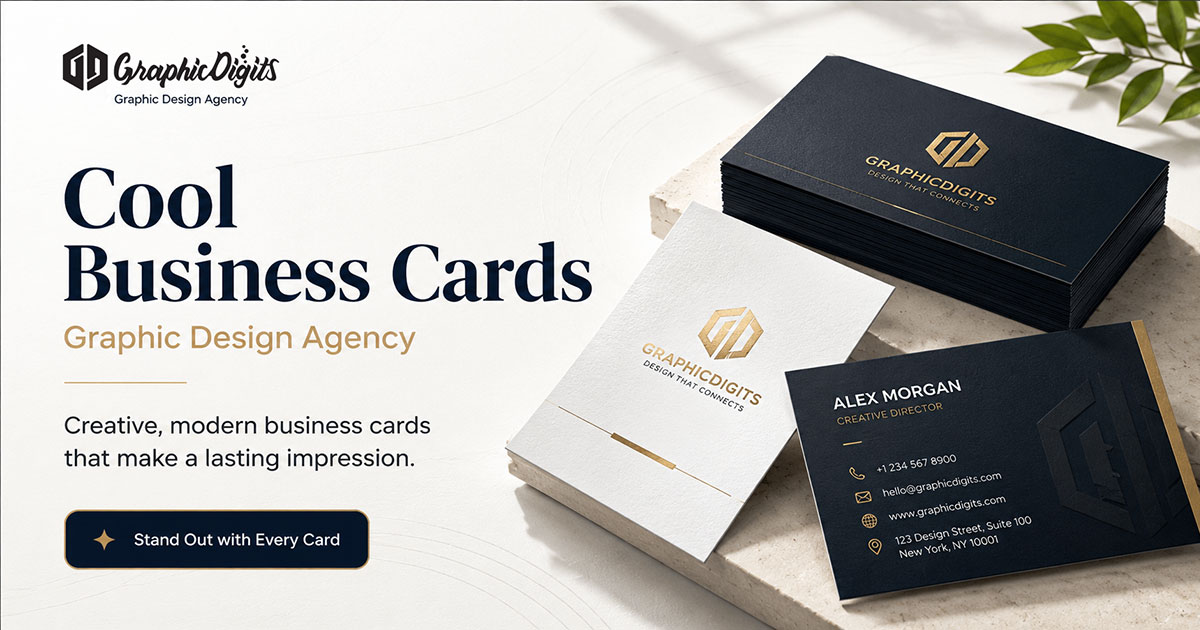
A finish can reinforce the concept, but detailed foil, UV, emboss and stock guidance belongs on the cool business cards page—not here.
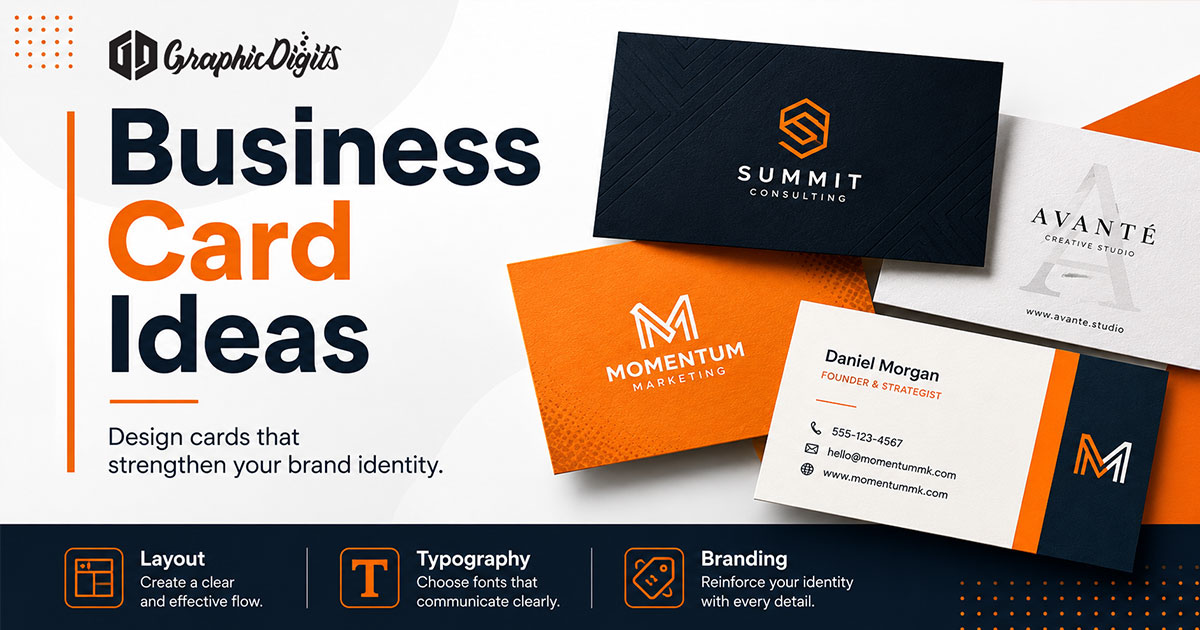
What to put on the front
Front content should answer who you are in a glance. Keep hierarchy simple: primary name or company, role or descriptor, then one primary contact path. Logo placement should support recognition without crowding type. Icons can replace repeated labels when they stay obvious.
- Name and company lead; title and contact follow
- One primary phone, email or URL beats three equal ones
- Leave quiet space so type remains readable at card size
What to put on the back of a business card
The back is optional support—not a second front. Useful options include:
- Secondary contact details that did not fit the front
- A short value proposition or service cue
- Appointment, booking or “let’s connect” prompt
- QR code to portfolio, calendar or profile
- Social or profile link when it is the real next step
- A concise service list only if it stays scannable
- Brand pattern or visual device without extra text
- Leave blank when restraint is stronger than filler
Avoid turning the back into a brochure panel. If everything matters equally, nothing stands out.
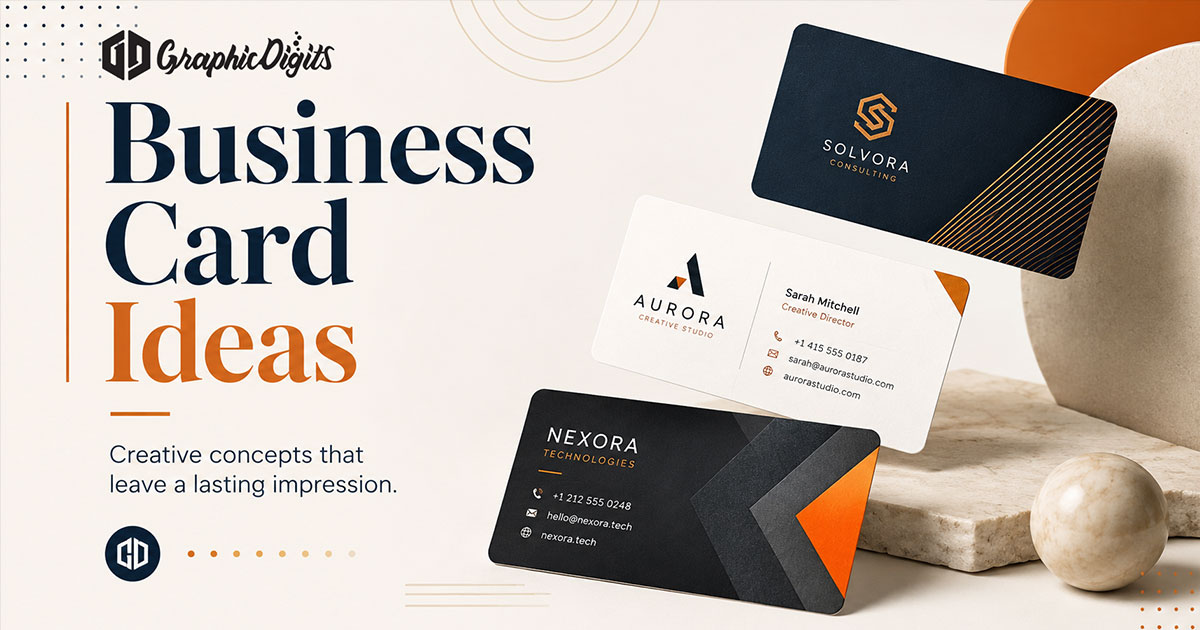
Business card ideas by industry
Tone should follow the niche, while hierarchy stays clear:
- Creative professionals — stronger illustration or type expression; keep contact scannable
- Corporate / professional services — restrained layout, high contrast, conservative color
- Real estate — optional headshot; clear phone and booking path
- Health & wellness — calm type and color; avoid cluttered icon rows
- Tech / startups — optional QR; dark or high-contrast schemes that still print cleanly
Common idea pitfalls
- Too much information on either face
- Choosing orientation or shape before locking content hierarchy
- QR codes with no clear destination
- Inconsistent logo, type or color versus the rest of the brand
- Assuming a specialty finish will fix a weak layout
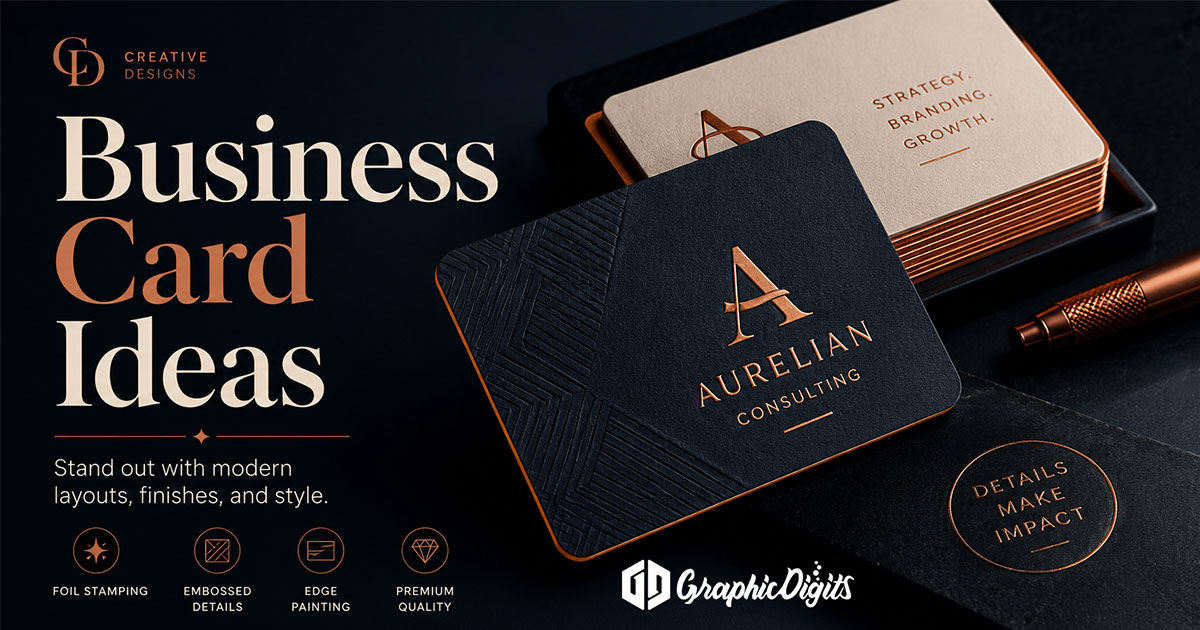
From idea to brief
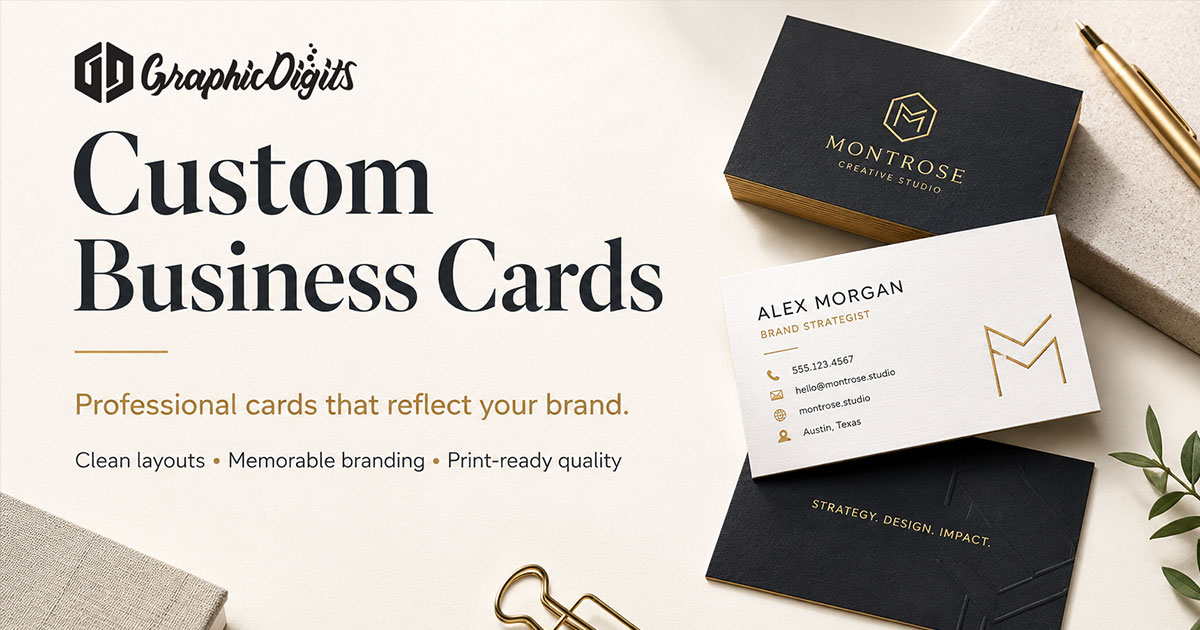
Once a direction is chosen, list exact front and back copy, logo files and preferred size. For hiring checklists, see custom business cards. When you are ready for brand-aligned artwork, explore business card design services or request a quote. GraphicDigits delivers print-ready files; your printer handles production.
Frequently asked questions about business card ideas
What should you put on the back of a business card?
Common back-of-card options include a short value line, secondary contact method, QR code to a booking or portfolio link, a concise service list, or a quiet brand pattern. Leaving the back blank is also valid when restraint fits the brand better than a second busy face.
How do I choose among different business card ideas?
Start with audience and brand tone, then pick one layout direction—minimal, bold type, image-led, vertical, two-sided, or industry-specific—so name, role and one primary contact path stay easy to scan.
Can business card ideas reflect my brand identity?
Yes. Strong ideas reuse brand colors, type, logo rules and messaging tone so the card feels like part of the same identity system—not a one-off layout.
Does GraphicDigits provide free business card templates or an online card maker?
No. GraphicDigits designs print-ready artwork and reusable branded layout systems for scoped projects. We do not offer a template marketplace, free downloadable templates or a DIY online card editor.
How do I turn business card ideas into finished designs?
Choose a direction, list the exact content for front and back, then brief a designer for print-ready files. Specialty finishes and materials belong in a separate finishes discussion and should be confirmed with your printer.