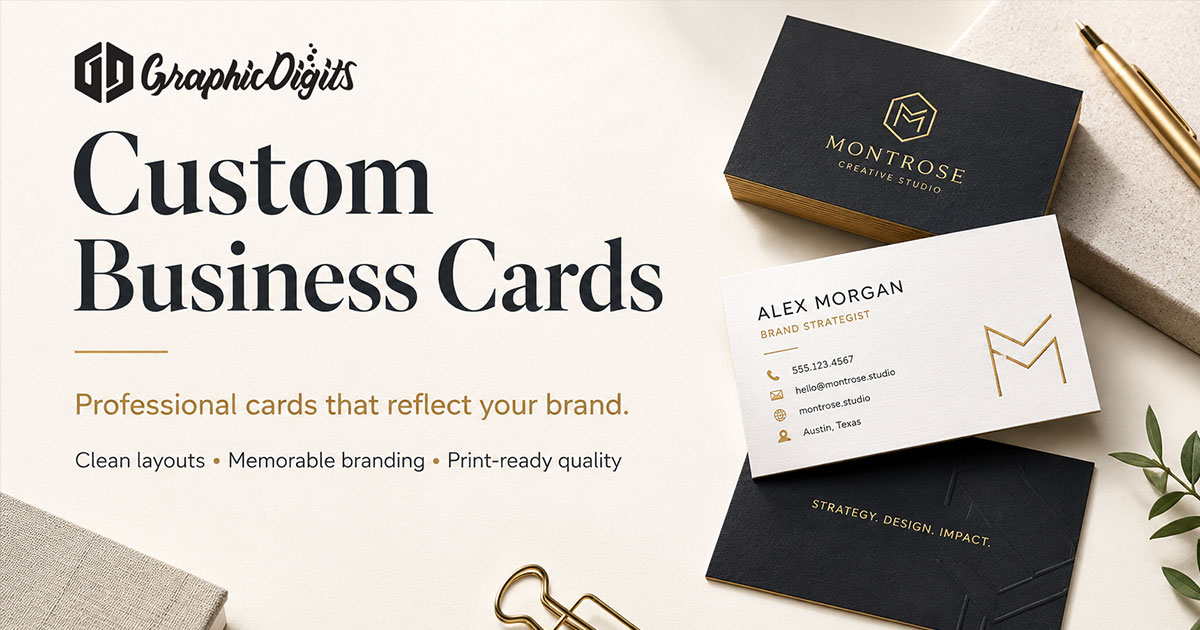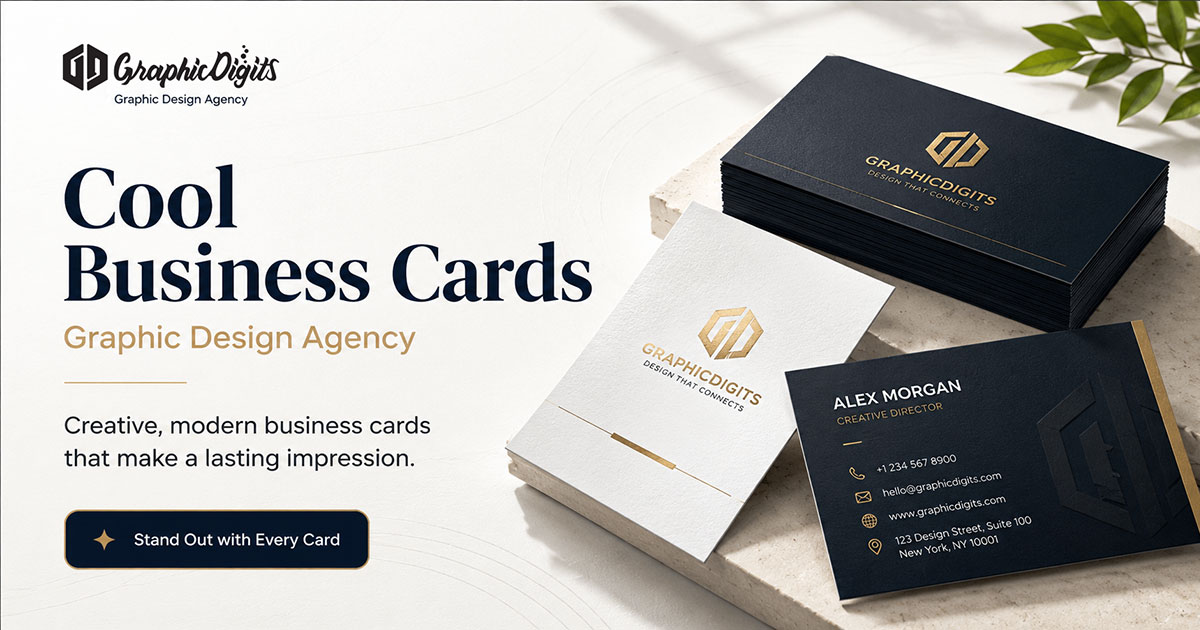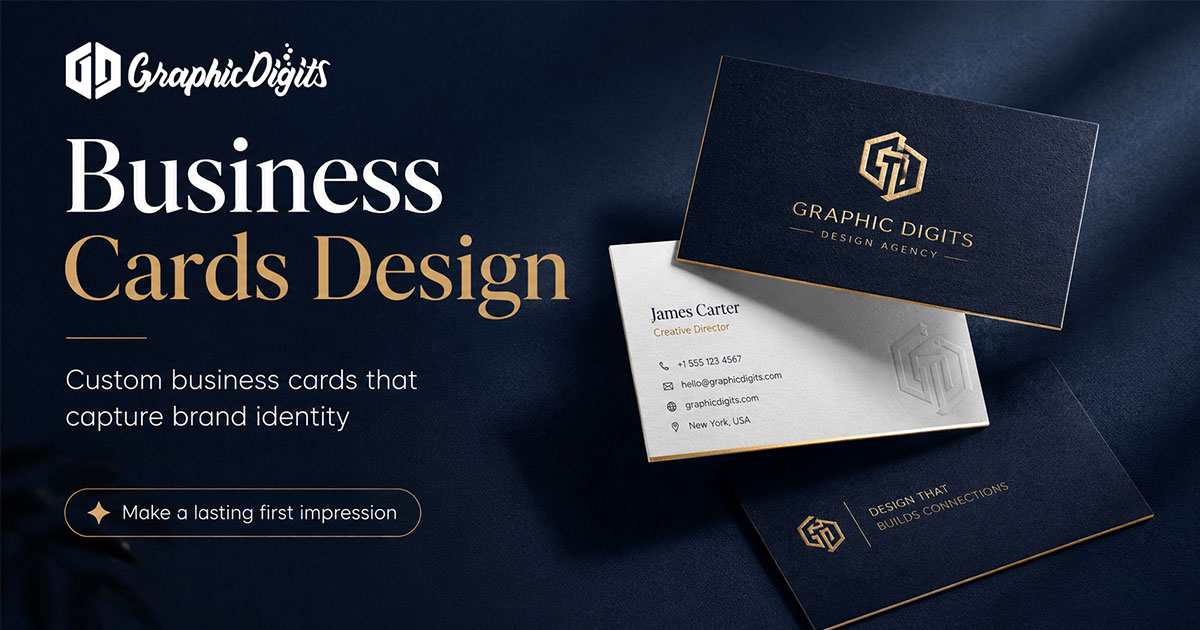
Business cards design is hierarchy first: what the eye reads, in what order, on a small surface. GraphicDigits designs print-ready files. We do not print. When you are ready to hire, use business card design services.
Hiring steps and file handoff belong in custom business cards. Matching letterhead and envelopes belong in creative stationery design. This page is only about layout principles and what to brief.
Hierarchy that still fits a wallet
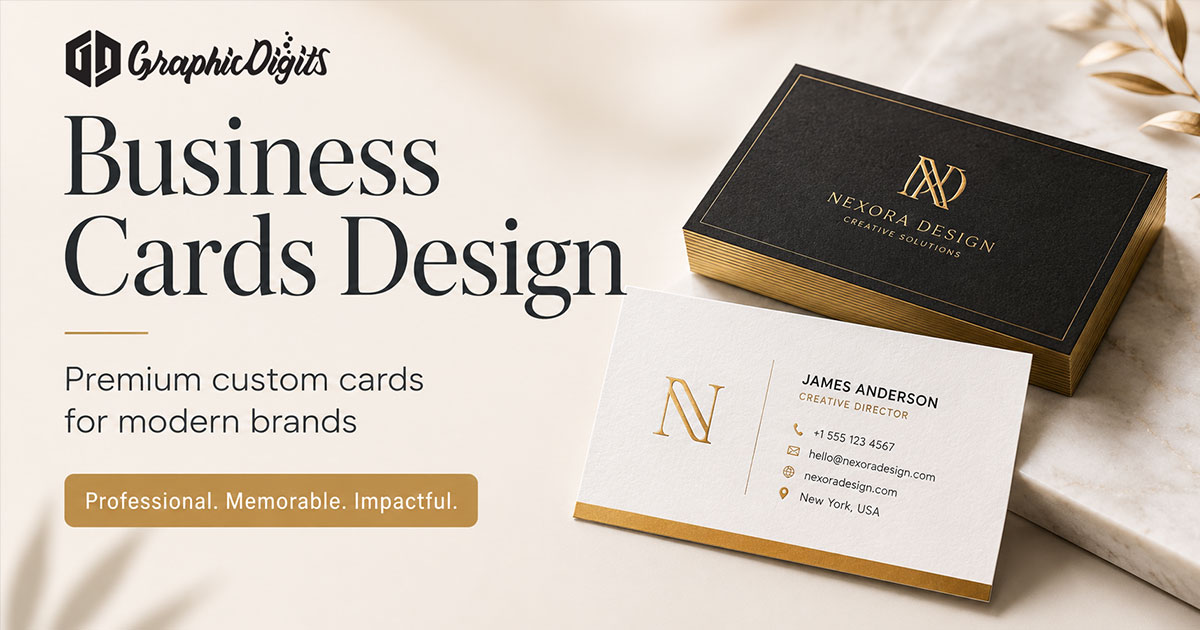
Most USA cards fail because everything is the same size. Pick one primary line—usually the person's name or the company—then rank the rest. Title, phone, email, and web should not compete with each other.
- Name and company lead; title and contact follow
- One primary contact path beats three equal ones
- Leave quiet space so type can breathe at card size
What to put in the brief
- Logo files and brand colors that cannot change
- Final names, titles, and every contact line that must appear
- Front-only versus front-and-back, and which side carries what
- Printer size, bleed, and stock notes—or say design-only for now
Do not send a mood board for every finish under the sun. Hierarchy and content lock first. Specialty treatments come after the type reads cleanly.

Design files versus print
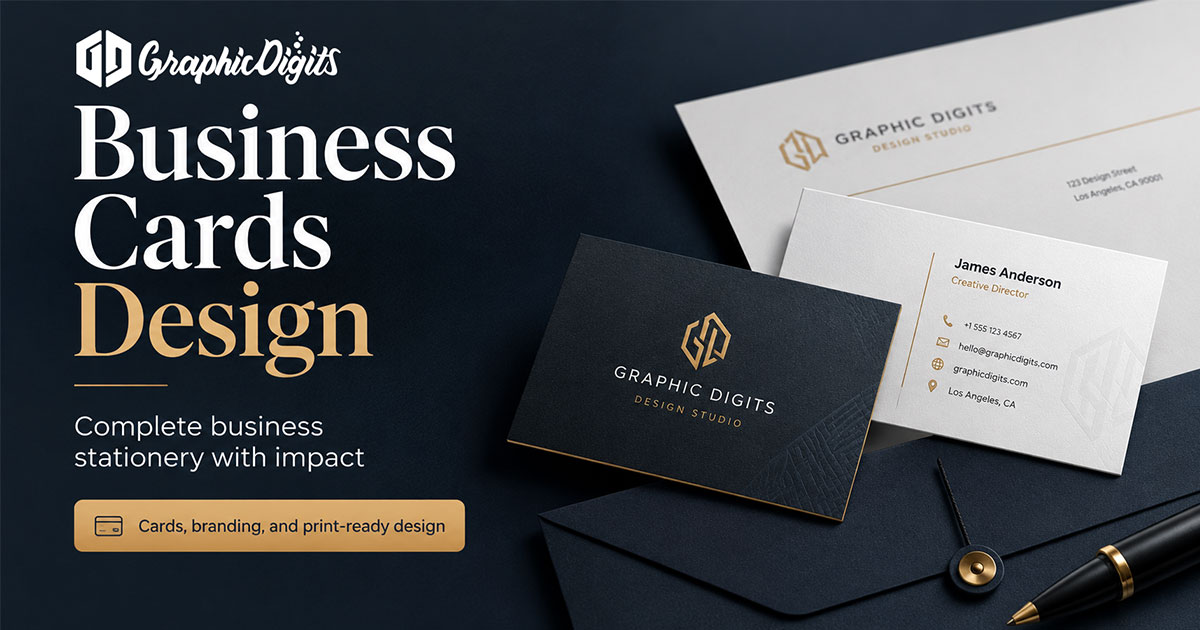
Print-ready PDFs (or native files your printer accepts) are the deliverable. Paper, coatings, and quantities are printer tasks. If you already have a vendor, share their template early so margins and bleeds are correct the first time.
Revision rounds are scoped. Unlimited revisions usually means the contact list or hierarchy was never locked.
When you are ready to hire
Open business card design services and request a quote with logo files, names, and printer specs if you have them. Leave buyer how-tos and full stationery suites to their own pages.
Frequently asked questions about business cards design
What is this business cards design guide about?
It covers hierarchy, what to put on the card, and what to brief before design starts. GraphicDigits designs print-ready files. We do not print or ship cards.
How is this different from custom business cards?
This article is about layout principles and a brief checklist. The custom business cards post is a buyer guide for hiring. Matching letterhead and envelopes belong on the creative stationery guide.
What should sit highest in the hierarchy?
Name and company first, then title, then one clear contact path. QR codes, social handles, and slogans are secondary—and only if they still fit without crowding.
Do you print business cards?
No. We deliver print-ready artwork. Stock, quantities, coatings, and press work stay with you or your printer.
How do we start a business card design project?
Share the logo, final names and titles, required contact lines, and any printer size or bleed specs. Request a quote on business cards. Revision rounds are scoped—not unlimited.