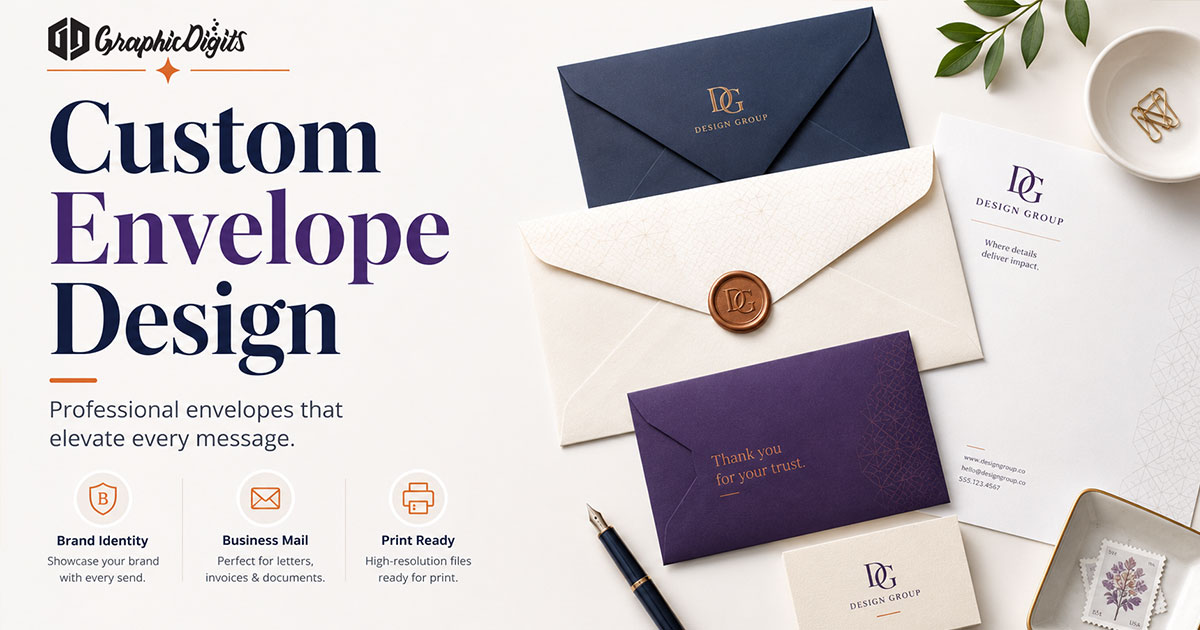
A custom envelope brief is not a print order and not a DIY maker. It is the size, return address, brand placement, and file type you lock before design starts. GraphicDigits designs print-ready and design-only files. We do not print or mail. When you are ready to hire, use envelope design.
Matching letterhead and cards belong in stationery design or the creative stationery suite guide. This page is only how to brief a custom envelope.
Pick the size first
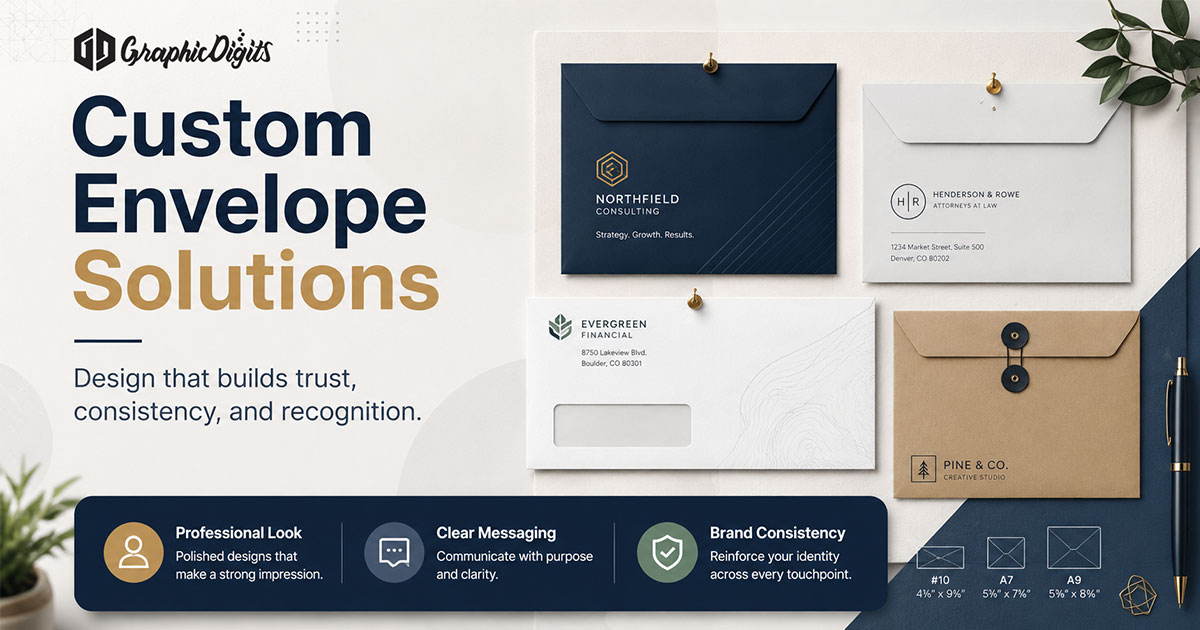
Size drives layout, flap art, and whether a window is possible. USA teams usually start with one of these:
- #10 — standard business correspondence and invoices
- Window — address shows through; lock window size and letter alignment
- Invitation / A-size — cards, events, and keepsake mail; match card trim and flap style
If you already have a printer stock code, put it in the brief. Guessing the size mid-project is how files get rebuilt.
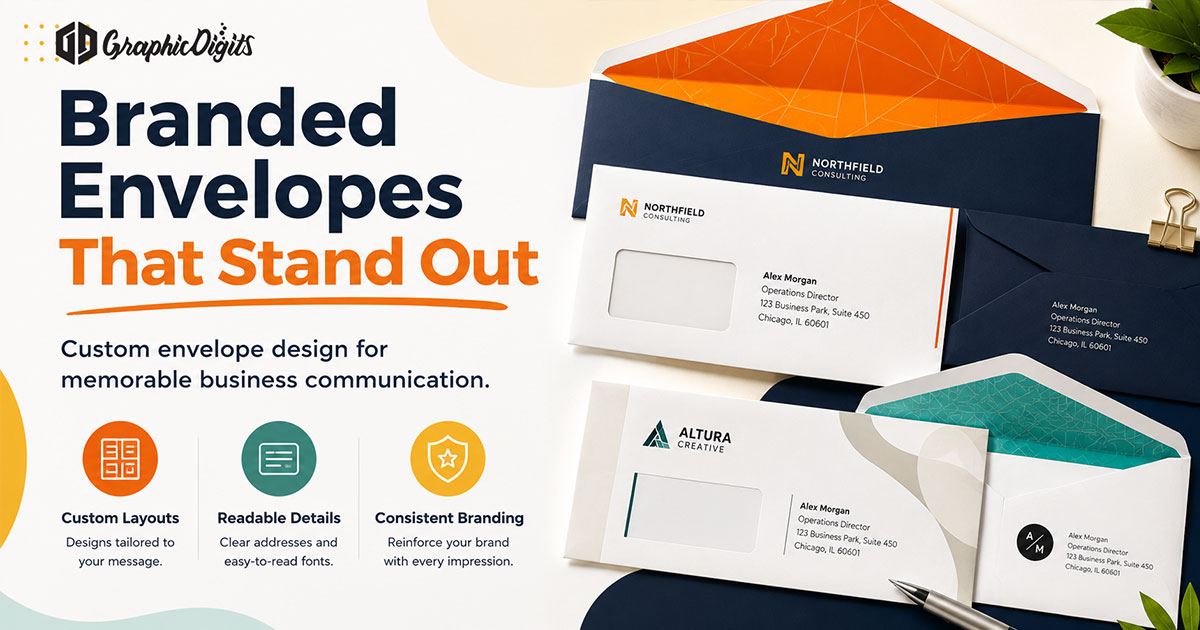
Brand placement that still looks like mail
The return address and logo usually sit top-left or on the flap. Keep postage and barcode zones clear. Type should match letterhead and cards without crowding the face.
- Logo files (vector preferred) and colors that cannot change
- Exact return address and any second office line
- One-color or full-color—say which your printer will run
- Whether the back flap gets art, a pattern, or stays blank
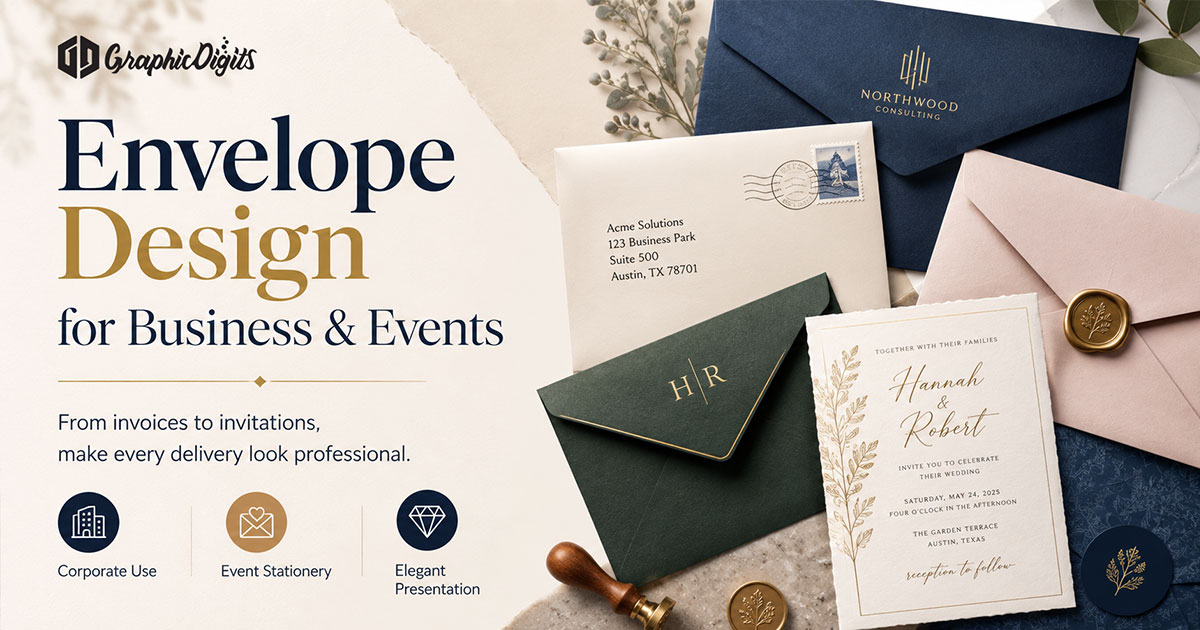
What to put in the brief
- Envelope size and window specs (or “no window”)
- Return address copy, exactly as it should print
- Logo and brand colors; note clear space if guidelines exist
- Print-ready PDF for press, or design-only art for your printer’s template
- Whether the envelope must match an existing letterhead or invitation suite
Do not send a mood board without a size. Do not ask for unlimited revisions—lock the brief, then scope rounds.
Print-ready versus design-only
Print-ready files include bleed, safe margins, and resolution for the chosen stock. Design-only means art that your printer drops into their die or template. They are different deliverables. If you need both, say so in the quote. Paper, quantities, and mailing stay with your vendor—not the design scope.
Revision rounds are scoped. Unlimited revisions usually means size or return address never locked.
When you are ready to hire
Open envelope design and request a quote with size, return address, and logo files. Leave full stationery suites and letterhead how-tos to their own pages.
Frequently asked questions about custom envelopes
What is a custom envelope brief?
It is the checklist you lock before design: size (#10, window, invitation), return address, logo placement, and whether you need print-ready files or design-only art. This article is that guide—not a print shop.
Which envelope sizes should I specify?
Most USA business mail uses #10. Window envelopes need clear window and address-block specs. Invitation and A-size formats need card dimensions and flap style. Name the size in the quote—do not leave it open.
Do you print or mail custom envelopes?
No. GraphicDigits designs print-ready and design-only files. Paper, quantities, postage, and mailing stay with you or your printer.
How is this different from envelope design services?
This page is a planning guide. Hire happens on envelope design. Matching letterhead and cards belong on the stationery design hub or the creative stationery suite guide.
How do we start a custom envelope project?
Share logo files, the return address, size, and window needs if any. Request a quote on envelope design. Revision rounds are scoped—not unlimited.