Design Letterhead: Review the System, Not Just the Header
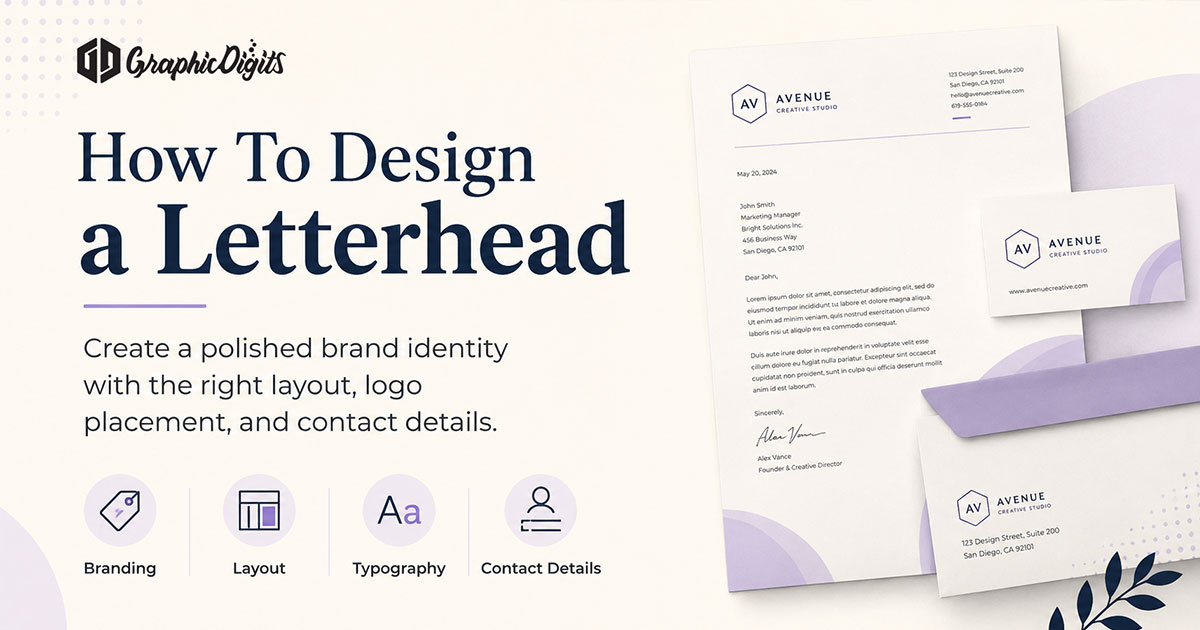
Letterhead has a simple job: identify the sender and leave the document easy to read. A strong concept balances the logo, contact block, type, color, and margins against the practical writing area—not against a decorative mockup.
This page is a review checklist for evaluating a letterhead concept before it becomes a template or print file. For a step-by-step build guide, see how to create a letterhead. For visual design principles, see how to design a letterhead.
First Check: Can the Letter Still Be Read?
Start with the body area. A letterhead fails when the header, footer, or side graphics leave a narrow writing column. Print a sample or add realistic body copy before approving the layout. The sender should be clear, but the correspondence must remain the main content.
Review Hierarchy, Type, and Contact Information
Check the visual order at normal reading size: logo or name first, essential contact details second, then the letter. Contact lines and legal details should be secondary; they do not need to compete with the heading or body copy.
- Logo: approved lockup at a readable but restrained size.
- Type: consistent roles for identity, contacts and body text.
- Color: brand-aligned accents with sufficient small-text contrast.
- Margins: enough safe space for text, signatures and production tolerance.
- Information: current website, phone, address and any required legal lines.
Style can support the identity, but trends should not override legibility or the document’s purpose.
Review Print and Digital Variants Separately
Print-ready letterhead needs the printer’s trim, bleed, safe-area, and color requirements. A digital Word or PDF template needs a usable editable body area and controlled header or footer fields. Shared identity matters; one stretched file does not.
Before approval, name versions clearly—print, digital, office, or individual—and check that the correct fields are locked or editable. For tailored variants and handoff rules, see custom letterhead design.
Final Letterhead Review Checklist
- Use realistic body copy to check the writing area.
- Verify logo, contact, website and legal details against approved sources.
- Check small type and color contrast at final output size.
- Confirm print trim, bleed and safe margin with the printer.
- Test editable digital templates so headers and footers stay intact.
- Label print, digital and variant files clearly before distribution.
GraphicDigits designs print-ready and digital files; it does not print stationery. When you are ready to brief custom work, use custom letterhead design services. Revision rounds are scoped—not unlimited.
Frequently asked questions about design letterhead
What should I review before approving a letterhead design?
Review the reading order, logo size, writing area, contact accuracy, small-text contrast, margins and the final print or digital format. A letterhead can look attractive in a mockup and still fail as correspondence stationery.
How is this different from creating or designing a letterhead?
Create a letterhead is the practical step-by-step guide, and how to design a letterhead explains layout principles. This page is the review checklist: how to assess a finished concept before it becomes a template or print file.
Should a letterhead have a large logo?
Usually no. The logo should establish the sender without competing with the letter. Keep it readable at normal scale and protect a generous writing area; a large mark often turns functional stationery into a poster.
Do print and digital letterheads need separate checks?
Yes. Print files need trim, bleed and safe-area review. Digital templates need usable editable text areas and controlled header or footer fields. The identity should match, but the files should serve their different uses.
Does GraphicDigits print letterhead?
No. GraphicDigits designs print-ready and digital letterhead files. Paper, quantities, finishing and production stay with you or your printer.