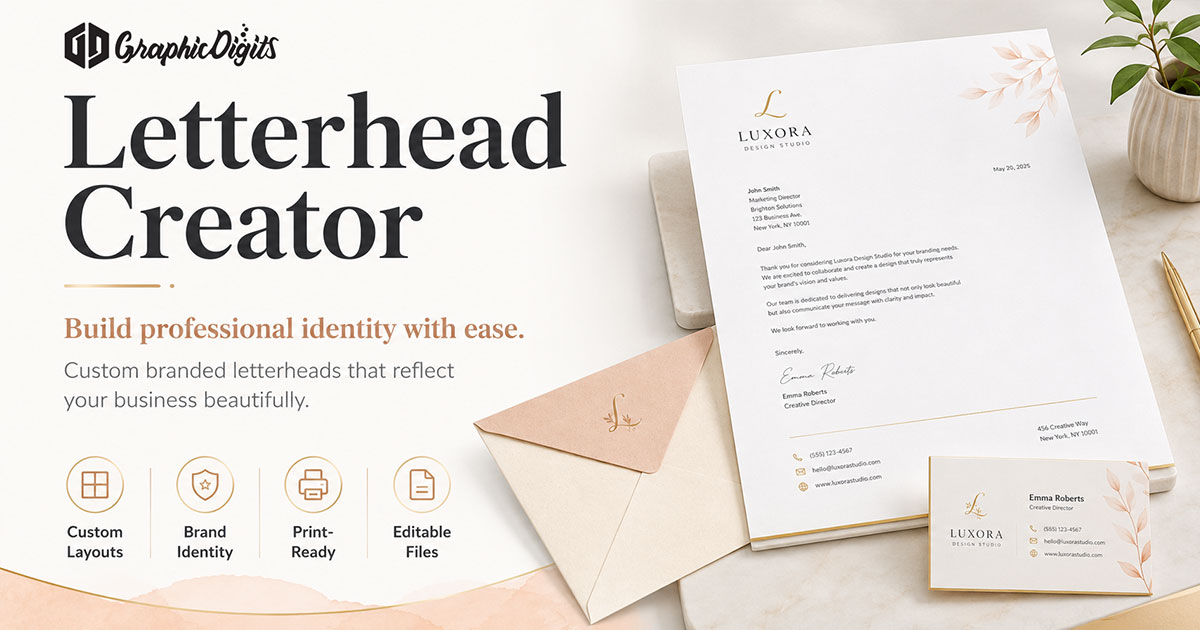
Searching for a letterhead creator usually means you want a clear brief—not a free online maker and not a print run. This page lists what to lock before design: logo, contact block, colors, and print versus digital. GraphicDigits designs files. We do not print. When you are ready to hire, use letterhead design.
Step-by-step DIY belongs in create a letterhead. Layout and hierarchy belong in how to design a letterhead. Name and title variants belong in personalized letterhead. Matching cards and envelopes belong in creative stationery design. This page is only the creator brief.
What a letterhead creator brief should cover
Treat “creator” as the intake list, not software. A solid brief keeps the first round on-brand and cuts revision churn. USA firms usually need the same core items whether the end use is PDF stock or Word.
- Logo files (vector preferred) and any colors that cannot change
- The full contact block: address, phone, email, website
- Optional lines: license, fax, second office, tagline
- Print PDF, editable digital template, or both
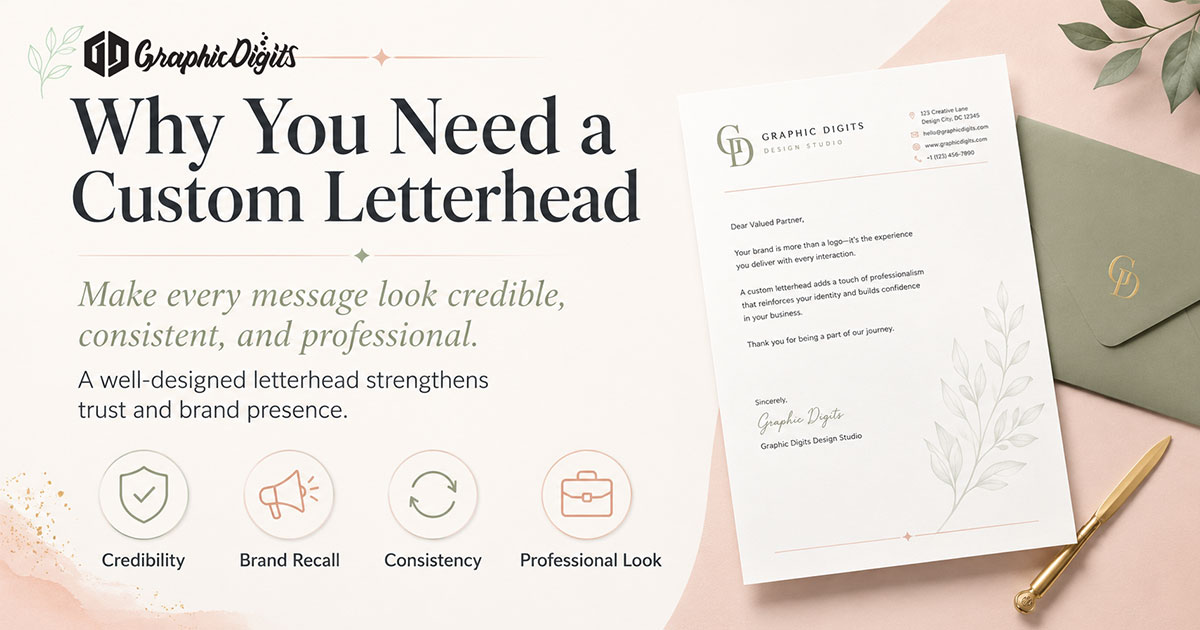
Logo and contact block
Send the logo you actually use—not a screenshot. Note clear space and minimum size if brand guidelines exist. Write the contact block exactly as it should appear on the page; typos in the brief become typos in the file.
- One primary logo file plus a one-color version if you print on colored stock
- Phone and email formats your team will keep (extensions, department inboxes)
- Whether the company name repeats in type under the mark or the logo alone is enough
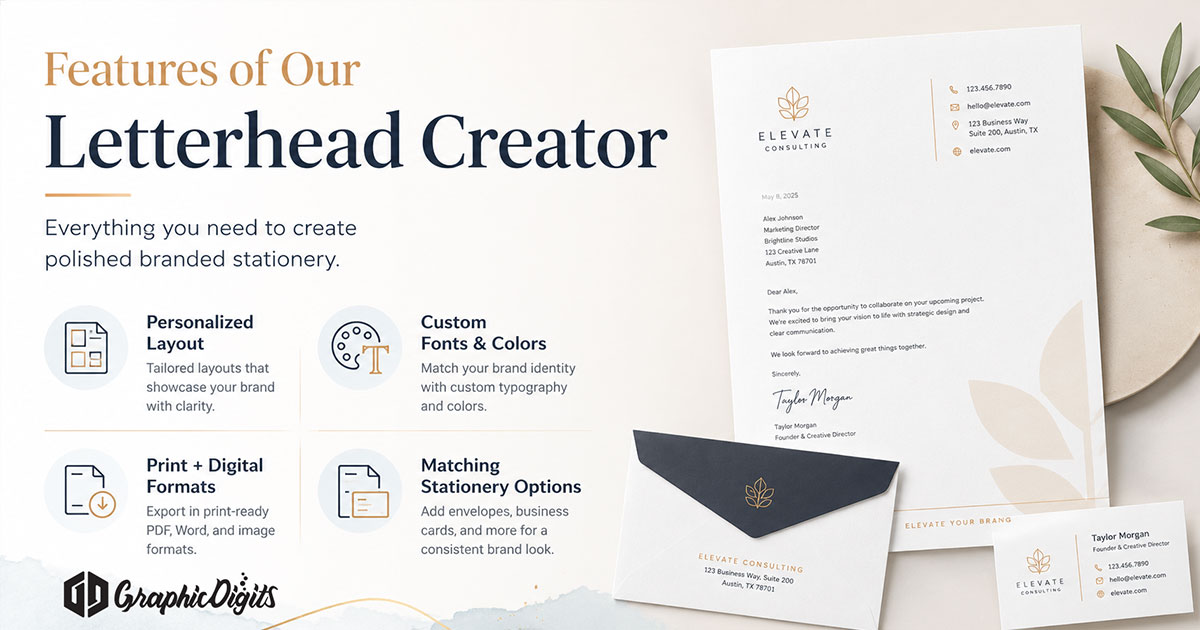
Print files versus digital templates
Print-ready PDFs are for letterhead stock. Editable templates are for Word or Google Docs. They can share the same look, but they are different deliverables. If you need both, say so in the quote. Paper choice and press quantities stay with your printer—not the design scope.
Revision rounds are scoped. Unlimited revisions usually means the brief never locked the contact block or file types.
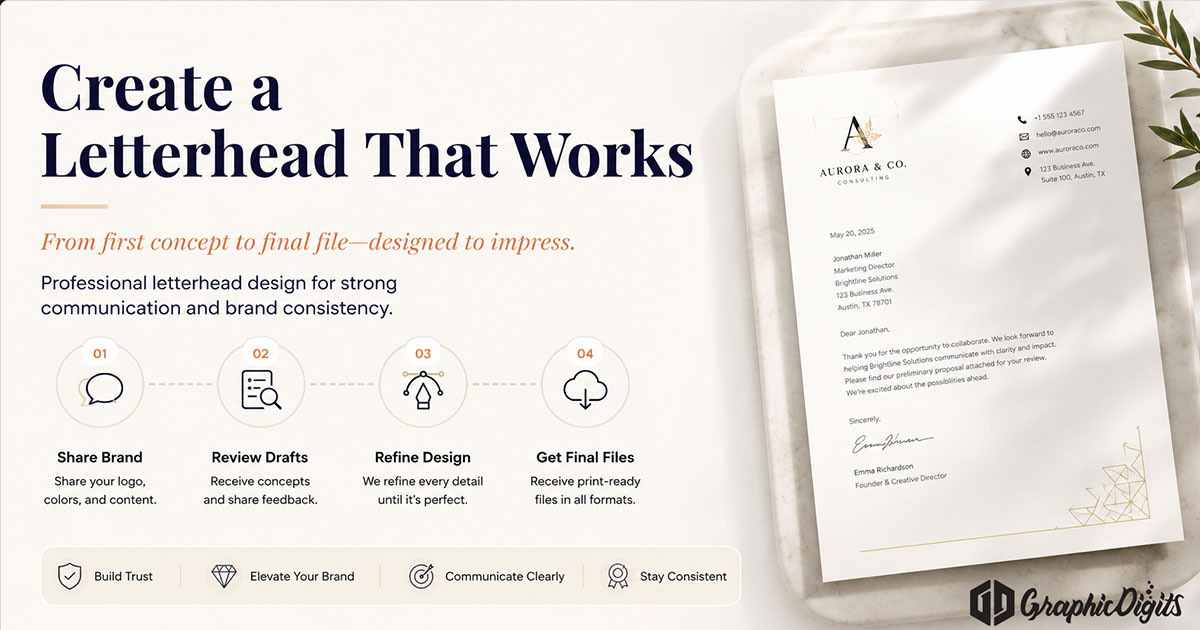
When you are ready to hire
Open letterhead design and request a quote with logo files and the contact block. Leave DIY makers, personalization fields, and full stationery suites to their own pages.
Frequently asked questions about letterhead creator
What is a letterhead creator brief?
It is the checklist you hand a designer before work starts: logo files, contact block, colors, and whether you need print PDF, a digital template, or both. This article is that checklist—not an online DIY tool.
Is this a free online letterhead maker?
No. GraphicDigits does not host a drag-and-drop creator. How-to steps live on create a letterhead and how to design a letterhead. Hire happens on letterhead design.
What fields belong on a letterhead?
Usually company name or logo, address, phone, email, and website. Some firms add a license line, second office, or fax. Lock what stays fixed versus what can change per sender.
Do you print letterhead?
No. We deliver print-ready and digital files. Paper, quantities, and press work stay with you or your printer.
How do we start after the brief is ready?
Open letterhead design and request a quote with logo files and the contact block. Revision rounds are scoped—not unlimited.