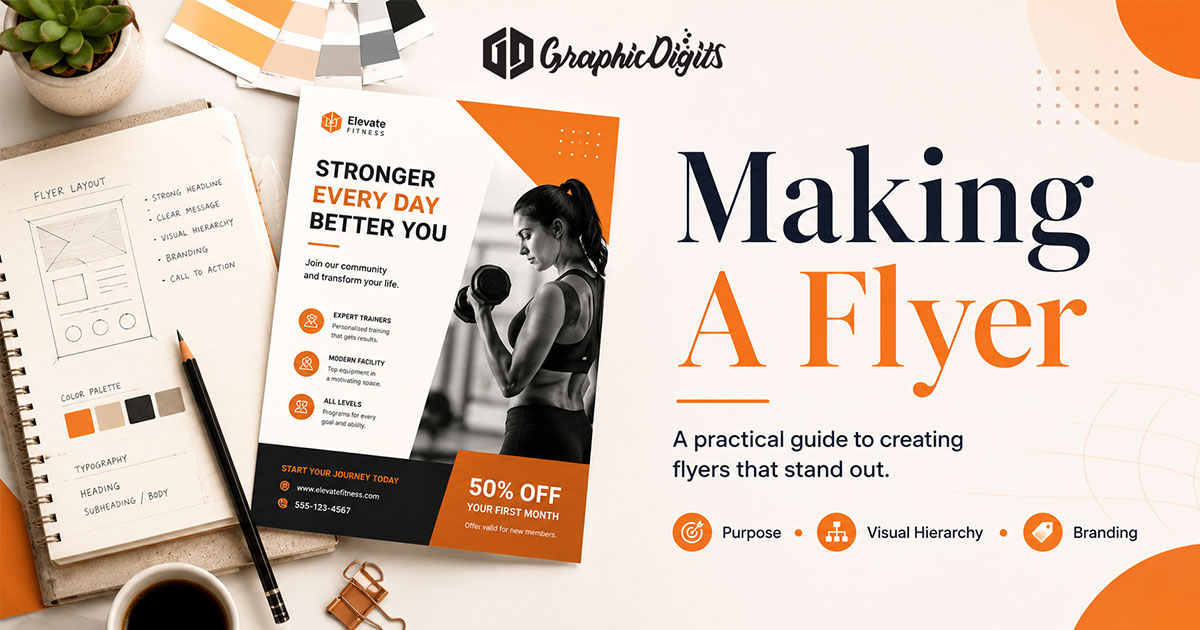
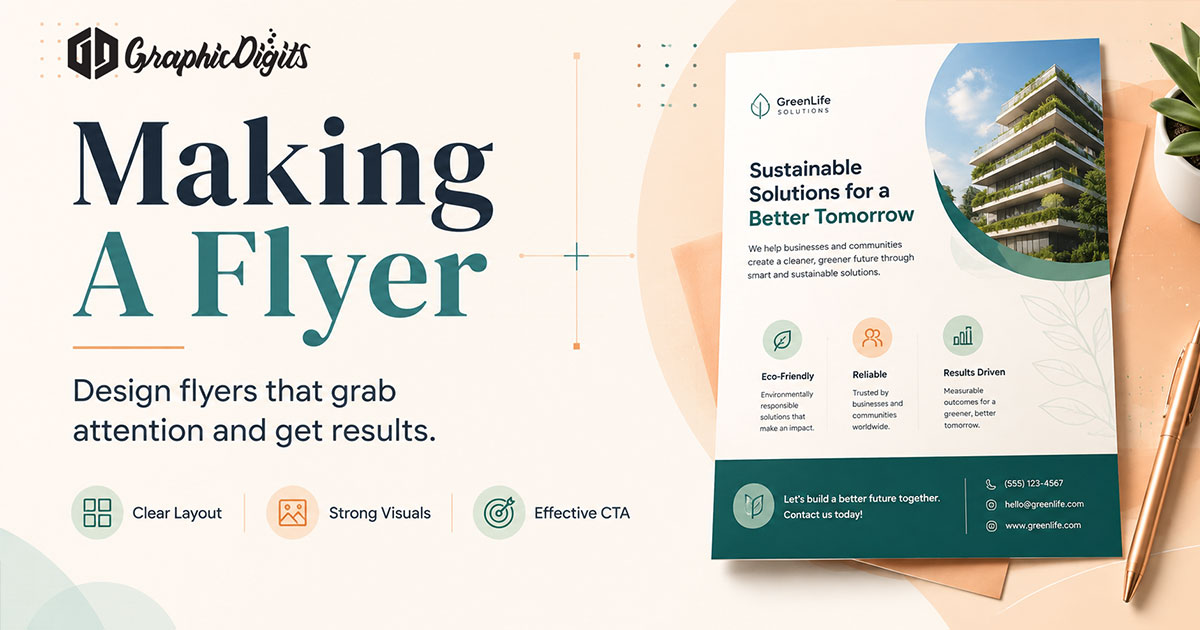
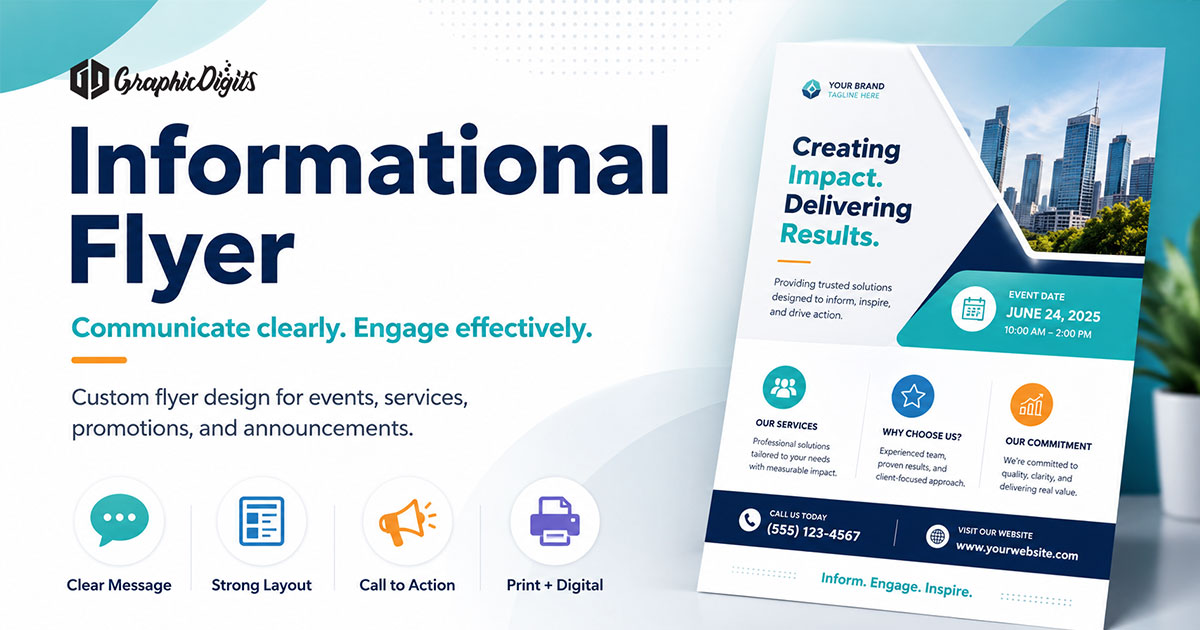
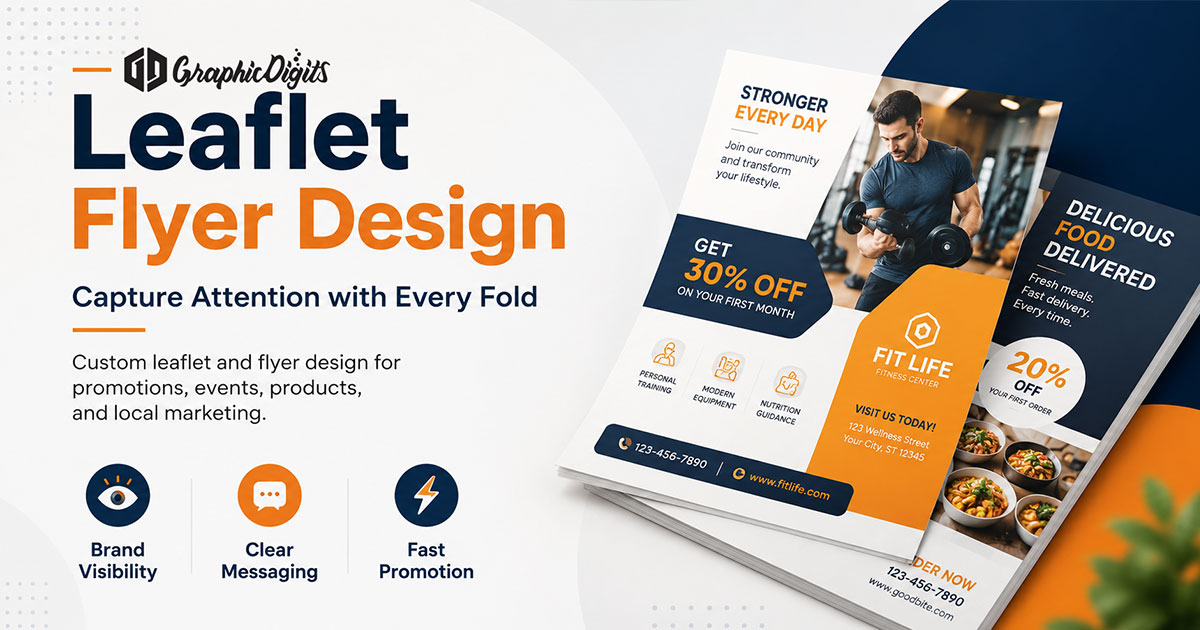
Making a flyer works best as a short sequence: decide the job, write the hierarchy, design for a quick skim, then prepare files for print or digital sharing. This guide focuses on that workflow.
For educational layout and scanability, see informational flyer design. For format differences between leaflets and flyers, see leaflet and flyer design. GraphicDigits publishes this as planning guidance; commercial flyer design lives on our flyer design services page.
1. Define purpose, audience and one next step
Before opening a design file, answer three questions: What should someone do after reading? Who will see this, and in what setting? What must stay on this sheet versus a website or brochure?
- Promotional flyers prioritize offer, urgency and a contact or visit path
- Event flyers prioritize date, place, who it is for and how to join
- Informational flyers prioritize clarity over conversion pressure
One primary call to action is usually enough. Competing CTAs dilute the skim path.
2. Write the content hierarchy first
- Headline that states the offer or topic in plain language
- One short supporting sentence
- Essential details: dates, location, eligibility, offer terms
- Secondary proof or bullets only if they help the decision
- Contact or next-step block in a predictable place
People skim. Short lines, bullets and labels beat long paragraphs. Save long narrative for a brochure or landing page.
3. Choose layout, visuals and brand cues
Layout should support the hierarchy you already wrote. Leave breathing room, keep contrast strong and align type and images to a simple grid. Brand colors and fonts should match other materials so the flyer feels like the same organization—not a one-off template.
- Pick one visual focus; avoid stacked stock images competing with the headline
- Use brand-safe color and type rather than unrelated decorative fonts
- Keep margins large enough for print trim and folding if needed
- Place the CTA where the eye finishes after the key details
4. Match flyer type to the job
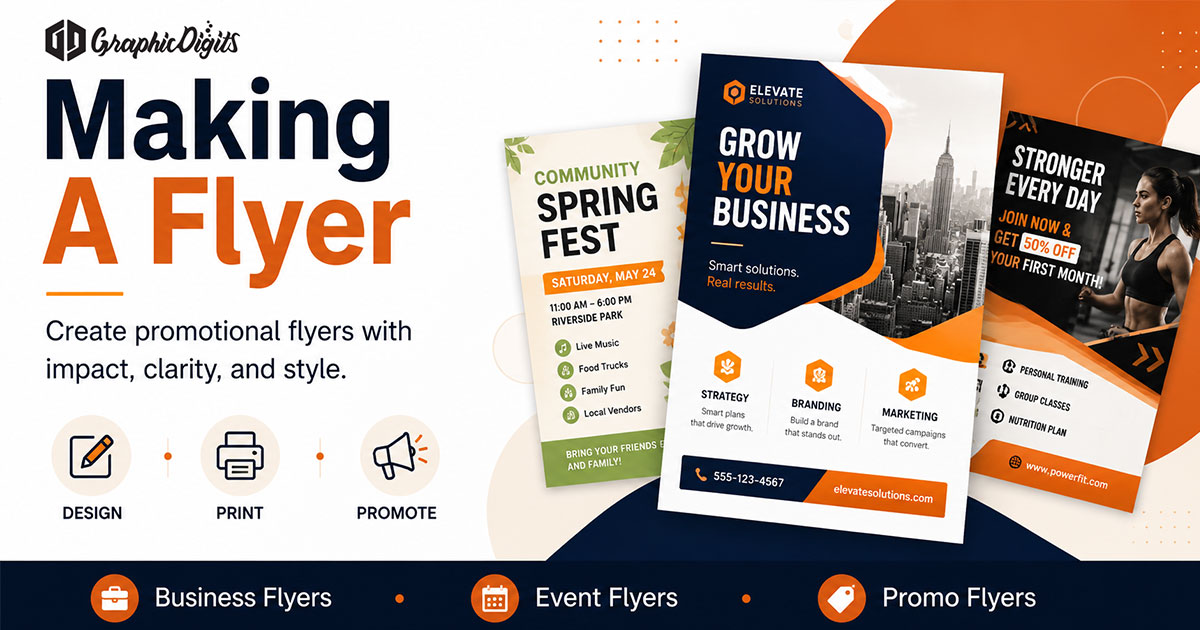
Business or promotional flyers work for offers, openings and service highlights. Event flyers need logistics first. Birthday or celebration flyers can be more playful but still need date, place and RSVP clarity. Choose the type that matches the job—then keep the sheet disciplined.
5. Prepare files for print or digital use
Design delivery usually means print-ready PDFs or digital assets for email and social posts—not printer selection, mailing or handout logistics. Confirm with your printer: size, bleeds, color mode and paper. For on-screen use, export versions that stay readable on phones.
GraphicDigits designs flyers and delivers production-ready files. We do not print, ship or fulfill campaigns.
Common mistakes when making a flyer
- Overloading the sheet with every service detail
- Using low-resolution images that look soft in print
- Removing white space until nothing can be skimmed
- Leaving the next step vague or buried
- Ignoring brand colors, fonts and logo rules
When to bring in flyer design support
DIY tools are fine for simple announcements. Custom flyer design helps when brand consistency, multi-version campaigns or print-ready production standards matter more than a quick draft.
Frequently asked questions about making a flyer
What is the first step in making a flyer?
Define the single job the flyer must do, who will see it and what action you want after a quick skim. Purpose and audience decisions drive headline, layout and how much detail belongs on one sheet.
How is this different from informational or leaflet flyer guides?
This page is a step-by-step creation workflow. The informational flyer guide focuses on educational layout and scanability. The leaflet and flyer design guide compares formats and when each fits better than a brochure.
What makes a flyer effective?
An effective flyer uses one clear headline, concise supporting copy, readable hierarchy, purposeful visuals and a single primary call to action that matches how people will encounter the piece.
Does GraphicDigits print or fulfill flyers?
No. GraphicDigits provides flyer design and print-ready files. Printing, mailing and on-site distribution are handled by you or a printer you choose—we do not operate a print or fulfillment shop.