A website is often the first serious impression people have of your business. Before contacting you, customers usually judge your brand by your website’s design quality, clarity, speed, mobile experience, and trust signals.
In 2026, good website design is not just about looking modern. A strong website must be easy to use, fast to load, clear to navigate, accessible, and built to guide visitors toward action.
This guide covers practical website design best practices businesses can use to improve user experience, credibility, and conversions.
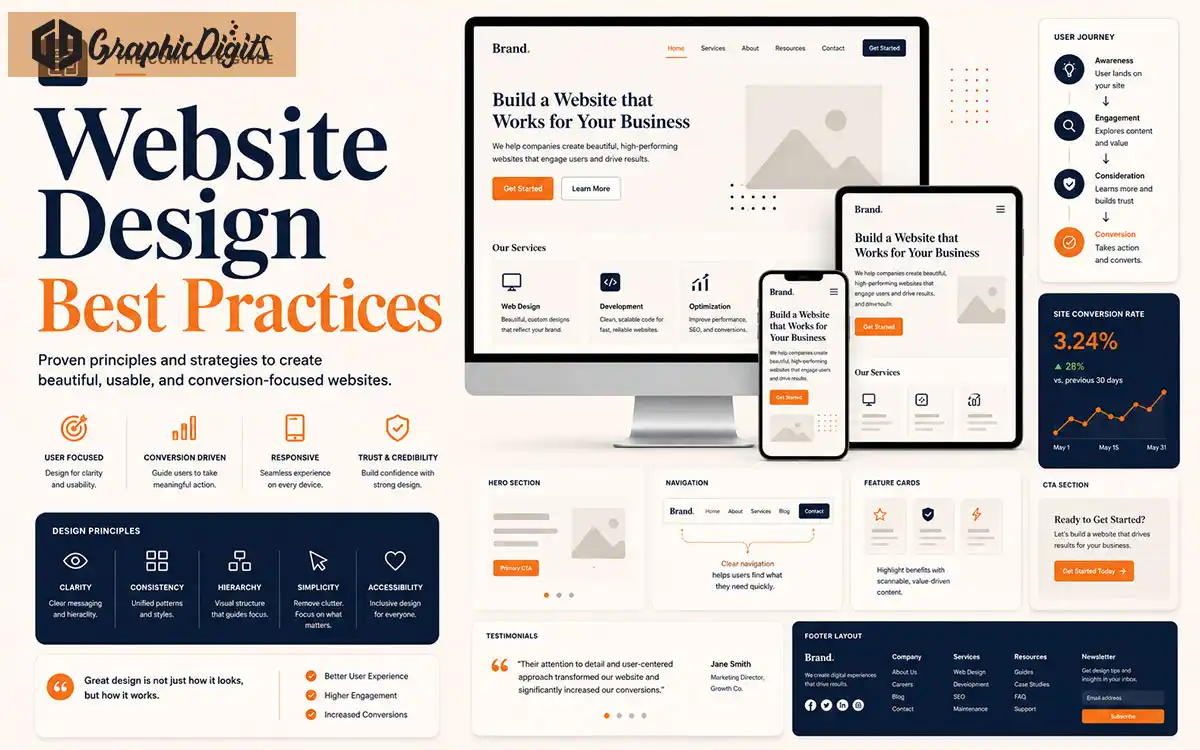
- UX firstMake pages easy to understand, scan, and act on from the first visit.
- Mobile & speedResponsive layouts and fast loading keep users engaged on every device.
- Trust & conversionClear CTAs, proof, and accessible design turn visitors into leads.
Section 01
Why Website Design Matters in 2026
Your website affects how people perceive your business. A clean, professional website can make your brand feel credible and reliable, while a confusing or outdated website can reduce trust.
Website visitors make quick decisions. If they cannot understand your offer, find important information, or take action easily, they may leave.
Good website design supports branding, marketing, SEO, lead generation, and customer confidence.
Section 02
User Experience Comes First
User experience is about making the website simple, useful, and comfortable to use. Visitors should understand where they are, what you offer, and what they should do next.
A strong UX reduces confusion and helps people move through your content naturally.
Clear page purpose
Easy scanning
Helpful content flow
Simple user actions
Section 03
Mobile-First Responsive Design
Many users visit websites on mobile devices. Your website should look clean, load quickly, and work smoothly on small screens.
Mobile-first design means planning layouts, buttons, images, forms, and navigation for mobile users first, then scaling up for desktop.
Check that text is readable, buttons are easy to tap, and sections do not feel crowded.
Section 04
Clear Navigation
Navigation should help visitors find what they need quickly. Avoid complicated menus, unclear labels, and too many competing options.
Use simple menu labels, organized dropdowns, and clear paths to important pages such as services, portfolio, contact, and quote pages.
Good navigation improves both user experience and conversion.
Section 05
Fast Loading Speed
Speed is a major part of website experience. Large images, unnecessary scripts, poor hosting, and bloated code can slow down a website.
A faster website feels more professional and keeps visitors engaged.
Use optimized images, clean code, caching, and performance-friendly layouts to improve loading time.
Section 06
Strong Visual Hierarchy
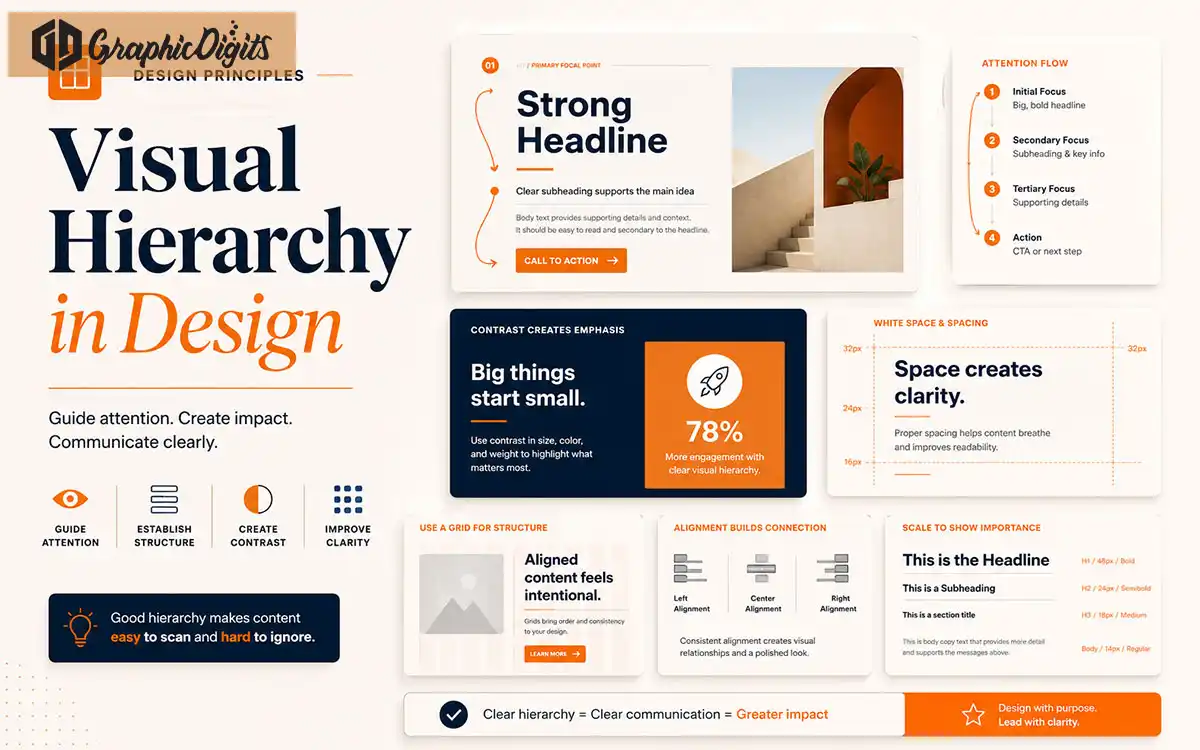
Visual hierarchy helps visitors understand what matters most. Headings, spacing, colors, images, buttons, and layout structure guide attention.
A strong hierarchy makes your content easier to scan and helps users identify the main message and next action.
Use clear headings, readable sections, proper spacing, and strong CTA placement. Learn more in our visual hierarchy guide.
Section 07
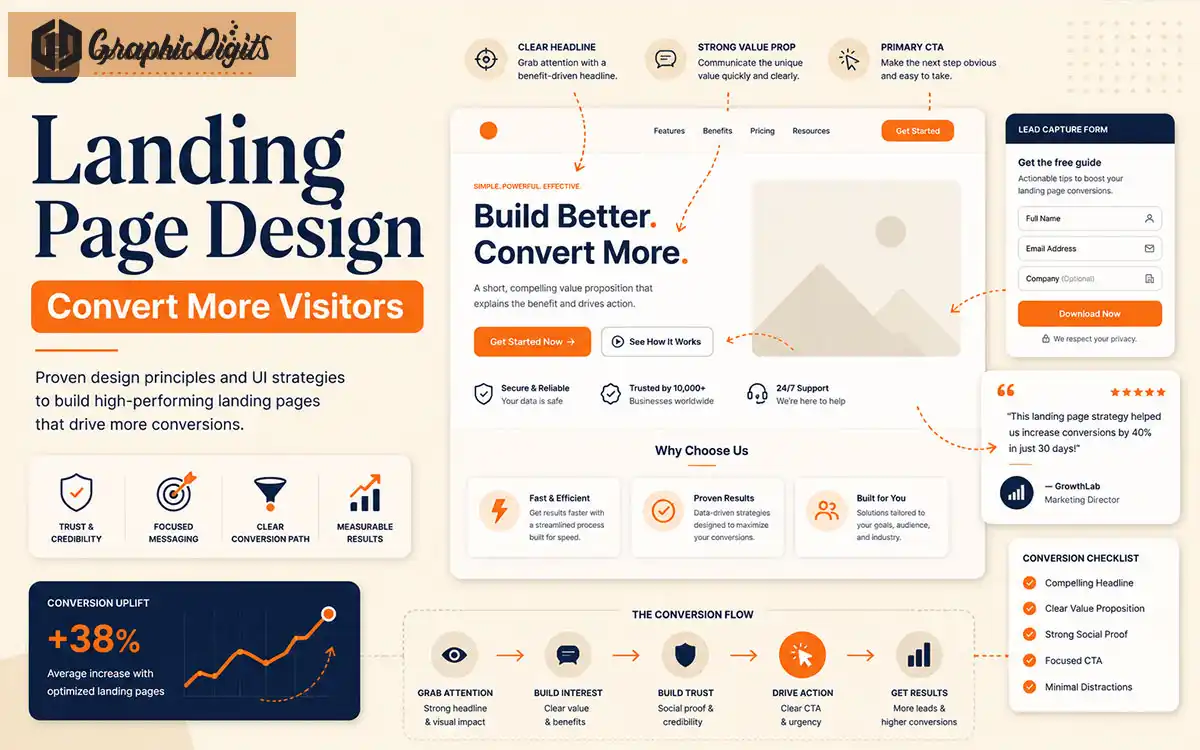
Conversion-Focused CTAs
Calls to action tell visitors what to do next. Examples include Get a Quote, Book a Call, View Services, See Portfolio, or Contact Us.
Your CTA buttons should be visible, specific, and placed naturally throughout the page.
Avoid vague CTAs and make sure each page has a clear purpose. Request a quote when you are ready to discuss your site.
Section 08
Trust-Building Design Elements
Trust elements help visitors feel confident. These can include testimonials, case studies, portfolio examples, client logos, reviews, guarantees, process steps, and contact details.
A professional website should show proof, not just promises.
Testimonials
Portfolio work
Case studies
Clear contact details
Process explanation
Secure and professional forms
Section 09
Accessibility and Readability
Accessible design helps more people use your website. Good contrast, readable fonts, clear labels, keyboard-friendly navigation, and proper heading structure all improve usability.
Readability matters too. Avoid tiny text, low contrast, crowded layouts, and long unbroken paragraphs.
A website should be easy to read for real users, not just search engines.
Section 10
SEO-Friendly Page Structure
Good design should support SEO. Use proper headings, descriptive page titles, useful internal links, optimized images, clean URLs, and clear content sections.
Search engines and users both benefit from organized content.
A strong website structure helps visitors understand the page and helps search engines index it correctly.
Before Launch
Use a Website Launch QA Checklist
Design review should continue through implementation. A new template or redesign can introduce broken paths, unclear form states, missing alternatives, or unsupported proof even when the visual system looks complete.
Keep a short record of what was tested, who approved the content, and which items need follow-up after launch. That record makes the next improvement cycle easier to prioritize.
Avoid These
Common Website Design Mistakes
These issues hurt usability, trust, and conversion on business websites.
Cluttered homepage
Too many messages on one screen confuse visitors and weaken your main offer.
Weak mobile experience
Hard-to-tap buttons and crowded sections drive mobile users away quickly.
Slow loading images
Heavy visuals without optimization hurt speed, SEO, and user patience.
Poor navigation labels
Unclear menu wording makes it harder to find services, portfolio, or contact pages.
Low contrast text
Light gray text on light backgrounds reduces readability and accessibility.
Hidden CTAs
If the next step is hard to find, fewer visitors will request a quote or contact you.
Outdated visuals
Old layouts and graphics can make a capable business look less credible.
No trust signals
Websites without proof, reviews, or examples feel riskier to new visitors.
Inconsistent branding
Mixed colors, fonts, and styles weaken recognition across pages.
Confusing forms
Long or unclear forms increase drop-off before visitors complete an inquiry.
Partner With Us
How GraphicDigits Can Help
GraphicDigits helps businesses design professional websites that look modern, communicate clearly, and support conversion goals.
We can help with website layout design, landing pages, service pages, responsive visuals, brand consistency, UI/UX improvements, website graphics, and conversion-focused design assets.
Whether you need a new website or want to improve an existing one, our team can help create a design that feels professional, trustworthy, and easy to use through website design, graphic design services, branding design, social media graphics, and presentation design.
Need a Website That Looks Professional and Converts?
Get website design support for layouts, visuals, user experience, and conversion-focused pages that help your business grow.