What custom card design actually covers
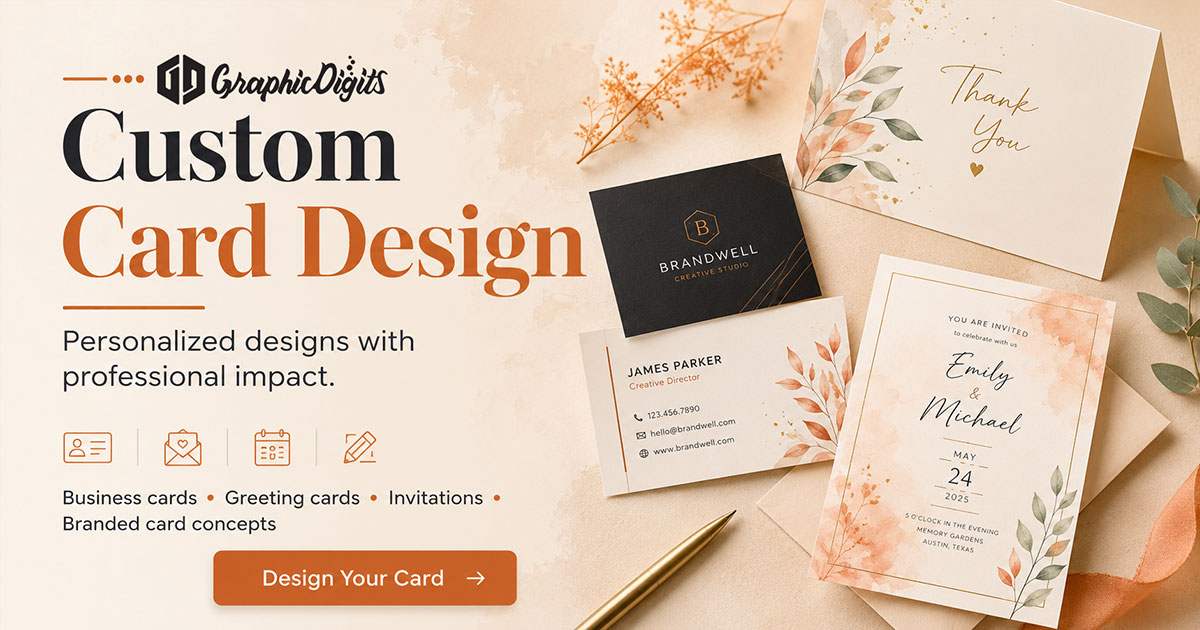
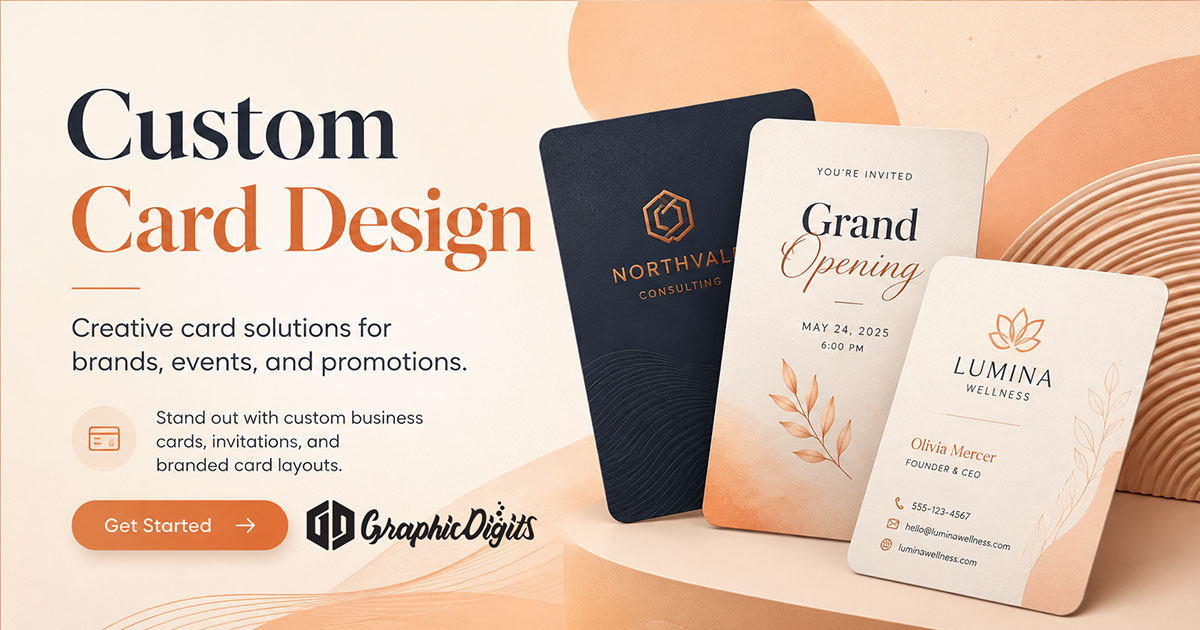
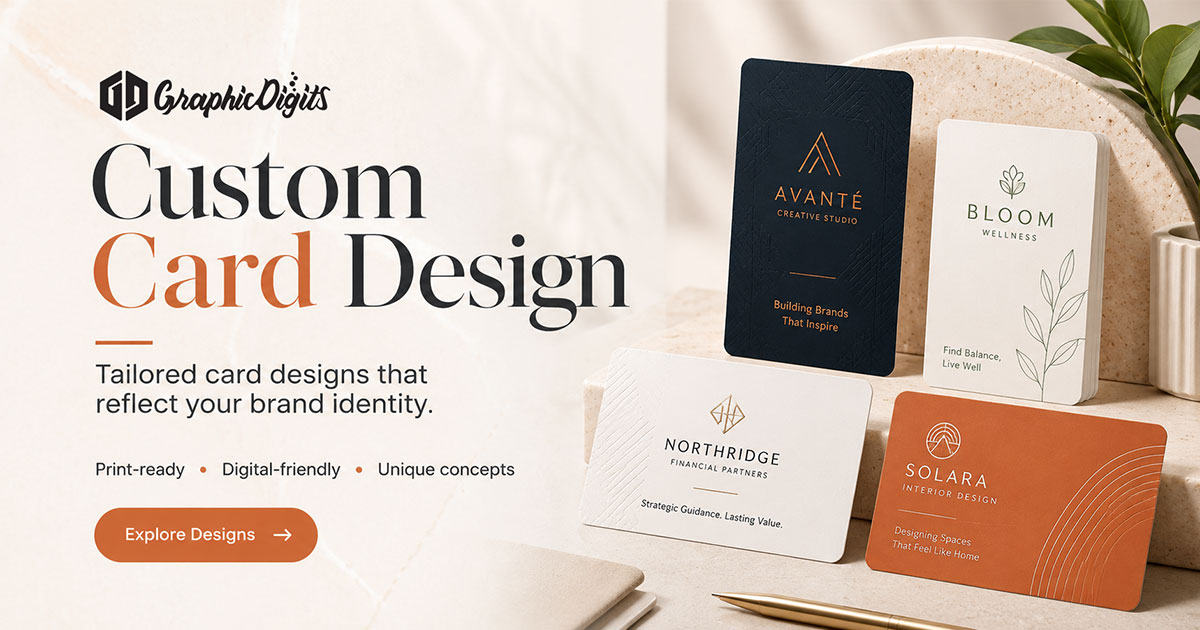
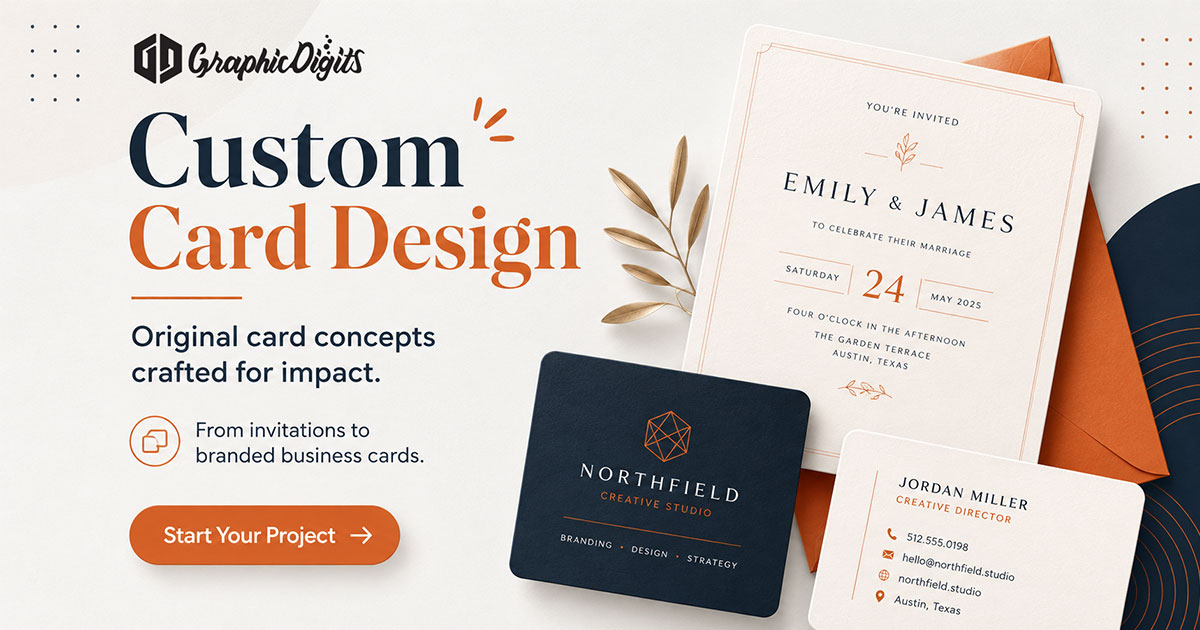
Custom card design is the practice of shaping a card around a real job: introduce a person, invite an audience, thank a customer, carry a loyalty offer, or deliver a seasonal greeting. “Custom” means the purpose, message, brand rules and production specs drive the layout—not a generic template with a logo pasted on top.
This guide is informational: how to choose the card type, decide what must be unique, plan hierarchy and prepare a brief. It is design guidance—not printing, not foil production and not a hiring pitch. For networking-specific hierarchy, see custom business cards. For greeting formats more broadly, see greeting card design. For birthday-specific layouts and ideas, see birthday card design.
Why purpose comes before style
Cards fail when they try to be every format at once. A contact card needs name, role and reach paths. An invitation needs date, place and response detail. A thank-you or holiday card needs a clear greeting and sender—for gratitude-specific layout and tone, see thank-you card ideas. Start with the reader’s job, then pick size, fold and visual direction.
Common custom card uses include:
- Business and team contact cards
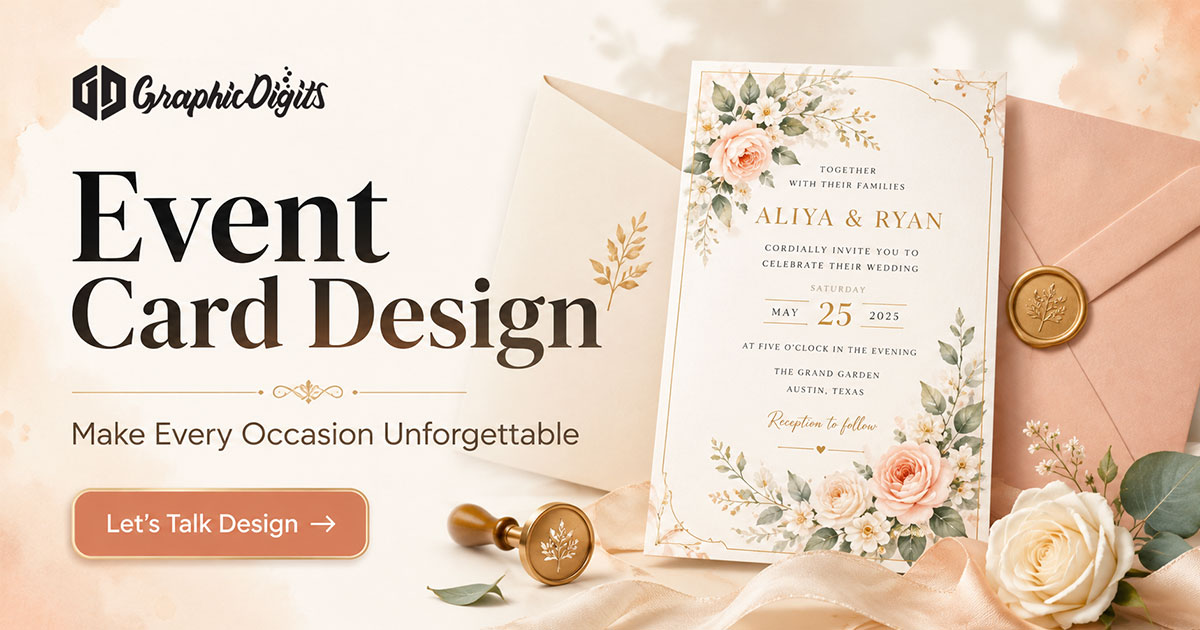
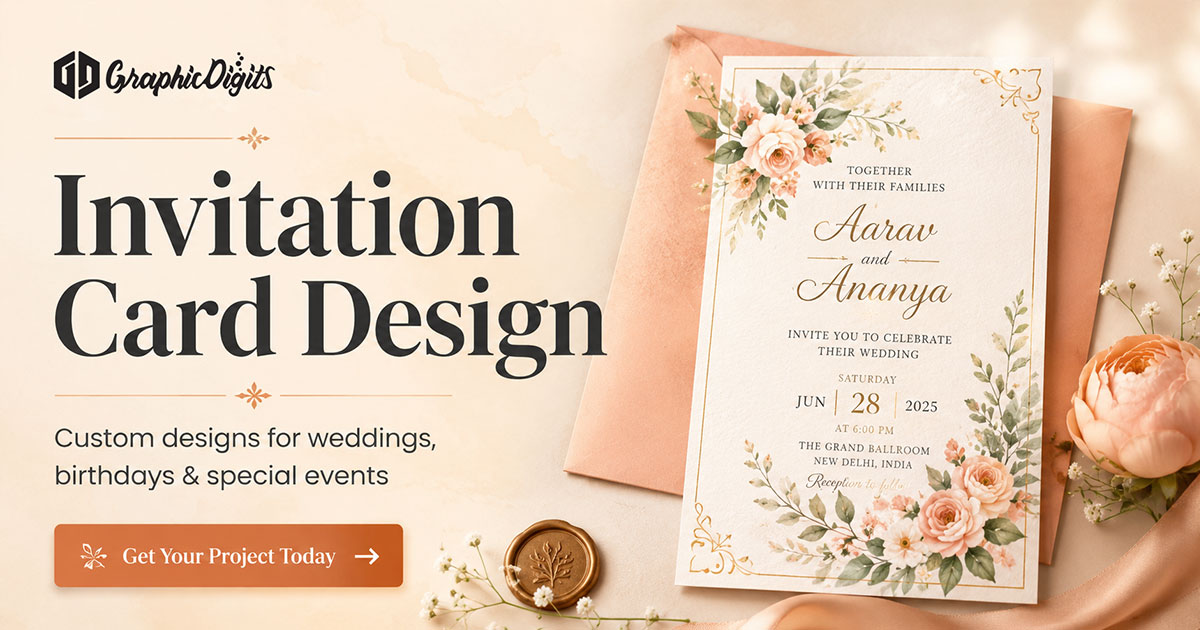
- Invitation and event cards
- Thank-you, loyalty and membership cards
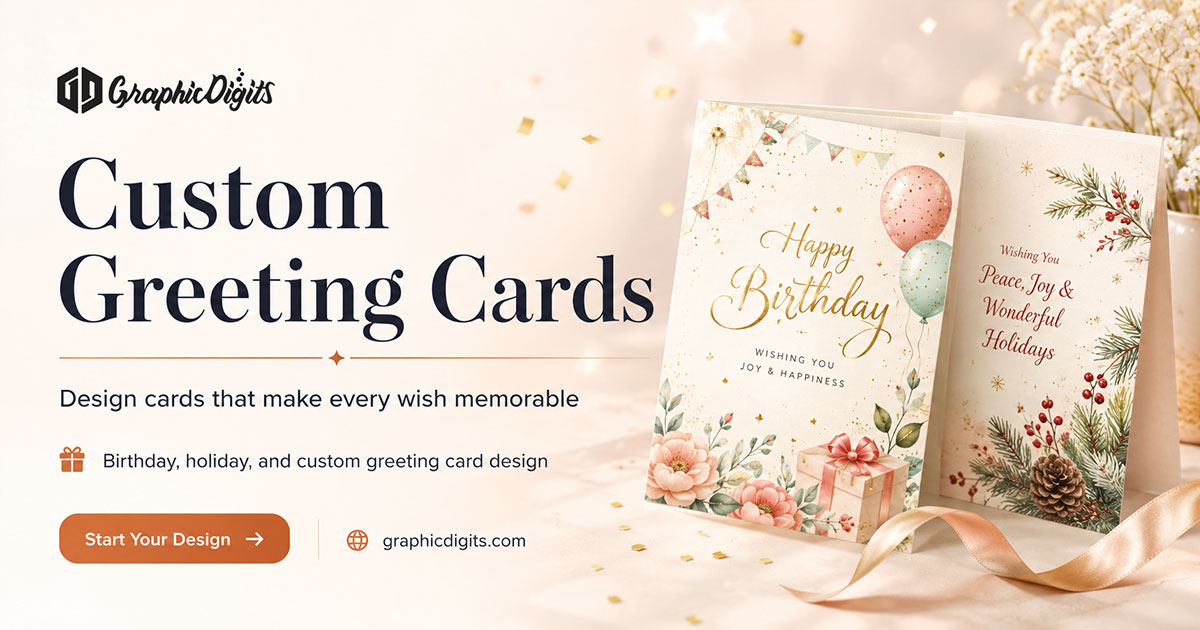
- Seasonal greetings for personal or business audiences
For seasonal hierarchy and wording decisions, see Christmas card design. Keep sibling pages for those specific jobs; use this page to decide what “custom” requires before you brief.
What makes a card custom
Customization is more than a special finish. Decide which of these must be unique to your brand or project:
- Message and hierarchy: what the reader sees first, second and last.
- Identity rules: approved logo, type roles, color and clear space.
- Format: size, orientation, fold, single-sided or double-sided.
- Delivery: print-ready artwork, digital sharing version, or both as related files.
Finishes such as foil, embossing or soft-touch coating can support the concept, but they belong in the production brief after the layout works in black-and-white hierarchy. GraphicDigits designs the files; your printer owns stock, finishing and quantities.
Layout rules that travel across card types
Regardless of occasion, protect readability. Keep one primary focus—name, greeting or offer—and avoid stacking equal-weight elements. Leave margin for trim and safe area. On business formats, contacts must remain legible at arm’s length. On greetings and invitations, leave room for a short message or RSVP without crowding the visual.
Brand-led cards should still look like your system, not a seasonal sticker sheet. Adapt identity with restraint: one accent, one lockup treatment and consistent type roles. When the card is mainly for networking, use the dedicated custom business cards briefing guide for contact hierarchy detail.
Print specs versus digital variants
Confirm trim size, bleed, safe margin, color mode and file format with the printer before artwork is final. Keep faces, names and URLs inside the safe area. If the card folds, mark panel order and score lines clearly in the handoff package.
Digital versions—email graphics, social posts or PDF attachments—need their own dimensions and type size. QR codes and links should be tested at the size recipients will see. Shared identity is the goal; one stretched file is not.
How to brief custom card design
A useful brief is short and specific:
- Purpose and audience
- Required text, contacts or legal lines
- Brand assets and any must-use treatments
- Preferred size, fold and single- or double-sided layout
- Print specs or digital dimensions if known
- Finish preferences as optional notes, not the whole brief
When you are ready to hire, use the stationery design hub. Revision rounds are scoped in the quote—not unlimited. Concept mockups for specialized formats (including membership or payment-style presentations) are design visuals only; they are not issued cards or payment products.
Custom card design checklist
- Name the card’s job in one sentence.
- List required text before choosing decoration.
- Apply approved brand rules without overcrowding the format.
- Confirm size, fold, bleed and safe area for print.
- Plan a separate digital variant when the campaign needs one.
- Proof names, dates, URLs and QR codes at final size.
Conclusion
Strong custom card design starts with purpose, then layout, then production notes. Keep occasion and business-card specifics on their own guides. Use this page to decide what must be unique and what to put in the brief before anyone opens a design file.
Frequently asked questions about custom card design
What does custom card design mean?
Custom card design means planning a card for a specific purpose—contacts, greeting, invitation, loyalty, or thank-you—then matching layout, message, brand rules and print or digital specs to that job. It is not a one-size template with a logo dropped in.
How is this different from a custom business card guide?
Custom business card articles focus on name, title, contacts and networking hierarchy. This page is the umbrella: how to choose the card type, decide what is custom, and brief any card format before you hire. Use the business-card guide when the card is specifically for introductions.
What should a custom card design brief include?
Include the card purpose, audience, required text, brand assets, preferred size or fold, print or digital delivery, and any finish or production notes from your printer. Clear purpose first; decoration second.
Does GraphicDigits print custom cards?
No. GraphicDigits designs print-ready and digital files. Paper, quantities, finishing, foil, embossing and mailing stay with you or your printer.
Can one custom card design cover print and digital?
Related formats can share identity, but they need separate checks. Print needs trim, bleed and safe area; digital versions need screen-friendly dimensions and legible type. Plan them as a set, not as one stretched file.