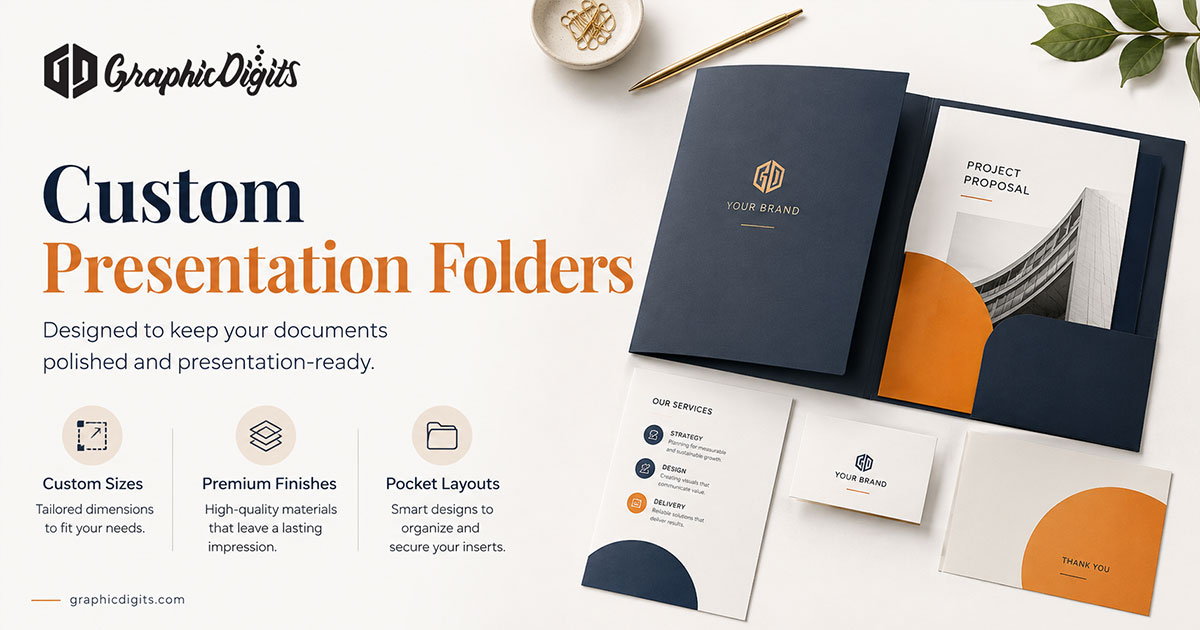
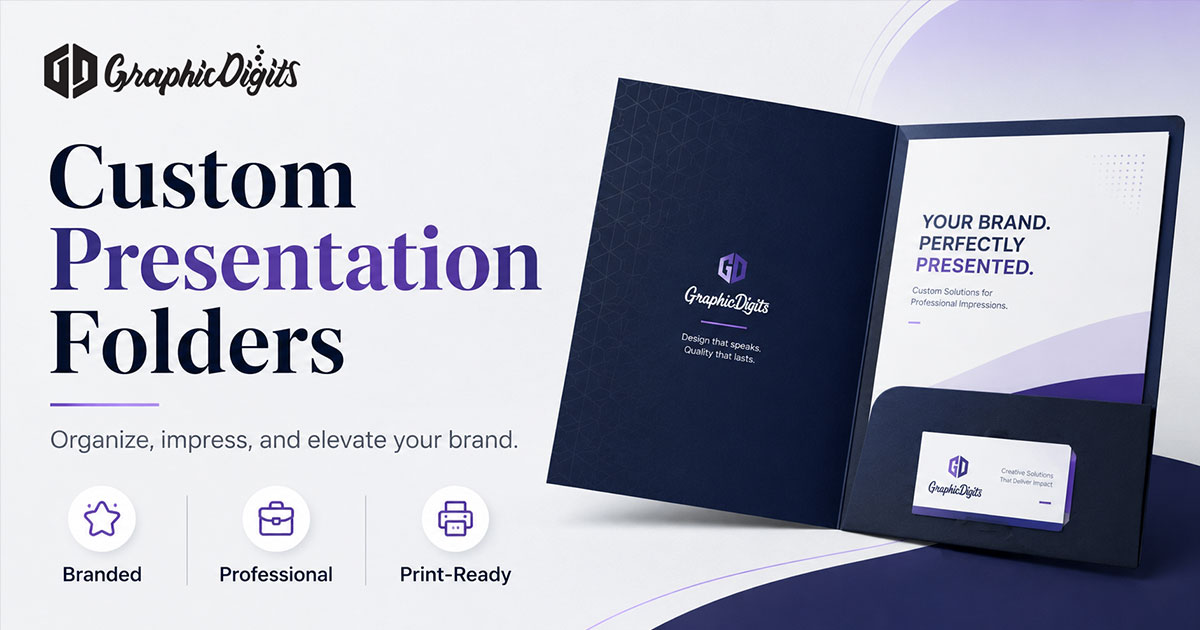
A custom presentation folder is a branded document holder used to organize materials such as proposals, sales sheets, brochures, onboarding documents, or event handouts. Before designing the artwork, confirm the finished folder size, pocket configuration, business-card slots, printer dieline, and the information that belongs on the front, back, and inside panels.
This guide covers printed presentation folders, not slide-deck or PowerPoint presentation design.
GraphicDigits designs print-ready folder artwork. We do not print, foil, or assemble folders. When you are ready to hire, use stationery design—there is no separate folder service page. Matching cards and letterhead belong in creative stationery design and business stationery design.
When custom presentation folders are useful
Use a presentation folder when leave-behind materials need structure and a consistent brand face:
- Proposals and capability documents
- Sales kits and leave-behind collateral
- Onboarding materials
- Event handouts
- Brochures, inserts, and supporting sheets
How to Design a Presentation Folder
- Define the folder's use—pitch, sales kit, onboarding, or event handout
- Confirm finished size with your printer or known stock format
- Confirm pocket configuration—one, two, or angled—and depth needs
- Get the printer's dieline before final artwork
- Decide what materials the folder will hold and in what order
- Plan front-cover hierarchy: logo, title or message, restrained support
- Plan back-cover information: contact, website, or a quiet CTA
- Design inside panels and pocket faces without fighting folds or slots
- Position business-card slots and nearby contact details where needed
- Check bleed, folds, safe areas, and cut lines against the dieline
- Prepare final print-ready artwork for your printer
Planning online does not mean using a browser folder builder. Gather the correct printer dieline from your print provider before locking final artwork.
What the artwork brief should lock
Before final files, the designer should have the production inputs that keep artwork aligned to the physical folder:
- Final printer dieline
- Finished size
- Pocket depth and configuration
- Business-card slot position
- Bleed and safe area
- Fold and cut indicators
- Any printer specifications required for file handoff
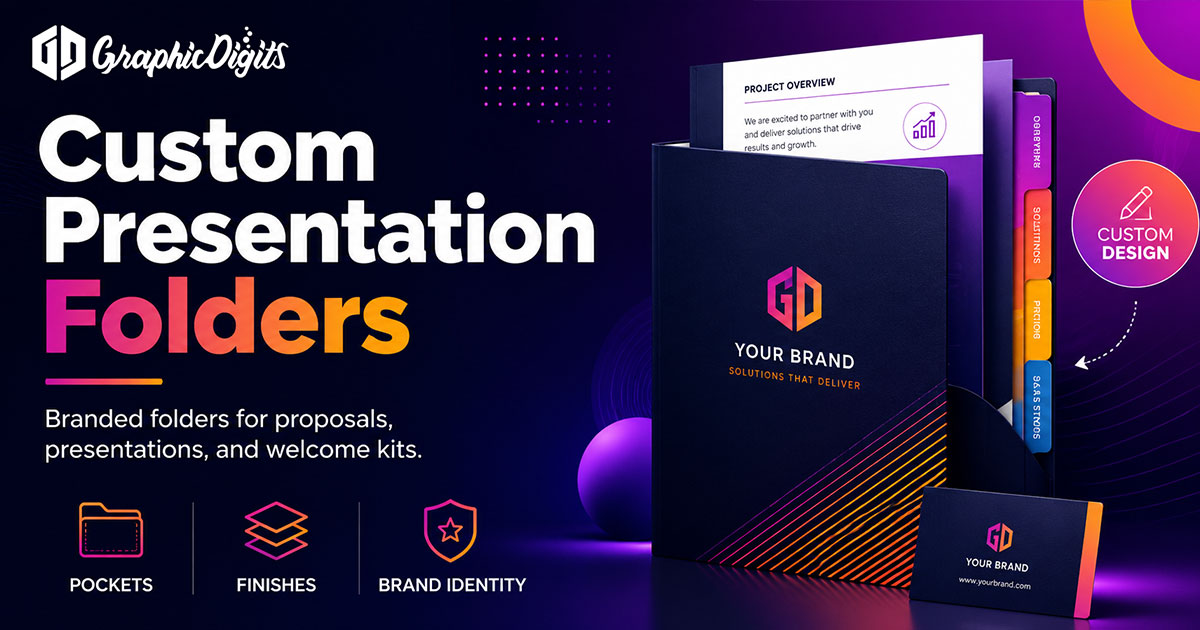
Decide insert sizes early so pockets and card slots are not guessed later. List every panel that gets ink: front, back, inside left, inside right, and pocket faces.
Front, back, and inside panels
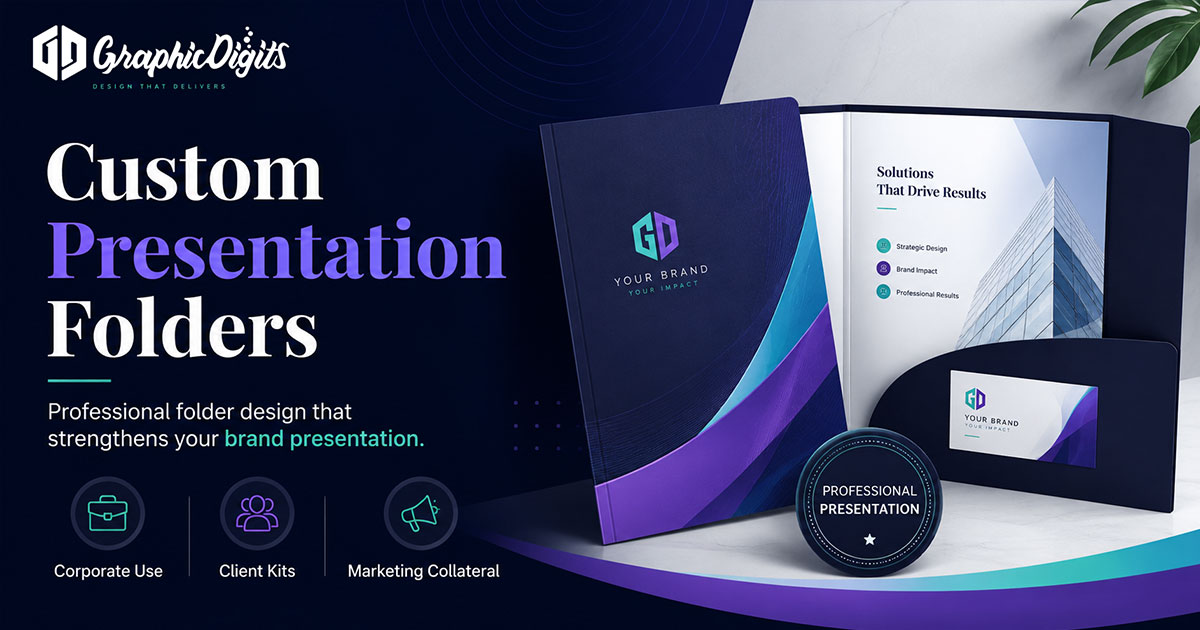
- Front cover: logo or brand, a clear title or message where needed, and restrained supporting information
- Back cover: contact information, website, and a quiet CTA where appropriate
- Inside: pocket graphics, business-card slit area, and supporting brand elements—avoid placing critical content where documents will cover it
- Pocket faces: light branding only; keep dense type away from folds and slots
Do not treat the folder like a brochure with every service listed. Inserts carry detail. The folder carries brand and structure.
Bleed, folds, and printer specs
Artwork needs bleed past trim, safe margins inside folds, and clear space around pocket edges and card slots. Soft-touch, gloss, foil, and embossing are printer finishing choices—note them in the brief if your vendor already requires them, but they are not a design deliverable by themselves. Paper stock, lamination, and die-cutting stay production decisions to confirm with the printer.
Revision rounds are scoped. Unlimited revisions usually means the dieline or pocket list was never locked.
When you are ready to hire
Open stationery design and request a quote with logo files, pocket count, insert sizes, and any printer dieline. Leave print runs and finishing to your vendor.
Frequently asked questions about custom presentation folders
What is a custom presentation folder artwork brief?
It is a plan for covers, spines, pockets, and panels before anyone designs or prints. GraphicDigits designs the files. We do not print, foil, or finish folders.
What should a presentation folder include?
Most folders need a branded front cover, clear pocket organization for inserts, contact details on the back where useful, a business-card slot when handoffs matter, and a correct printer dieline before final artwork.
Do you have a dedicated presentation folder service?
No. Folder artwork sits under stationery design. Use the stationery hub to hire and request a quote with stationery-design as the service.
What should go on the front and back covers?
Front: logo, firm name, and one short line if needed. Back: contact block, website, or a quiet brand mark. Leave large empty zones for pockets and die cuts so type does not collide with folds.
Do you print or finish presentation folders?
No. We deliver print-ready artwork with bleed and safe margins. Stock, pockets, foil, soft-touch, and quantities stay with you or your printer.
How do we start a folder artwork project?
Share the logo, brand colors, pocket count, insert sizes, and any printer die line you already have. Request a quote on stationery design. Revision rounds are scoped—not unlimited.