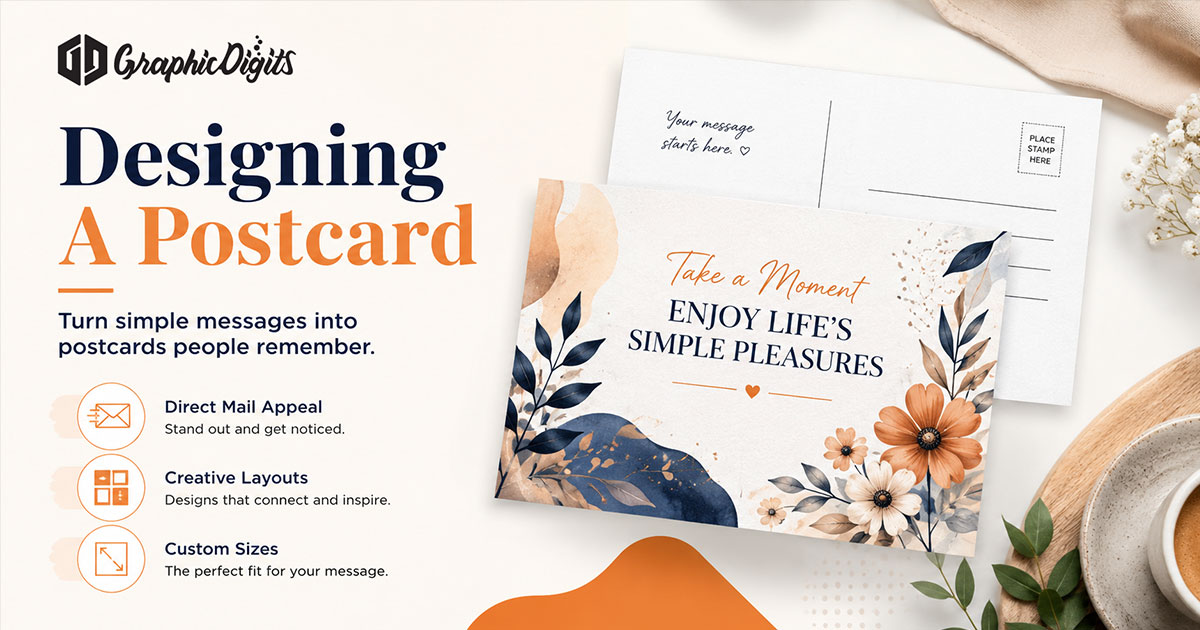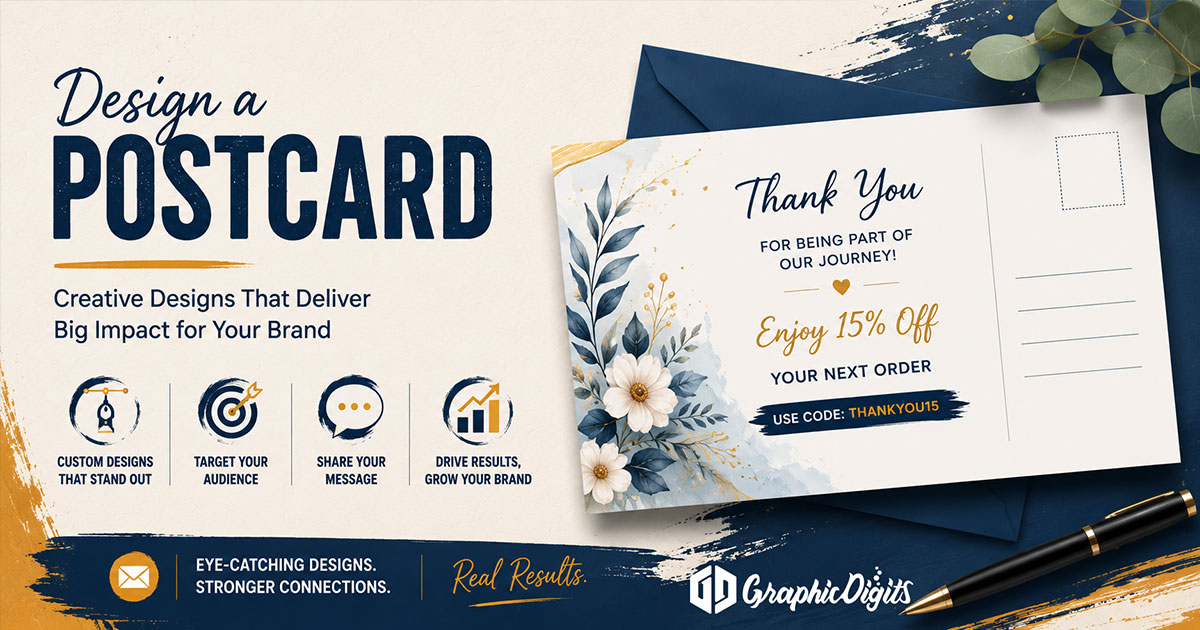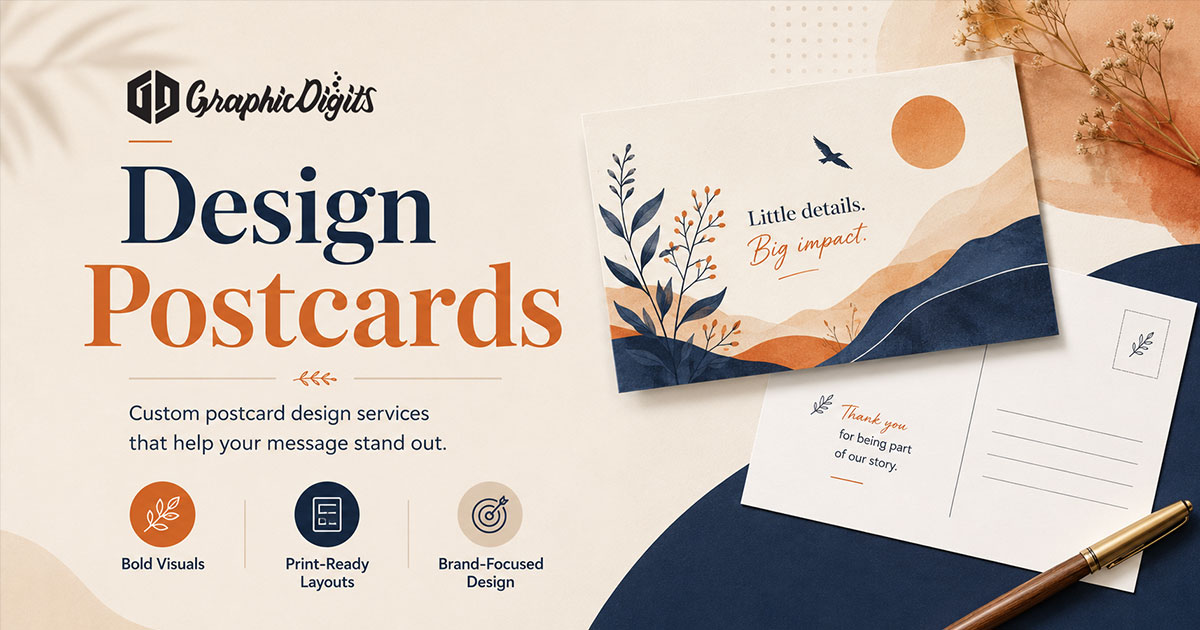
Designing postcards for print means moving beyond the visual concept and checking how layout, copy, bleed, safe areas, images and mailing-side elements will work in the final production file. This guide focuses on print planning and artwork handoff after the basic postcard concept and front/back structure are already defined.
For the broader design process—concept, layout, mailing setup and guidelines—see designing a postcard. For detailed front-and-back postcard planning, use that specialist guide. This page stays on layout-to-production transition and preflight.
Production-aware layout review
At this stage, layout is a production check—not a second general how-to. Confirm key content sits inside safe areas, the design survives trimming, the mailing side remains functional, copy fits without crowding, image areas work at final size, and front/back files are coordinated. Broad postcard layout ownership stays with the complete postcard design guide.
- Is critical type and branding clear of trim?
- Does the mailing panel stay usable when the piece will be mailed?
- Do front and back feel like one card in hierarchy and brand?
- Will imagery still hold at finished print size?
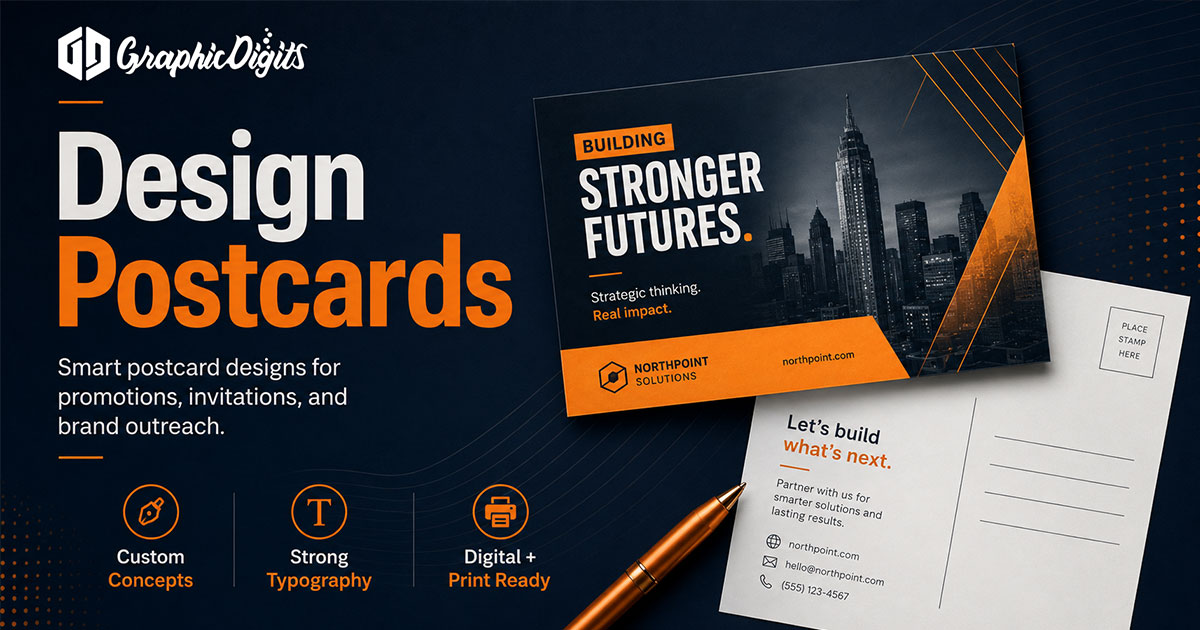
Copy planning for print
Production-aware copy planning keeps hierarchy readable at final size. Use a concise headline, limit supporting copy length, keep the CTA visible, avoid overcrowding, and keep critical lines away from trim and operational mailing areas. This is not a general marketing-copy strategy article—it is about what still works when the file goes to print.
- One primary message line that survives a quick glance
- Supporting copy short enough for the message panel
- CTA placement that remains clear after safe-area review
Bleed, trim and safe areas
Bleed extends artwork beyond the final trim where required so background color and images print to the edge. Trim defines the finished edge. The safe area protects important content from being cut or looking too close to the edge. Printer specifications control final setup—do not invent universal measurements.
- Extend backgrounds and edge-to-edge images into bleed when the printer requires it
- Keep headlines, logos and CTAs inside the safe area
- Ask for the printer’s template or spec sheet before final art

Image and file preparation
Prepare assets for the finished size: use adequate image resolution, prefer vector logos when available, and confirm color-mode and export expectations with the printer. Package fonts or convert type as their workflow requires. Press-ready PDF is common, but dimensions, color settings and resolution must follow the vendor’s requirements—GraphicDigits does not claim prepress certification for every press.
- High-resolution images; low-res logos weaken the whole card
- Linked or embedded assets organized for handoff
- Export format and naming that match the printer’s intake process
Mailing-side checks in production
From a print-production view, confirm address, return-address and postage or indicia zones stay clear when those areas apply, and that design elements do not crowd operational mailing space. Broader mailing/setup guidance belongs to designing a postcard; deep front/back structure belongs to postcard front and back planning. Confirm final mailing requirements with the selected printer or mailing provider.

Final postcard artwork checks before handoff
Use this preflight checklist before you send files to production:
- Correct page / front-back setup
- Final approved copy locked
- Image quality reviewed at final size
- Bleed applied where required
- Safe-area review complete
- Mailing-side clearance confirmed when mailing
- Correct export / file format
- Printer specification confirmation
For a company or B2B brief before production planning, see company postcard design.
When you need print-ready postcard artwork
Need print-ready postcard artwork after planning the layout and production requirements? Explore postcard design services. GraphicDigits scopes design files—not a print run, postage or mailing list.
Frequently asked questions about postcard print planning
What should I check before sending postcard artwork to print?
Confirm front/back page setup, final approved copy, image quality, bleed where required, safe-area clearance, mailing-side functional space, export format, and the printer’s specifications before handoff. GraphicDigits prepares print-ready artwork—we do not print or mail.
What are bleed, trim and safe areas on a postcard?
Bleed extends artwork beyond the final trim where required so edges print cleanly. Trim is the finished edge. The safe area keeps important text and logos away from that edge. Use the printer’s specifications for final values—there is no single universal measurement set.
How should postcard copy be planned for print?
Keep the headline concise, limit supporting copy to what fits at final size, make the CTA visible, preserve hierarchy, avoid overcrowding, and keep critical lines away from trim and operational mailing areas.
What should I confirm on the mailing side before production?
From a production view, confirm address, return-address and postage or indicia zones remain clear when those areas apply, and that important design elements stay out of operational mailing space. Confirm final requirements with the selected printer or mailing provider.
Does GraphicDigits print postcards or prepare print-ready artwork?
GraphicDigits prepares print-ready postcard artwork. Paper, printing, postage and list work stay with you or your printer. After layout and production requirements are planned, see postcard design services for scoped artwork.