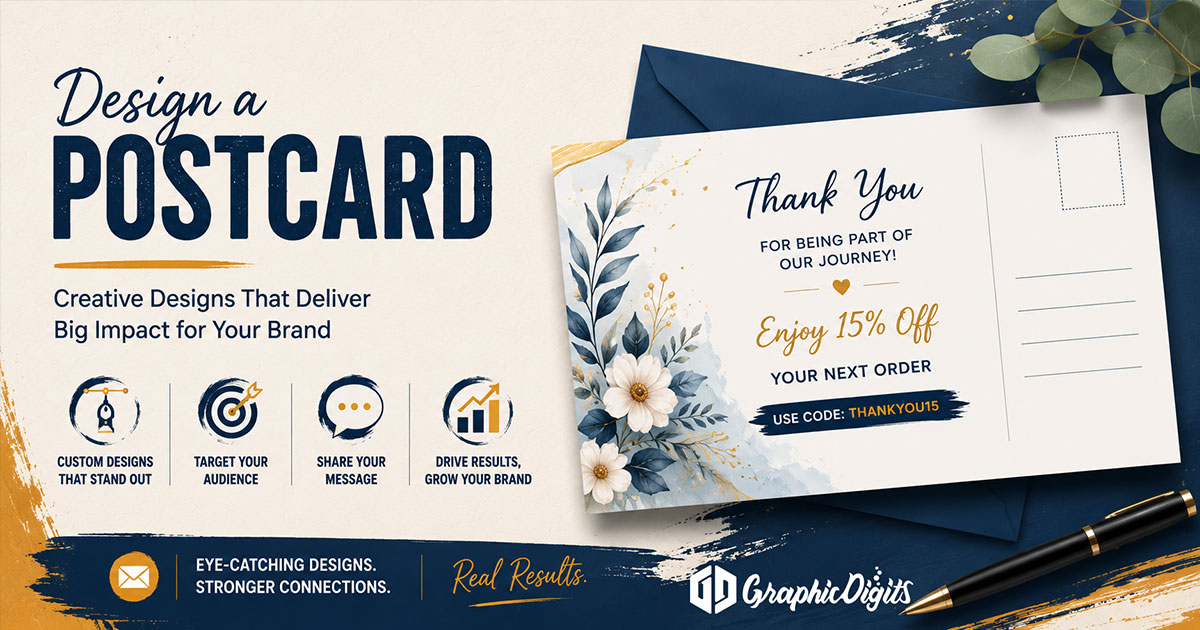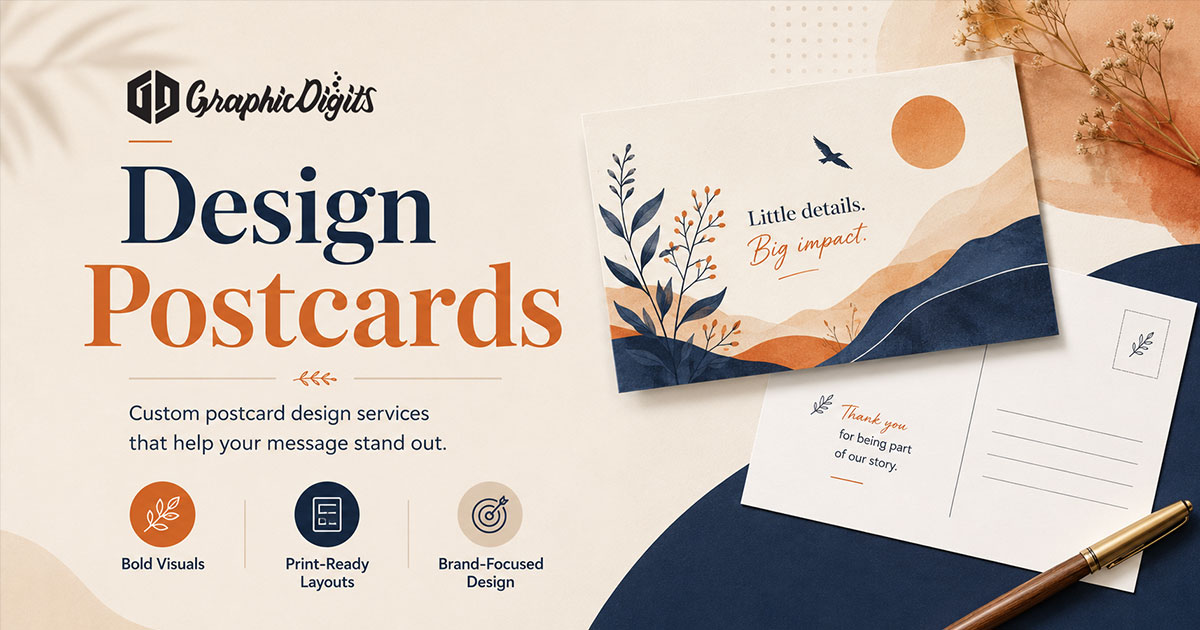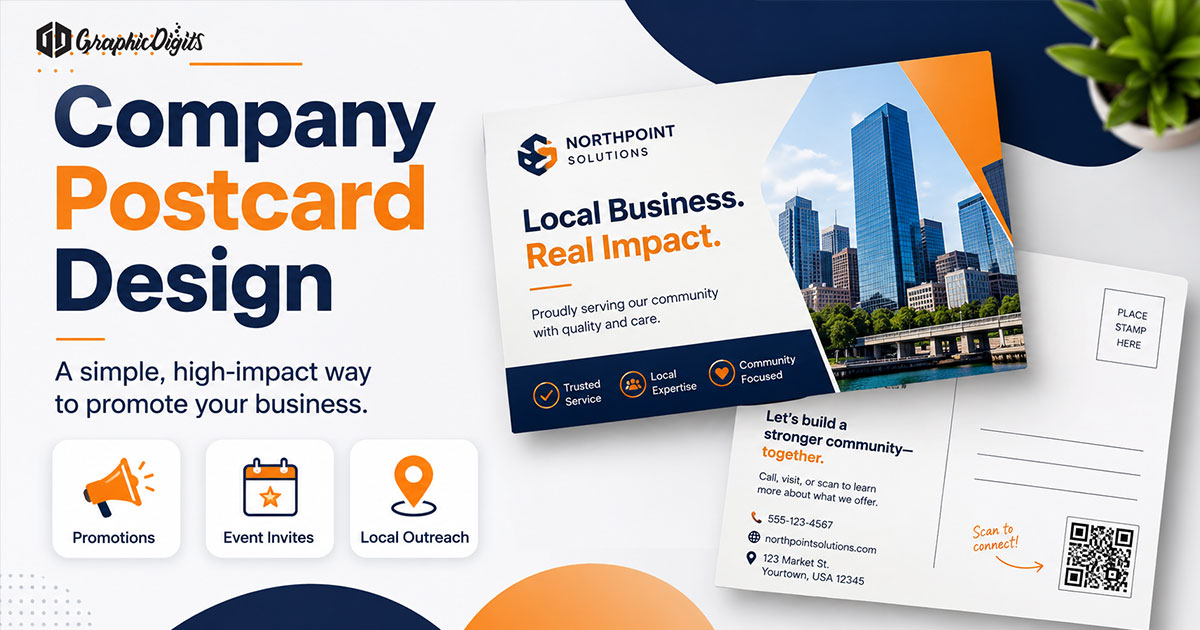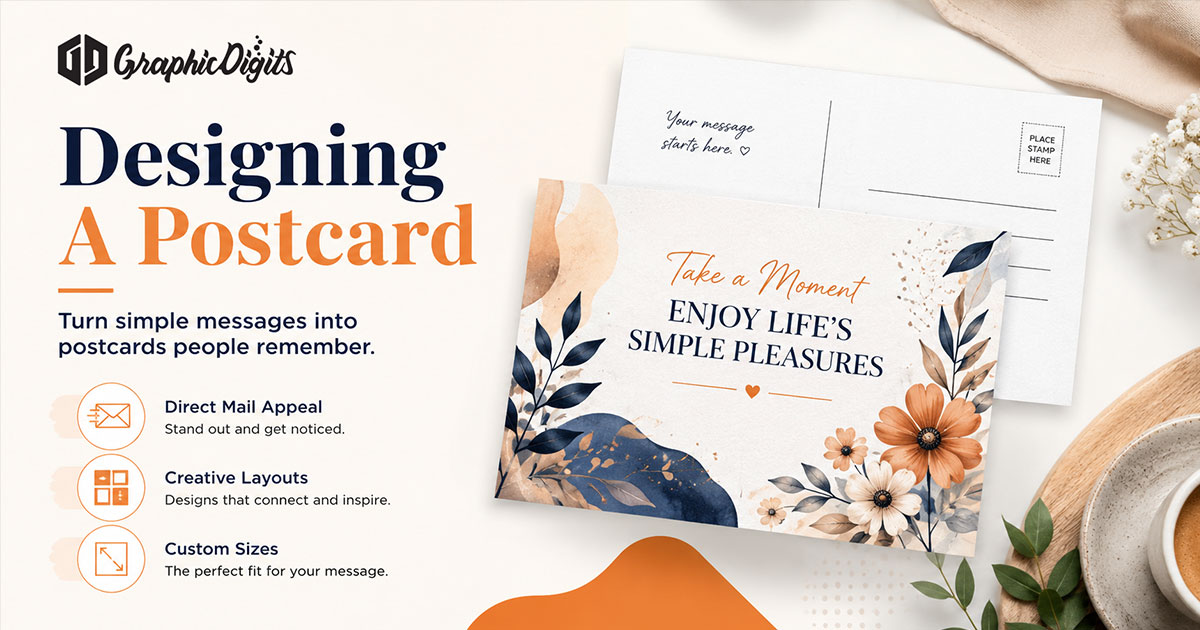
Designing a postcard starts with a clear message, strong visual hierarchy and a layout that works for both the promotional side and the mailing side. Plan the main message first, then structure imagery, typography, address space, bleed, safe areas and file requirements so the artwork is easy to read and practical to hand off for production.
This guide is the informational how-to for postcard design, postcard layout and design guidelines. Postcard graphic design combines hierarchy, typography, imagery, branding and production-aware layout—it is not the same as hiring for generic graphic design services. For a deeper front-and-back postcard planning walkthrough, see that specialist guide. For detailed postcard layout and print planning, use the print-planning article.
Start with audience and one message
Good postcard design begins with who should keep the card and what they should do next. A promo, invite, reminder or thank-you each needs a different tone—but each still needs one primary ask. Align the voice with your branding so the mailer feels like the same company as your site and stationery.
- Audience segment—not “everyone on the list”
- One job: claim, book, visit, RSVP or reply
- One supporting line that explains why it matters now
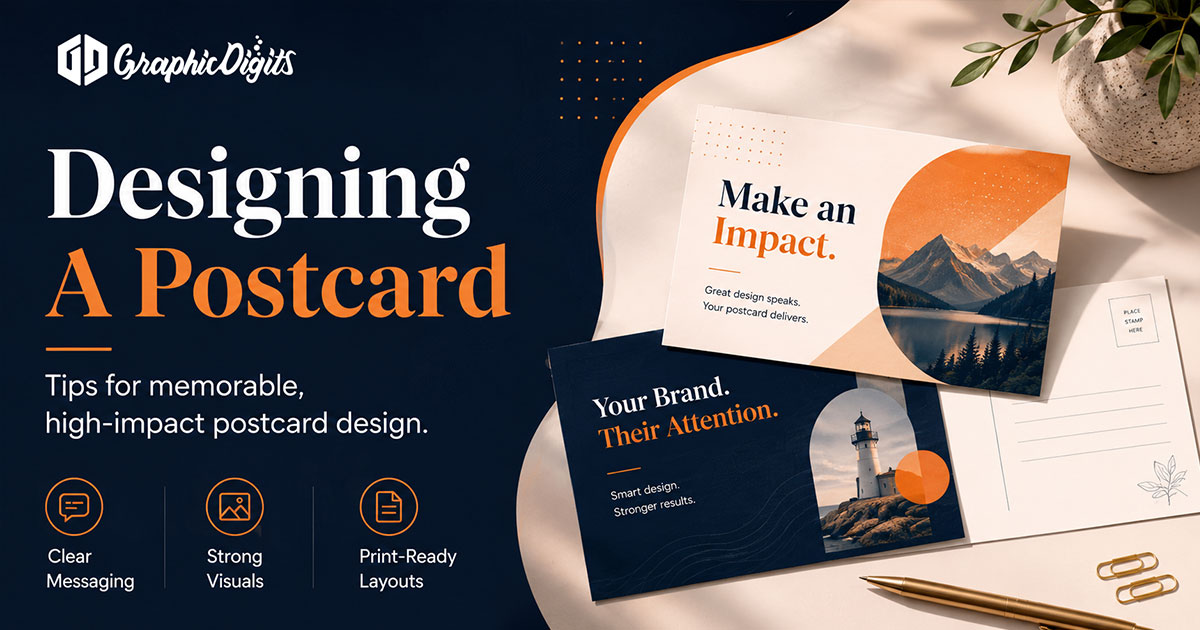
How to plan a postcard layout
Effective postcard layout sets reading order before decoration. Identify one primary message, then place headline, image and supporting copy so the eye finishes with a clear next step. Reserve CTA space, coordinate front and back, avoid overcrowding, maintain margins and safe areas, and keep mailing-side functional areas clear when the piece will be mailed.
- Lead with one primary message and a purposeful hero visual
- Set reading order: headline → image or offer → supporting copy → CTA
- Coordinate both sides so the back completes—not repeats—the front
- Leave breathing room; crowded cards feel harder to trust
- Keep critical type and logos inside the safe area away from trim
Front and back roles—without overcomplicating them
FRONT carries attention and the primary message. BACK carries supporting message, CTA and mailing or address needs when required. Keep critical type inside safe margins. For detailed side-by-side structure, use the postcard front and back planning guide—this page stays at the comprehensive how-to level.
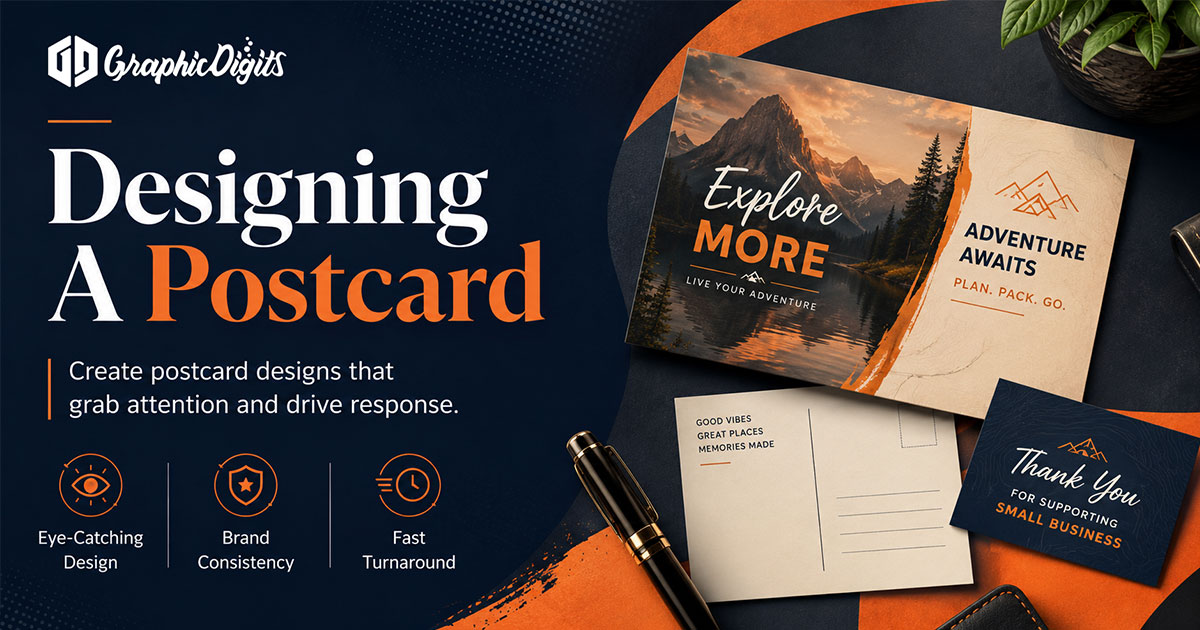
Planning the mailing side of a postcard
When a postcard will travel through the mail, design around operational needs—not only visual impact. Leave clear space for the address area, return-address area if appropriate, and postage or indicia space when those zones apply. Keep important design elements out of operational mailing areas, protect readability, and avoid crowding the panel that must remain functional.
Postal and production requirements can vary by format and provider. Confirm final requirements with the selected printer or mailing provider before production. GraphicDigits does not provide mailing fulfillment or postal approval.
Postcard setup, formatting, bleed and safe areas
Postcard setup and formatting usually include document size, bleed, trim, safe area, image resolution, front/back artboards or files, and export handoff. Extend backgrounds and images into bleed when required. Keep important text and logos inside the safe area. Avoid placing critical elements too close to trim. Use printer-provided specifications for final production rather than inventing universal measurements.
- Confirm finished size with your printer before final art
- Ask for bleed, trim and safe-margin specs when a template is available
- Use high-resolution images; low-res logos weaken the whole card
- One offer and one CTA—extra options turn the card into a flyer
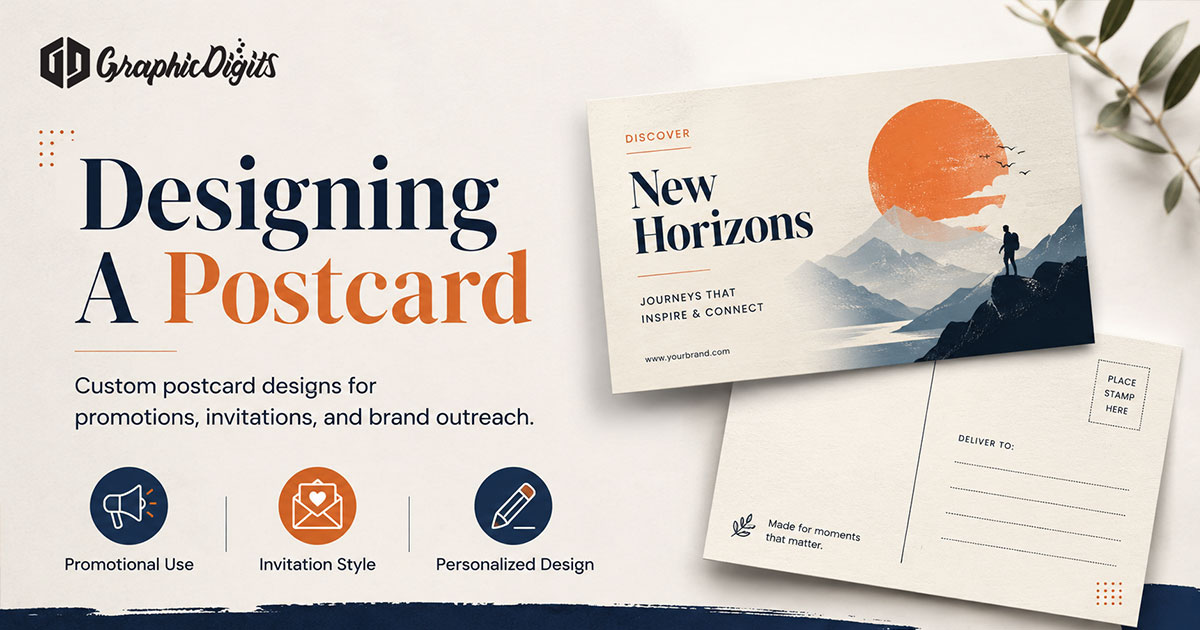
Postcard design guidelines to check before handoff
Use this checklist for postcard design guidelines, rules and requirements before you approve artwork:
- Clear single purpose and one primary message
- Readable hierarchy and typography with sufficient contrast
- Restrained copy and purposeful imagery
- Visible CTA and brand consistency
- Mailing-side clarity when the piece will be mailed
- Bleed and safe-area awareness
- Production-spec confirmation with the printer or mailing vendor
For deeper print-production planning after these guidelines, see print planning for postcards.
Common postcard design mistakes
- Too many messages competing for attention
- Weak hierarchy or tiny copy over busy photos
- Crowded mailing side that fights address or postage space
- CTA buried or missing
- Poor contrast
- Important content near trim
- Artwork prepared without printer specifications
Business postcard context
If you are briefing a B2B or company mailer, use the company postcard design checklist for offer and event detail. This page remains the general how-to for designing a postcard.
When you need professional postcard artwork
Need professional print-ready postcard artwork after planning your layout? Explore postcard design services. GraphicDigits scopes design files—not a print run, postage or mailing list.
Frequently asked questions about designing a postcard
What should I decide before designing a postcard?
Decide the audience, one primary message, the intended next step, which side carries attention versus supporting detail, and whether the piece must leave clear space for mailing or address needs. Lock those choices before refining imagery and typography.
How should I structure a postcard layout?
Lead with one primary message, set a clear reading order for headline, image and supporting copy, reserve CTA space, coordinate front and back, avoid overcrowding, and keep important elements inside safe margins. For a deeper front-and-back walkthrough, see the front-and-back planning guide.
What should I consider on the mailing side of a postcard?
Keep address, return-address and postage or indicia areas clear when those zones apply, keep important design elements out of operational mailing areas, and confirm final postal or print requirements with your selected printer or mailing provider. Requirements can vary by format and provider.
What postcard design guidelines improve readability?
Use one clear purpose, strong hierarchy, readable typography, sufficient contrast, restrained copy, purposeful imagery, a visible CTA, brand consistency, mailing-side clarity, and bleed or safe-area awareness before handoff.
Does GraphicDigits design postcards or print and mail them?
GraphicDigits designs print-ready postcard artwork. Paper, printing, postage and list work stay with you or your printer. After planning your layout, see postcard design services for professional artwork scope.