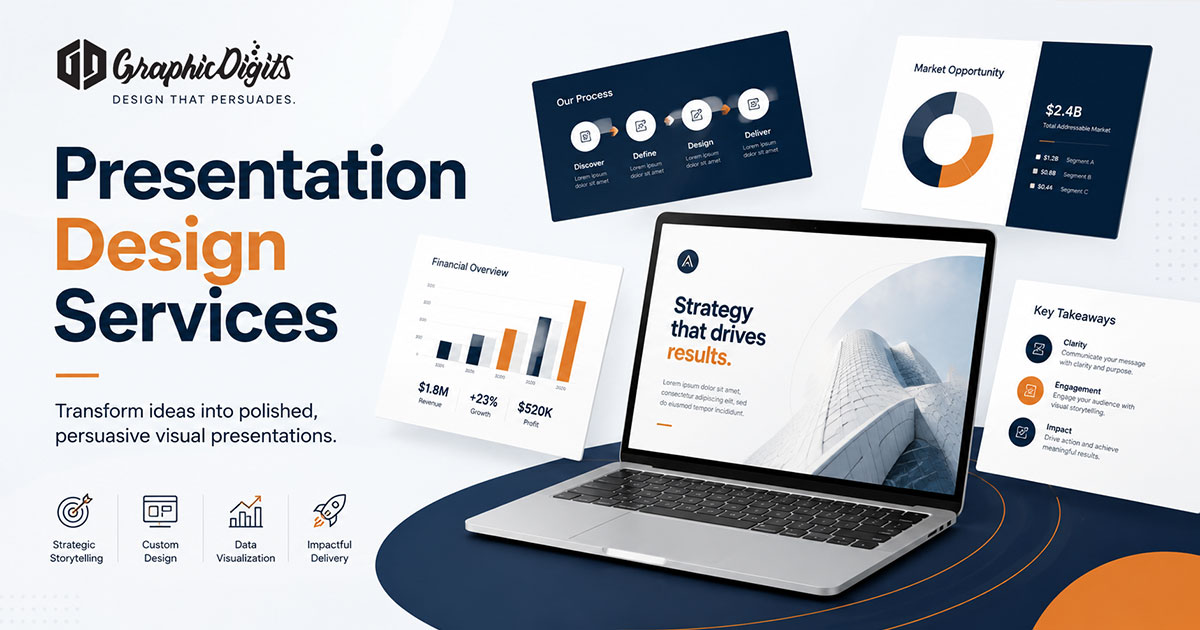
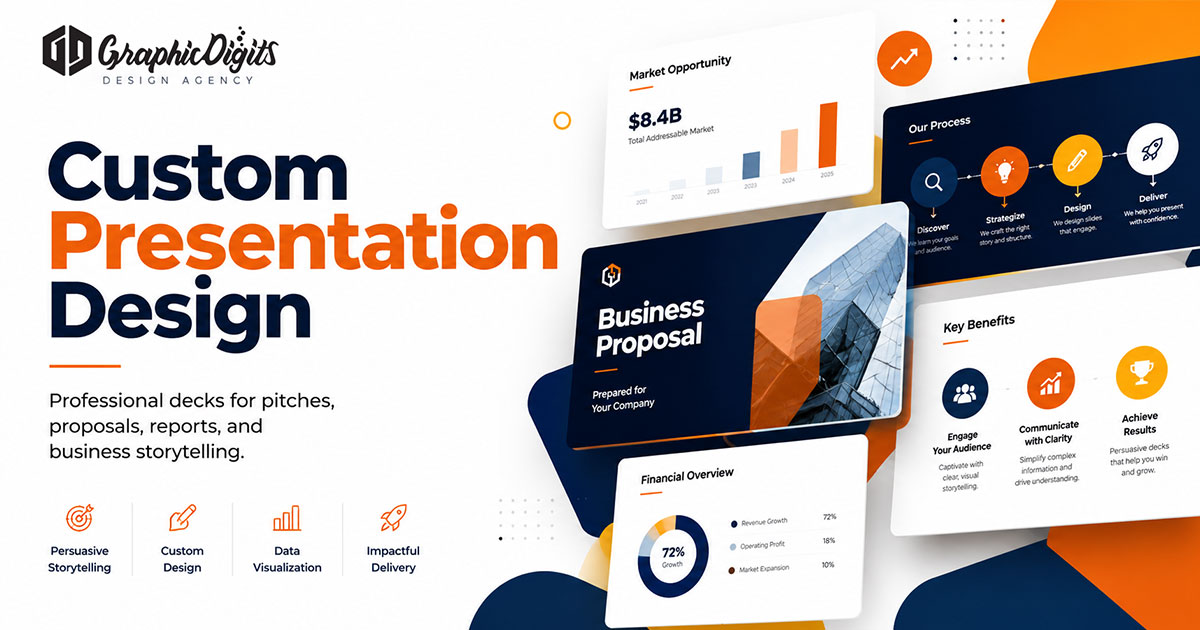
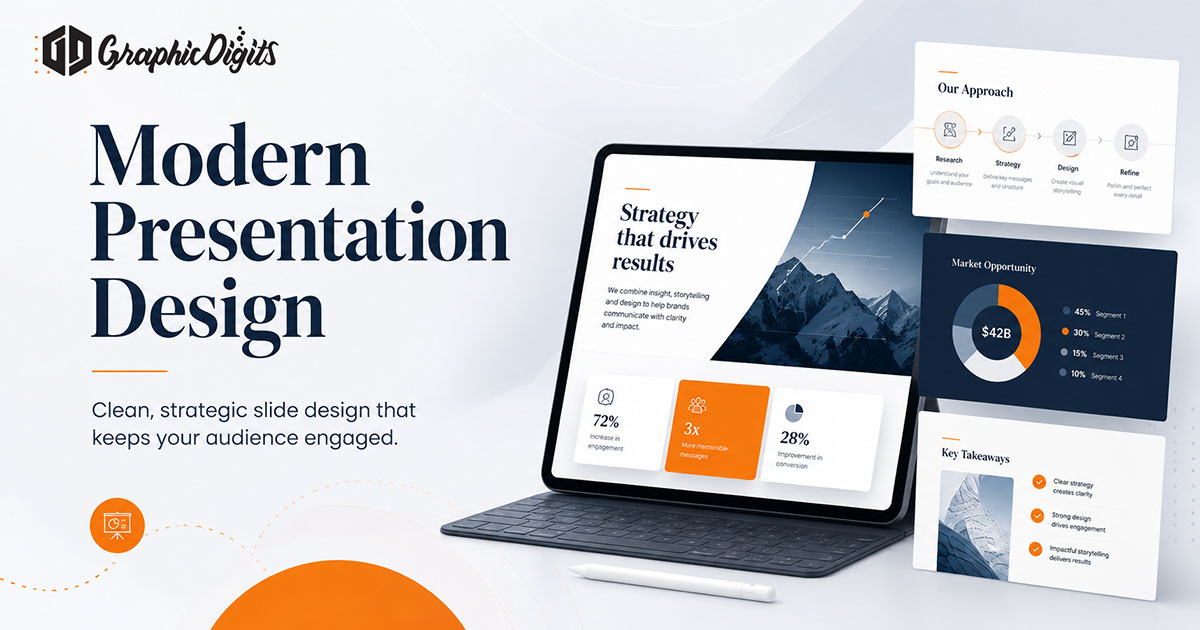
A design presentation is more than a formatted slideshow. It is a visual system for guiding an audience through decisions—whether you are pitching, reporting, selling or training.
This guide covers structure, hierarchy and common deck types so slides support the spoken message instead of burying it. For scoped production support, see GraphicDigits presentation design services.
What design presentation includes
Presentation design usually covers narrative flow, headline hierarchy, typography, colour and brand alignment, layout systems, charts or diagrams and speaker-friendly pacing. Templates matter when teams need reusable covers, section openers and content patterns.
The goal is clarity under time pressure. Busy slides force the audience to read instead of listen.
Structure before decoration
- Objective first — what decision or understanding should the meeting produce?
- Audience level — investors, clients and internal teams need different density
- Slide roles — titles, claims, evidence, process and next steps should feel distinct
- Spoken vs written content — put detail in notes or an appendix, not every body slide
Visual hierarchy that holds attention
- One primary message per slide whenever possible
- Headline first, evidence second, footnotes last
- Enough contrast for projected and screen-share viewing
- Consistent margins, grid and type scale across the deck
- Charts that answer one question, not every detail at once
Brand systems help here. Pull colour, type and logo behaviour from approved guidelines so decks do not drift into personal prefs. For brand foundations, browse branding design services.
Common presentation types
- Investor pitch decks — concise story, market and offer logic, clear ask
- Sales presentations — problem, solution, proof and next-step CTA
- Corporate reports — sectioning, data clarity and skimmable summaries
- Product launches — feature narrative, benefit hierarchy and launch timing
- Training decks — teaching modules, examples and takeaway slides
Each type needs different pacing. A funding pitch is rarely designed like a 40-page quarterly review.
Common design presentation mistakes
- Paragraphs that turn slides into documents
- Low-contrast text over photos or gradients
- Decorative icons that add noise without meaning
- Charts without labels, units or context
- Template chaos when every presenter redesigns basic slides
- Promising outcomes the deck cannot support
When professional presentation design helps
DIY templates can work for low-stakes internal updates. Professional design is more useful when decks must stay on-brand, persuade external audiences, visualise complex data, or become reusable systems for multiple presenters.
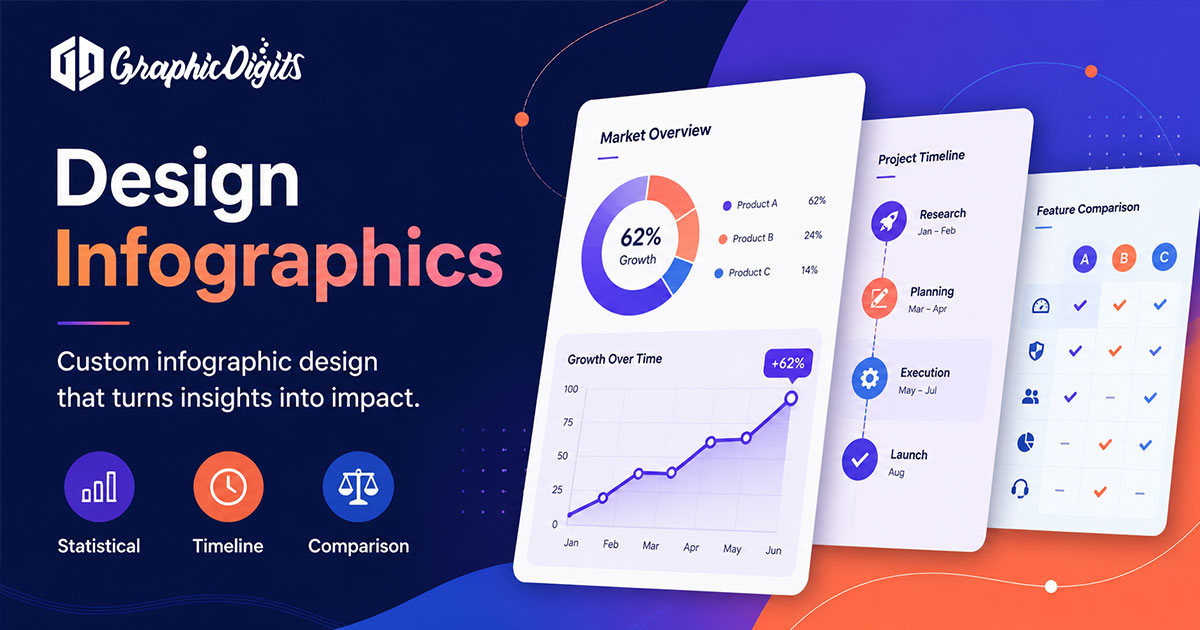
A practical production path starts with a content outline, then layout systems, then proof and handoff in PowerPoint, Google Slides or Keynote as scoped. Related visual storytelling formats such as infographic design can also support key slides.
Conclusion
Strong design presentation is clear, intentional and audience-aware. Decide the meeting outcome first, keep hierarchy simple, match the deck type to the decision, and invest in custom systems when presentations are part of how the brand sells and leads.
Need help turning an outline into finished slides? Request a design quote or book a call.
Frequently asked questions about design presentation
What is design presentation?
Design presentation is the planning of slide structure, visual hierarchy, typography, data visuals and brand-consistent layout so a deck communicates clearly to clients, investors or internal teams.
What makes a strong presentation design?
Strong presentation design uses one idea per slide when possible, clear headline hierarchy, readable type, consistent branding and visuals that support the spoken message instead of competing with it.
Do pitch decks and corporate reports need different design?
Yes. Pitch decks prioritise persuasion, concise storytelling and decision cues. Reports usually need denser structure, clearer data sections and easier skimming for reviewers who may not hear a live presenter.
When should you hire professional presentation design help?
Hire help when brand consistency matters, when decks must persuade high-stakes audiences, when data needs clearer visualisation, or when templates must be reused across teams without drifting into inconsistent layouts.