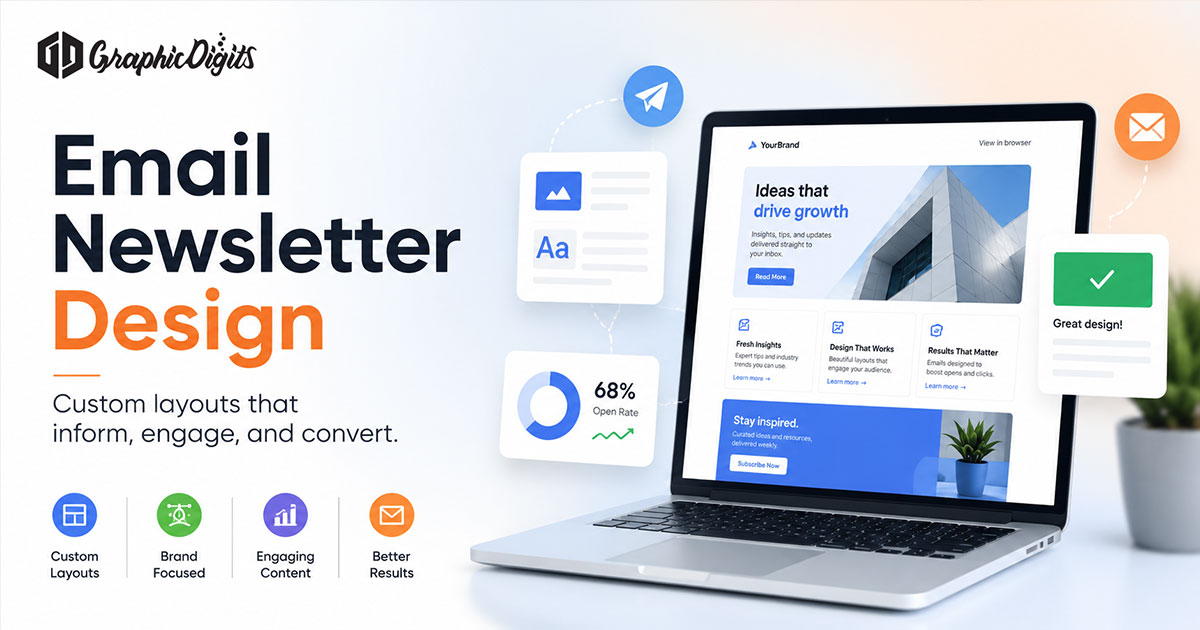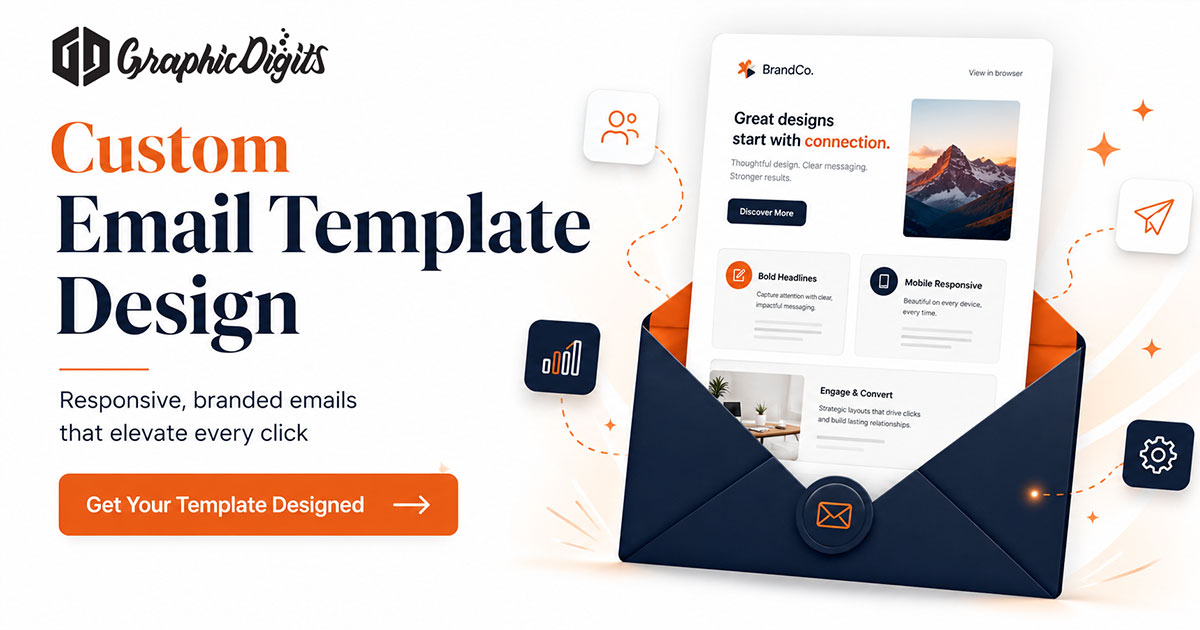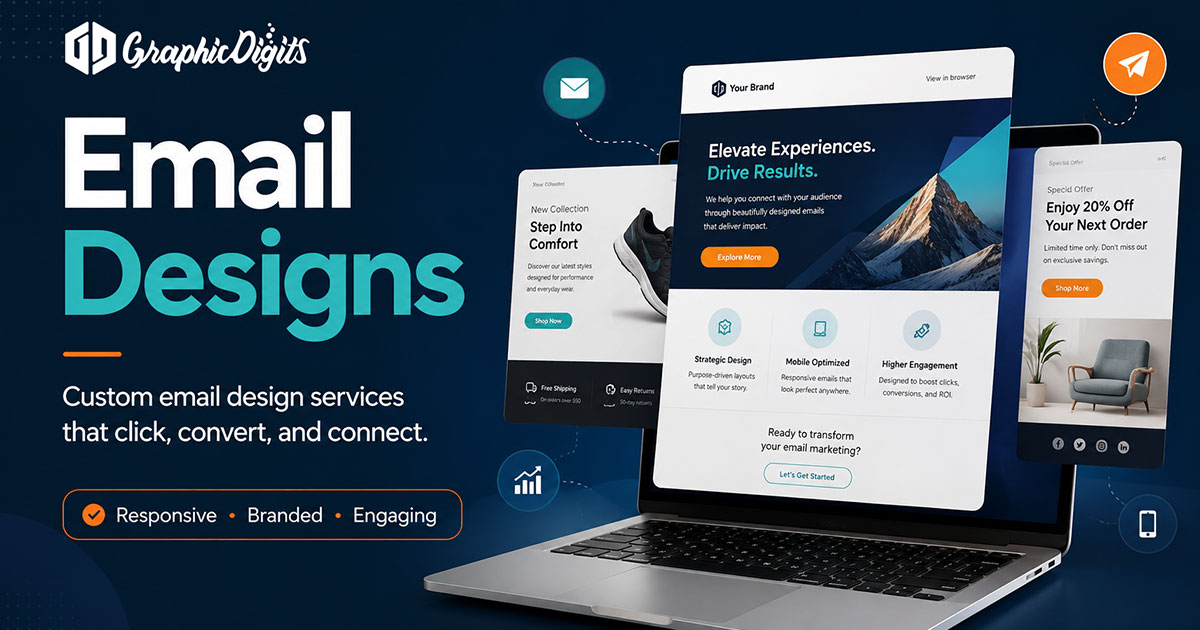
Strong email designs help readers scan, trust the sender, and find one clear next step. This guide covers hierarchy, headers, mobile-friendly layout, and campaign types. It is design guidance—not ESP setup, sending, or guaranteed open or click rates. For recurring edition structure, see email newsletter design; for reusable shells, see email template design. Scoped artwork lives on newsletter design.
Why hierarchy matters more than decoration
Inboxes are crowded and clients render inconsistently. Lead with a short headline, one supporting line, and a primary call to action. Supporting stories can follow; they should not compete with equal visual weight.
- One primary job per send (announce, educate, promote, or notify)
- Contrast for body text and buttons on light backgrounds
- Alt text on key images so meaning survives blocked images
- Footer with identity and required legal or unsubscribe space
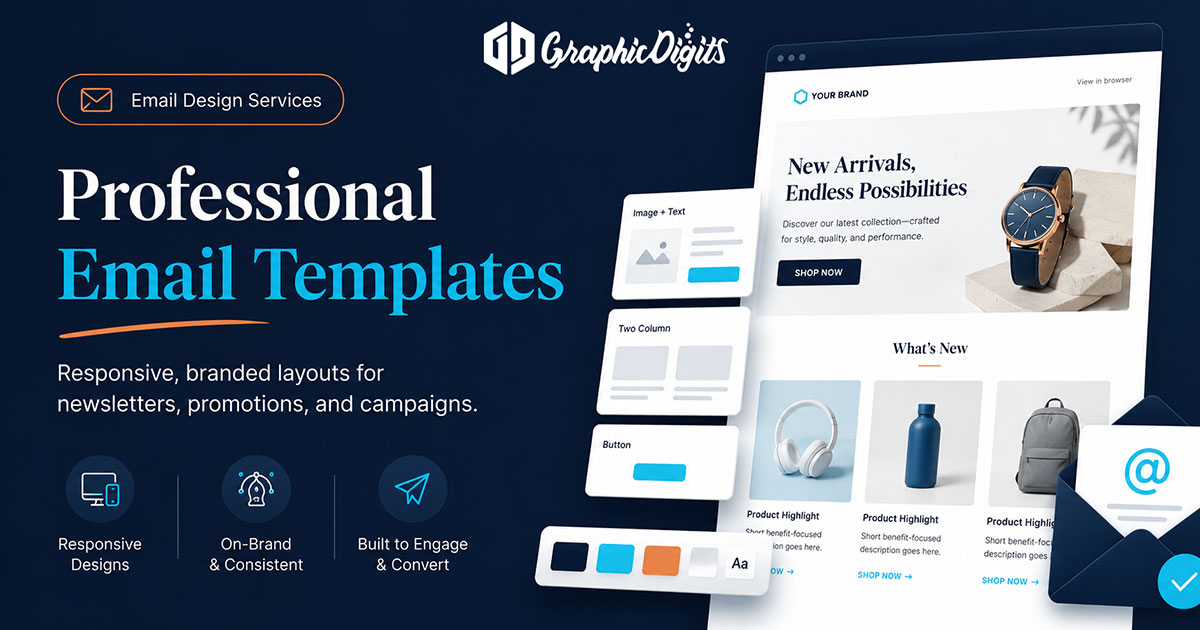
Email header design basics
The header sets recognition fast: logo or wordmark, optional short line, and restrained color. Avoid stuffing the header with multiple offers. In regulated or trust-sensitive industries (including financial services), keep authority high—clean type, familiar brand cues, and modest animation claims.
Mobile-friendly layout checks
Most readers open email on phones, so design for single-column stacks, readable type, and tappable CTAs. Preview at a narrow width before you treat a desktop mockup as finished. Do not rely on unsupported statistics; test with your own audience and ESP previews.
- Primary CTA visible without endless scrolling
- Stacked links with spacing between tap targets
- Images that support copy instead of carrying all meaning
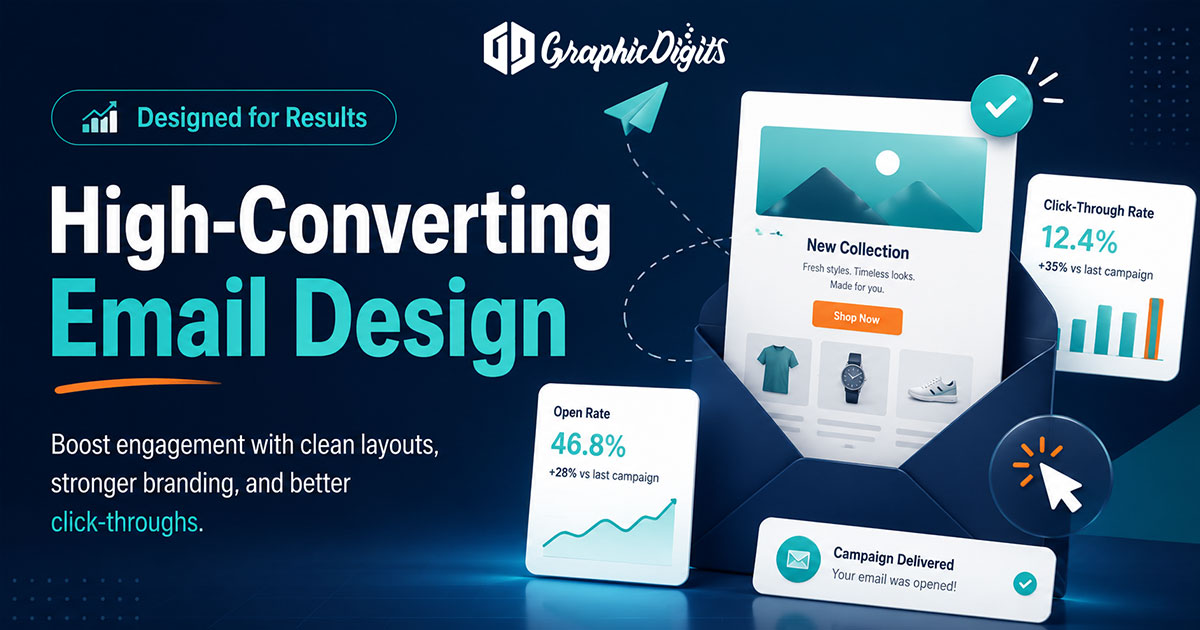
Campaign types and design tone
- Promotional — one offer, clear benefit, and an obvious button
- Transactional or notice-style — calm hierarchy, plain language, minimal decoration
- Onboarding or nurture — short chapters, consistent shell, progressive CTAs
- Industry-specific (e.g. banking-style) — trust cues and clarity over flashy effects
What to expect from a design engagement
- Custom or templated layouts matched to your brand rules
- Header and footer treatments that stay consistent across sends
- Responsive art direction suitable for common clients
- Optional A/B layout variants when you want two design directions to test
Analytics, heatmaps, and list performance belong to your ESP and marketing ops unless those services are separately scoped. Design ends when artwork and layout are ready for build or handoff.
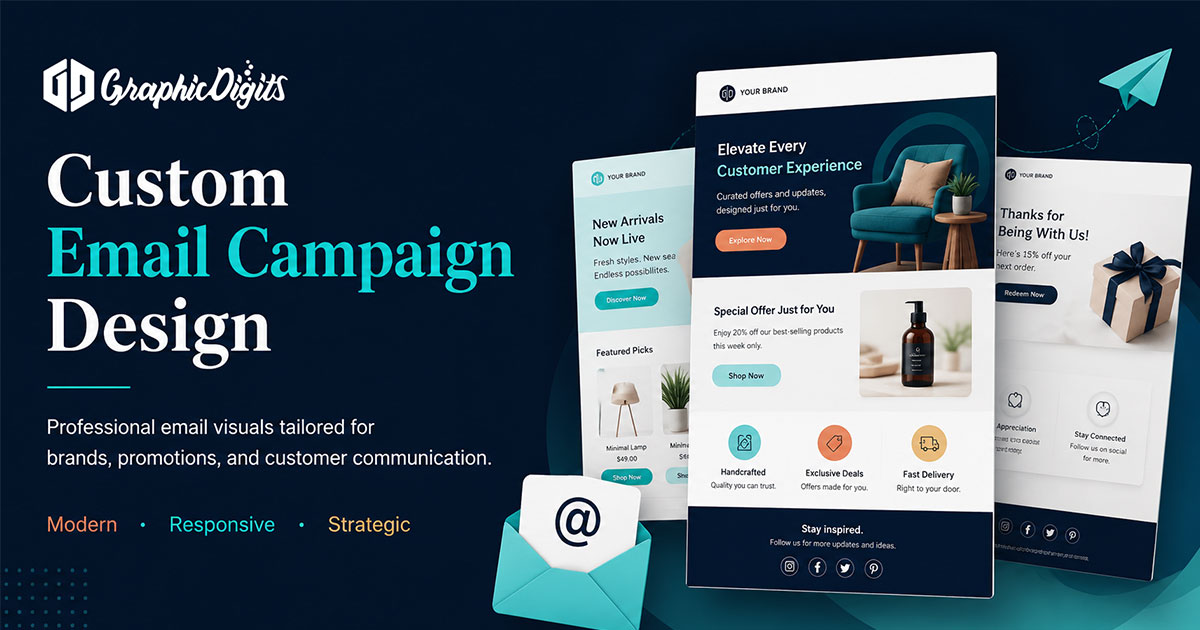
When you are ready to hire
Lock the send goal, draft content, brand assets, and whether you need a one-off or reusable template. Then open newsletter design or request a quote. Revision rounds are scoped—not unlimited.
Frequently asked questions about email designs
What is email design?
Email design is the planning of layout, hierarchy, headers, imagery, and calls to action so a message is readable in the inbox—across desktop and mobile—while staying on brand. It is artwork and structure, not list sending by itself.
How is this different from email newsletter design?
This page covers email design fundamentals across campaign types: promos, transactional-style notices, and branded outreach. The newsletter guide goes deeper on recurring modules and edition planning. Use both when you need layout basics and newsletter-specific structure.
Does GraphicDigits set up email platforms or send campaigns?
By default we provide design and artwork for email layouts. ESP account setup, list management, and sending are separate unless clearly scoped in the project.
What should a strong email header include?
A clear brand mark, a short supporting line when needed, and enough contrast to read when images are blocked. Headers should introduce the message—not compete with the primary call to action.
Can one email design work as a reusable template?
Yes, when you lock a shell (header, footer, CTA style) and swap modular content blocks. One-off campaigns can be freer, but teams that send often benefit from a reusable template system.