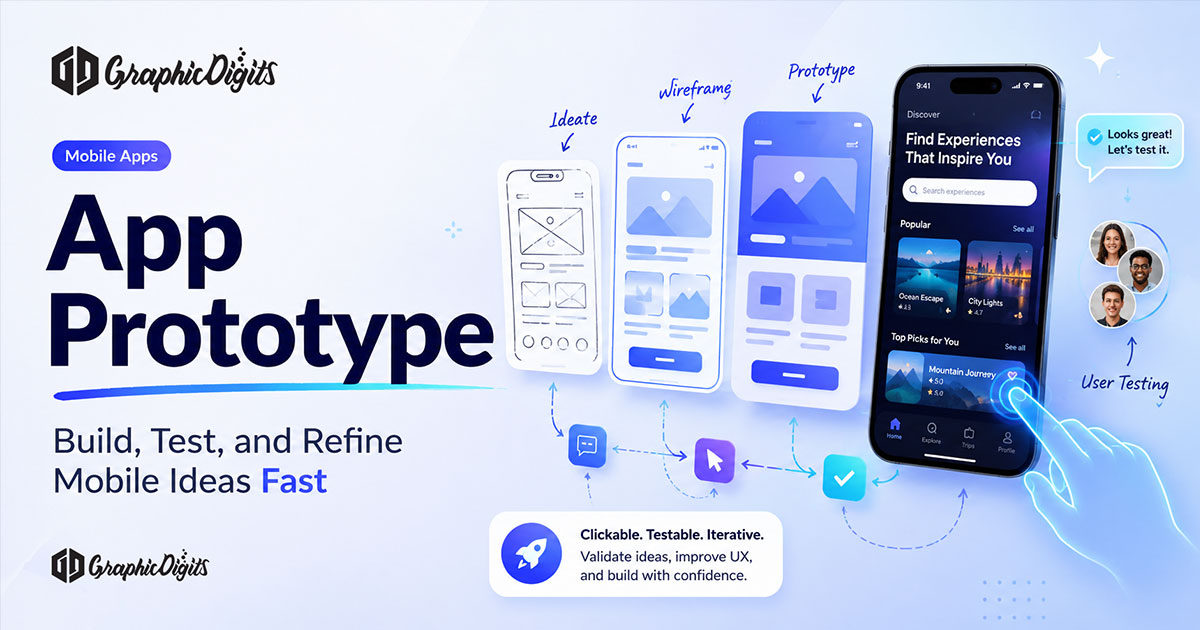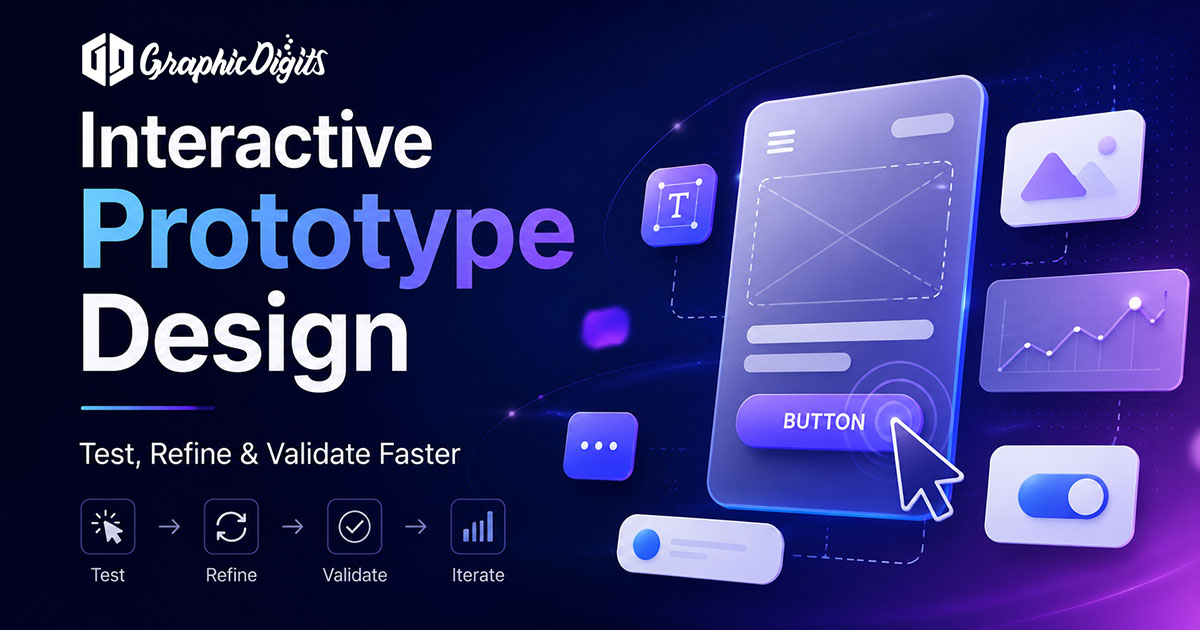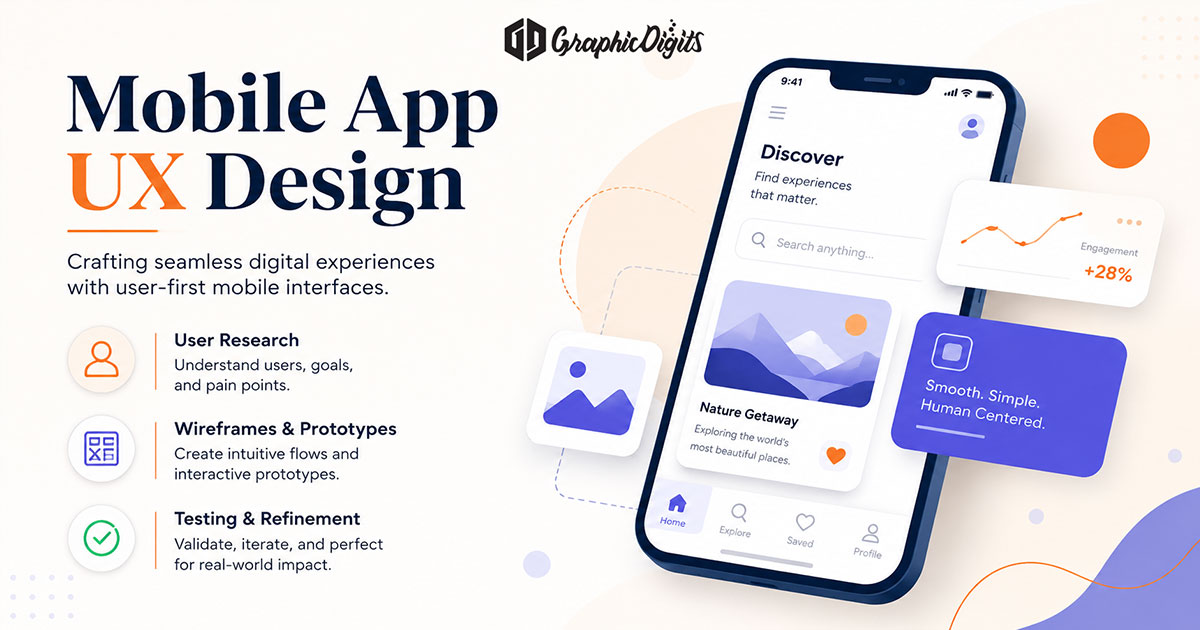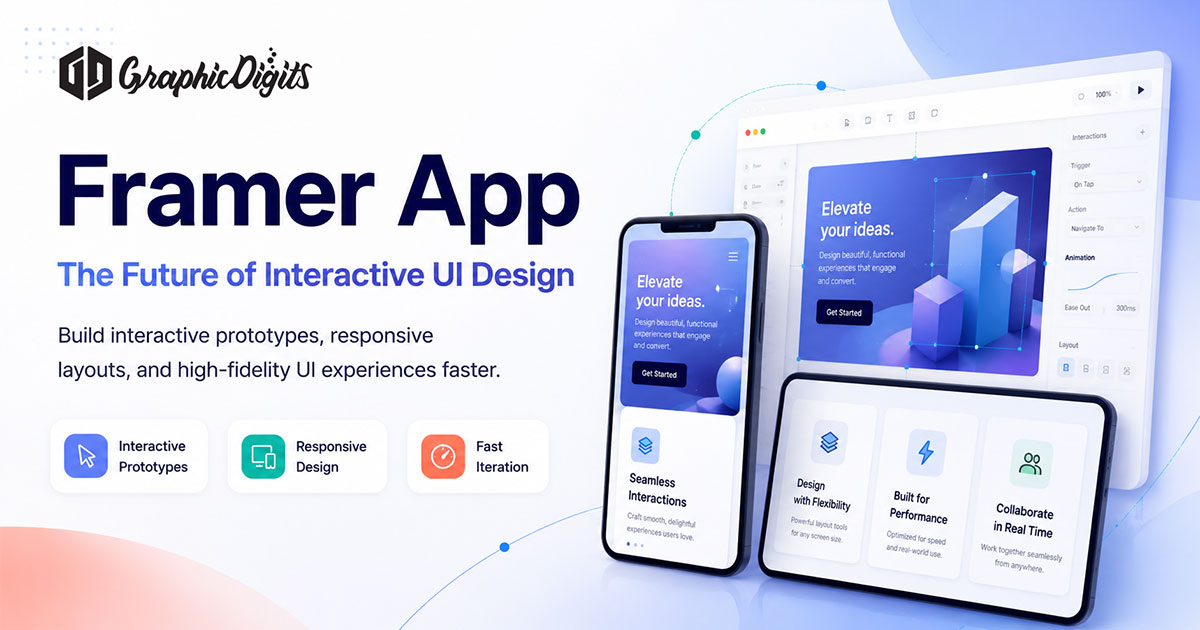
A PDF of screens does not answer “what happens when I tap this?” Stakeholders stall, developers guess, and the first build pays for confusion. A Framer-style interactive prototype can close that gap—if the brief actually needs motion, states and flow, not another static deck.
This page is a planning guide. Framer is a third-party tool. GraphicDigits is not a Framer shop, a license reseller or an official Framer partner. We design UI, UX and prototypes; tool choice follows the brief.
What “Framer app” means here
On this URL, “Framer app” means a high-fidelity, clickable prototype—sometimes a lightweight published marketing page—built in a tool such as Framer. It is not:
- a native iOS or Android product in an app store
- a replacement for custom website design
- a first-pass UX research engagement (that is a different service)
Framer also publishes marketing sites. That does not make every Framer file a production website. If you need CMS structure, integrations or a long-lived site, start from custom website design—not this guide.
When a clickable prototype is the right brief
Use an interactive prototype when:
- buyers or internal reviewers cannot picture the product from stills
- navigation, empty states or error paths are the actual risk
- you need a shared link before engineering estimates a build
- motion is part of the product story, not decoration on a slide
Skip it when the work is a one-page brochure, a logo lockup or a content site with no interaction to prove. Static mockups are faster and cheaper when nobody needs to click.
How this differs from nearby pages
- App prototype — types of prototypes and process, tool-agnostic
- Mobile prototype design — wireframes through clickable testing for mobile screens
- App prototyping — the production service: scoped flows, screens and files
- Web app design — product UI for web applications, not a Framer marketing page
Keep this article when the question is “do we need a Framer-style clickable file?” Keep the other pages when you already know you need a prototype or a product UI.
What to send before a Framer-style prototype
- the primary user and the job they are trying to finish
- the flows that must click (not every screen in the product)
- devices: phone, tablet, desktop—or one of those, honestly
- which motion matters (transition that explains a state vs animation for show)
- whether reviewers will only click, or you also need a published URL
A screenshot dump of a competitor is not a brief. Neither is “make it like Framer’s homepage.”
What this guide does not include
- Framer subscriptions, hosting or site publishing as a product we sell
- production engineering of the native or web app
- a default user-testing lab or recruited research panel
- unlimited revisions or a claim that Framer replaces your design system
Conclusion
Framer is useful when a clickable file reduces guesswork. It is the wrong default when you need a custom website, a coded product or a static set of screens. Decide the job first; pick the tool second.
Ready to scope a prototype? Start from app prototyping or request a quote.
Frequently asked questions about Framer app prototypes
Do you sell Framer licenses or official Framer services?
No. Framer is a third-party product. This article is a planning guide for when an interactive prototype (often built in a tool like Framer) is the right brief. GraphicDigits designs UI, UX and prototypes; we do not resell Framer plans or claim a Framer partnership.
What does “Framer app” mean on this page?
It means a high-fidelity, clickable prototype—or occasionally a lightweight published marketing page—built in a tool such as Framer. It is not a native iOS or Android app in an app store, and it is not a substitute for a custom coded website.
How is this different from app prototyping services?
This page helps you decide whether a Framer-style clickable prototype is the right tool. App prototyping is the production service: scoped flows, screens and files. Use the guide to brief; use the service to get the prototype.
Should I use Framer instead of custom website design?
Usually no, if you need CMS structure, complex integrations or a long-lived marketing site. Custom website design covers from-scratch sites. Framer can be a fast prototype or a simple published page—not a default replacement for a custom build.
Do you only design in Framer?
No. Tool choice depends on the brief. Static mockups, other prototype tools or a coded site may be a better fit. We will say so rather than force every project into Framer.
Do you run a user-testing lab with Framer prototypes?
Not by default. We can deliver a clickable prototype your team can walk stakeholders through. Formal user-testing recruitment and lab sessions are a separate scope if you need them.