Holiday photo cards start with the photos
A holiday photo card works when the images carry the story and the greeting stays readable. This guide covers photo selection, single-image versus collage layouts, crop safety, and message placement—not printing or mailing.
For broader message and format planning, see holiday greetings. For client and employee programs, see business holiday cards.
Why photo cards still feel personal
Photos make a greeting feel specific. Families use them for year updates; teams sometimes use a group shot to humanize a brand note. The card succeeds when faces stay clear and the message does not fight the image.
- Personalizes the season with real moments
- Works as a keepsake when printed by your vendor
- Supports digital sharing when you need a screen version
Photo selection and resolution basics
- Prefer sharp, well-lit images with clear faces
- Use the highest-resolution originals you have for print files
- Avoid heavy social-media compression when print quality matters
- Keep a consistent color mood across multi-photo sets
Layout options that fit photo-led cards
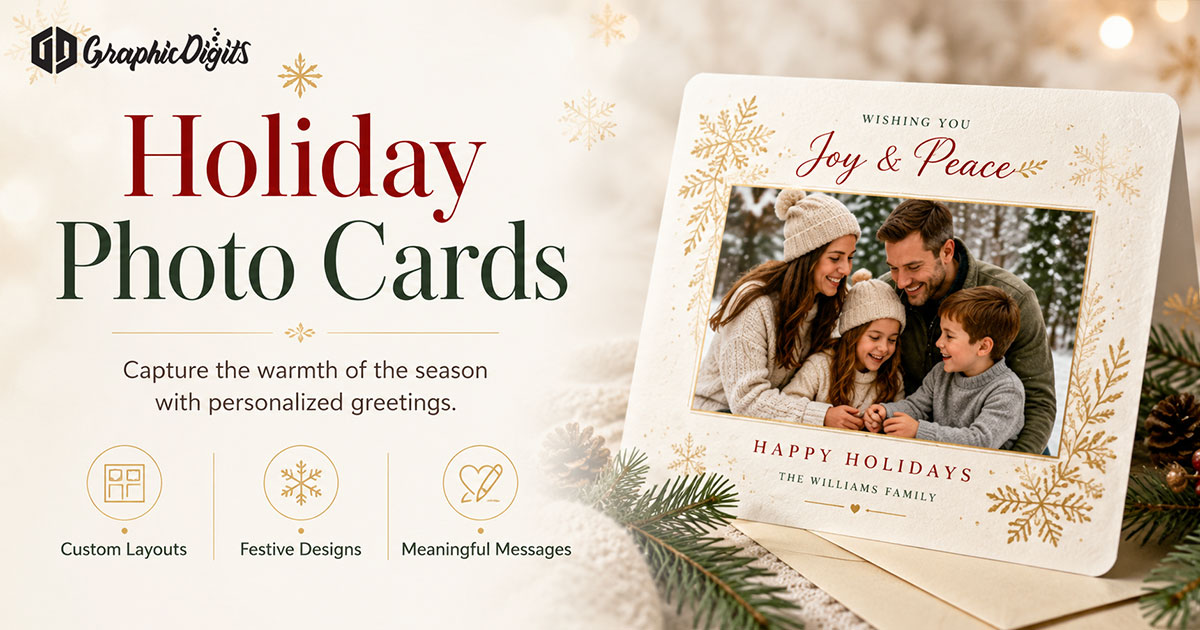
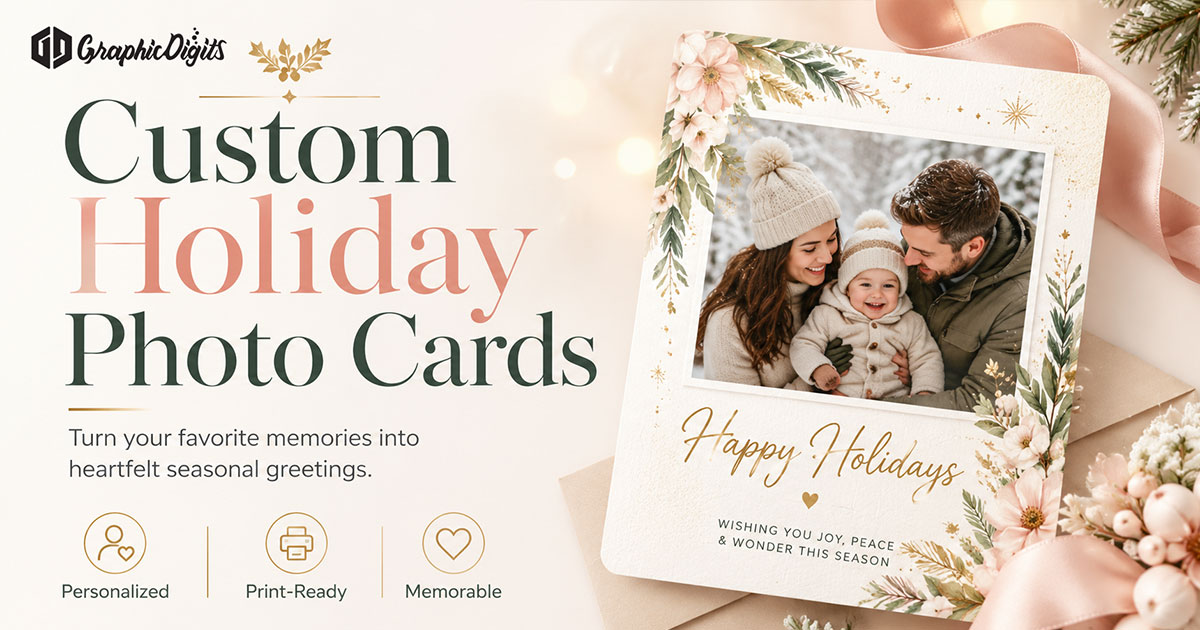
1. Single hero photo
One strong image with a short greeting band. Best when one moment tells the story.
2. Collage
Two to six photos with equal visual weight. Best for year-in-review sets—limit count so faces stay large enough.
3. Photo + typography panel
Image on one side, greeting and names on a clean panel. Helpful when the message is longer.
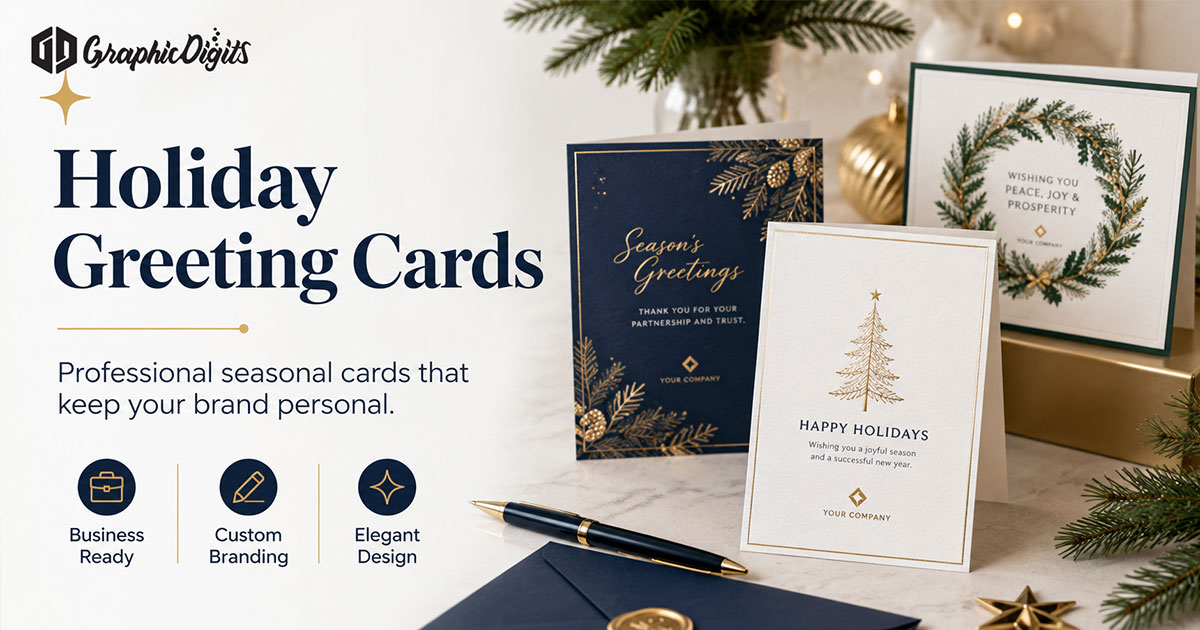
4. Business photo cards
Team or studio photos with restrained brand marks. Keep logos small so the greeting stays primary.
Key elements of a strong holiday photo card
- Safe crops: keep heads and key subjects away from trim and fold edges
- Greeting placement: high-contrast type that does not cover faces
- Color palette: seasonal accents that support, not overwhelm, the photos
- Names and dates: secondary type sized for the format
- Optional brand mark: small and consistent when used for business sends
Holiday greeting lines that fit photo layouts
Short lines work best beside busy photos. Longer notes belong on a back panel or a quieter typography area.
- “Wishing you peace and joy this holiday season.”
- “From our home to yours—happy holidays.”
- “Thank you for being part of our year. Happy holidays from [Name / Team].”
Common photo-card mistakes
- Too many tiny photos in one collage
- White text on busy backgrounds without a panel
- Low-resolution crops enlarged for print
- Competing CTAs or promotions over the greeting
- Assuming foil or specialty finishes are included in design-only work
Review photos and layout in scoped rounds
Confirm the selected photos and crop direction first, then review the composed layout and final files. Consolidate feedback for each agreed revision round so changes stay focused on the brief and do not reopen settled photo or layout decisions.
How GraphicDigits can help
GraphicDigits designs holiday photo card layouts and print-ready or digital files through stationery design. Specialty finishes, printing, and mailing are handled by your vendor after files are approved. Discuss your project when you are ready to hire.
Frequently Asked Questions about Holiday Photo Cards
What are holiday photo cards?
Holiday photo cards are seasonal greetings built around one or more photos, with a short message and layout that keeps faces and key details readable.
Can holiday photo cards be customized?
Yes. You can customize photos, names, greeting lines, brand marks for business sends, and layout styles such as single hero or collage.
Who uses holiday photo cards?
Families, individuals, and some businesses use them when photos carry the story—year updates, team pictures, or shared milestones.
Do you print holiday photo cards?
No. GraphicDigits designs print-ready and digital files. Paper, quantities, finishes, and mailing stay with you or your print vendor.
How is this different from holiday greetings?
Holiday greetings covers message tone and format choice overall. This page focuses on photo-led layout: selection, crops, collage decisions, and type placement around images.