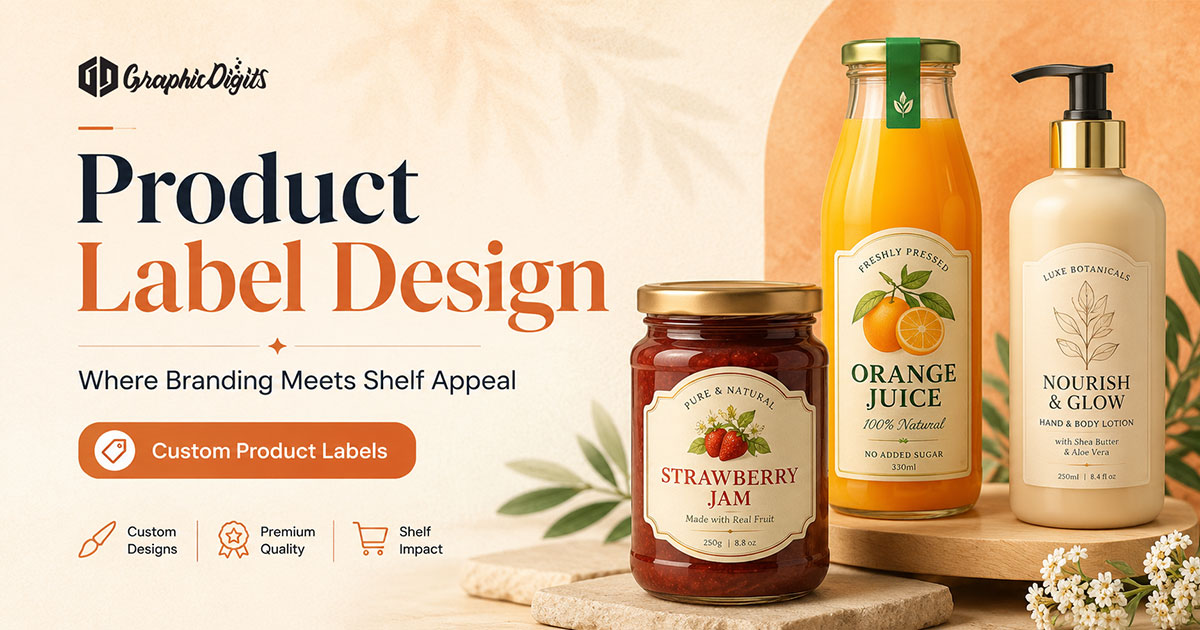
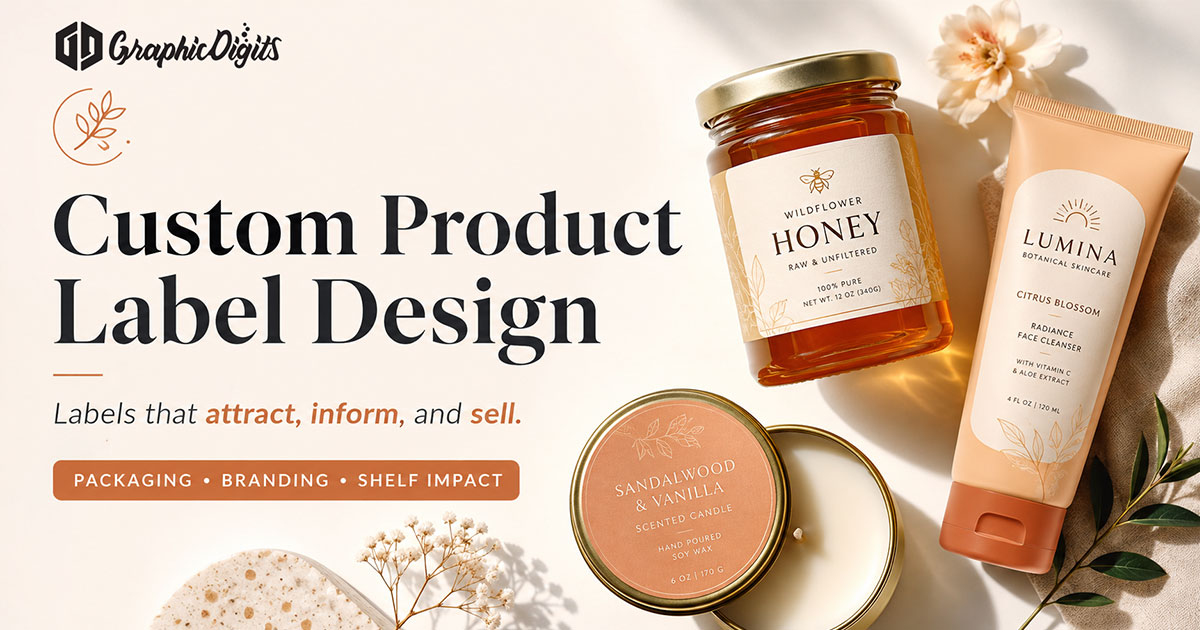
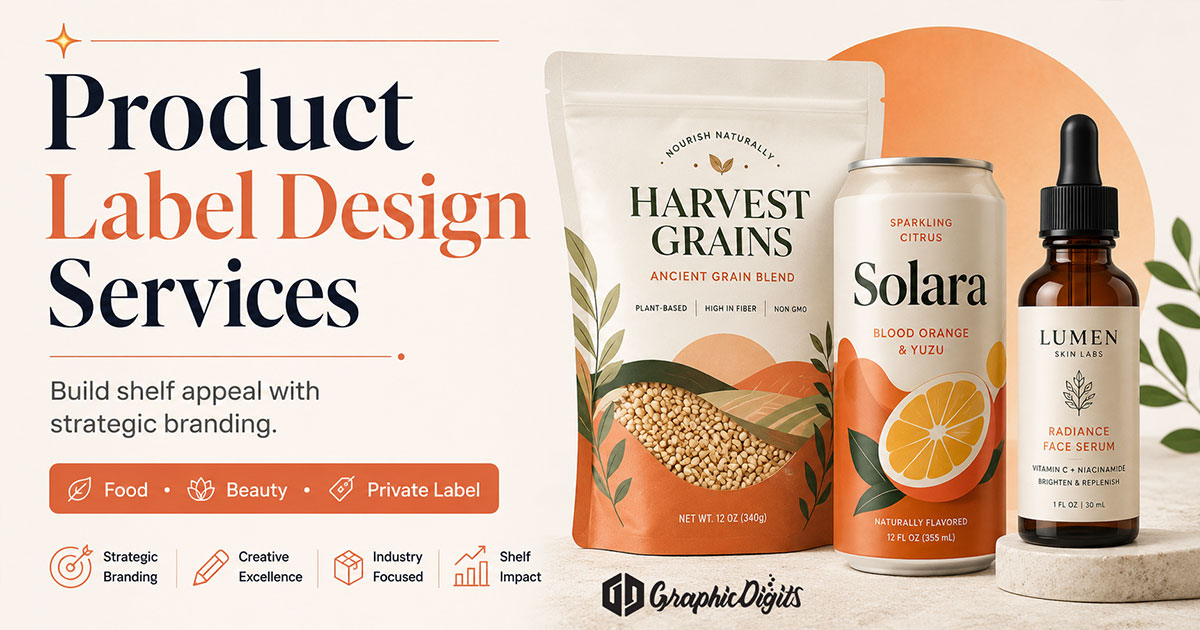
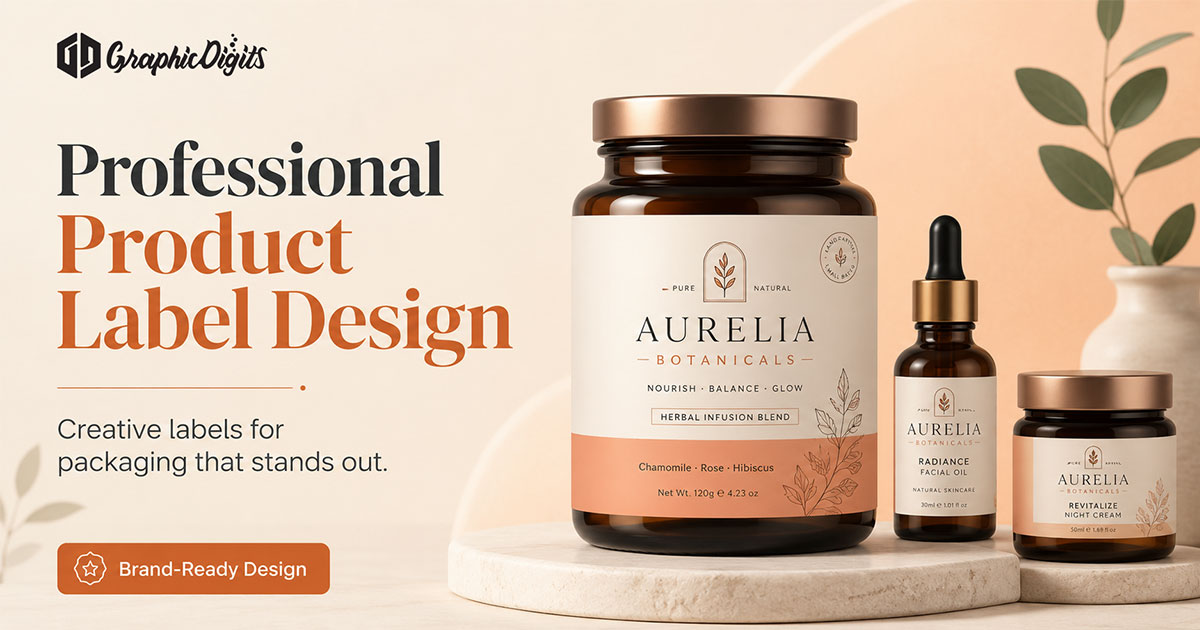
A strong product label starts with a clear information hierarchy: identify the brand, product name, required product details, barcode or regulatory zones, and the information shoppers need first. Then build the visual system around typography, color, spacing, label dimensions, and print constraints so the artwork remains readable, consistent, and production-ready.
Product label design is the plan for what shoppers see on the bottle, jar, pouch or box face—brand, product name, claims and required details arranged so the item is recognizable in a glance. It is not the same job as printing labels, and it is narrower than full product design or structural packaging.
This guide is informational: how to plan label hierarchy, panels and print-ready files. When you need scoped artwork production, use product label design services within our packaging design offering. GraphicDigits designs artwork; your printer or manufacturer handles substrates, finishing and quantities unless a project says otherwise.
Why product label design matters
On a shelf or a product photo, the label is often the first brand moment. Hierarchy, contrast and calm information zones decide whether someone identifies the product—or skips it for a clearer competitor.
- Front panel recognition in crowded retail or ecommerce thumbnails
- Trust from readable, well-placed required copy
- Consistency across flavors, sizes and private-label variants
- Fewer print revisions when bleed, barcode and safe zones are planned early
How to plan a product label step by step
- Confirm label dimensions and container shape
- Identify required product information
- Establish brand and product hierarchy
- Plan front and back label content
- Set typography and color system
- Reserve barcode / QR / compliance zones
- Check bleed, safe area, and print constraints
- Review SKU variants
- Test shelf readability / mockup
- Prepare final artwork handoff
Plan hierarchy before decoration
Start with what must be understood in one second, then what belongs on a secondary panel. A useful order:
- Brand or logo placement that stays secondary to the product name when needed
- Product name and variant (flavor, scent, strength, size)
- One short supporting line or benefit—if it earns the space
- Required panels: ingredients, nutrition, warnings, certifications, contact
- Barcode, lot and printer technical zones reserved early
Crowding every claim onto the front face usually hurts more than it helps. Leave room; let type and color do the selling work.
Match the label to the container
Wrap labels, neckers, lids and die-cut faces behave differently. Confirm wrap height, seam placement, taper and any hardware that will cover artwork before locking a layout. A flat mockup that ignores cylinder distortion or lid overlap becomes a reprint problem later.
- Confirm finished size, bleed and safe margins with the printer
- Keep critical type and logos away from seams and curves
- Test contrast on the actual substrate color when you can
- Scale type for real viewing distance—not only for a desktop zoom
Typography, color and multi-SKU systems
- Typography: Prefer clear, open faces for product names; reserve decorative type for accents that still read small
- Color: Use a limited palette so variants can shift accent color without breaking the line identity
- Contrast: Light type on busy photos fails on shelf and in thumbnails
- Systems: Shared grids for logo, name and info zones make private-label and flavor expansions faster
Compliance-aware layout (not legal advice)
Category rules for food, cosmetics, supplements and household products change what must appear and where. Designers can reserve space for ingredients, warnings, nutrition panels, barcodes and regulatory text—but your compliance source or counsel owns the final wording and accuracy. GraphicDigits does not verify FDA compliance, validate nutrition facts or ingredients, certify barcodes, or provide legal approval. Build space for the longest real copy early so you are not squeezing legal lines into the last revision.
Material, substrate and finish notes
Label material, adhesive, finish, moisture or oil exposure, refrigeration, surface shape and printing method should be confirmed with your printer or production partner before final artwork. Those choices affect contrast, durability and how color reproduces. GraphicDigits designs the artwork; we do not select or certify substrates.
Design vs print handoff
Artwork and production are separate steps. A solid label design package usually includes print-ready files, clear trim/bleed notes and mockups for approval. Material choice, adhesive, waterproof stock and press runs belong with your printer. For full packaging systems beyond the label face—or scoped label artwork production—see our packaging design offering.
Common product label design mistakes
- Weak product-name hierarchy that loses to decoration
- Too much small text on the front panel
- Insufficient contrast on shelf or in thumbnails
- Ignoring real label dimensions and wrap distortion
- Placing critical content outside safe areas
- Inconsistent SKU systems across flavors or sizes
- Missing room for barcode or required information
- Treating mockups as final print artwork
- Finalizing before printer specifications are confirmed
Practical checklist before artwork starts
- Approved product name, claims and variant list
- Container dimensions or dieline from the manufacturer
- Required copy from your compliance source
- Logo (vector preferred) and brand color values
- Barcode and lot/batch placement notes
- Printer specs: size, bleed, color mode, proofing process
Guide vs packaging design service
- This article — how to plan product label hierarchy, panels and files
- Product design guide — broader shelf and packaging presentation planning
- Packaging design services — scoped, print-ready packaging and label artwork production
Conclusion
Strong product label design starts with hierarchy and container reality, not decoration for its own sake. Plan the glance, reserve room for required copy, and separate artwork from print production.
When you are ready for production artwork, start from professional packaging and label design or request a quote.
Frequently asked questions about product label design
What should a product label include beyond the logo?
Most retail labels need a clear product name, variant or size cue, required regulatory or ingredient copy where applicable, barcode or lot space, and a hierarchy that still reads at arm’s length. The logo is only one layer—not the whole layout.
How is this product label design guide different from packaging design services?
This article is informational: how to plan label hierarchy, panels, files and print handoff. Packaging design services are where we scope and produce print-ready artwork for a specific SKU or line. Broader shelf and box planning belongs on the product design guide.
Do you print or manufacture product labels?
No. GraphicDigits designs label artwork and print-ready files. Print, substrates, finishing and fulfillment are handled by your printer or manufacturer unless a project explicitly includes production coordination.
What should I gather before starting label artwork?
Final product name and claims you can support, container size and wrap or die-cut dimensions, required legal or nutrition copy from your compliance source, brand colors and logo files, barcode specs, and any printer notes on bleed, color mode and safe margins.
How should front and back label panels be planned?
Give the front panel one job: brand recognition plus the product identity buyers need in a glance. Put dense details—ingredients, instructions, certifications and contact—on the back or secondary panel so the front stays scannable on shelf and in photos.
Can one label system cover multiple SKUs?
Yes, if you lock a shared template for logo, type scale and information zones, then change only variant color, flavor name or size callouts. That keeps a line coherent without redesigning every SKU from scratch.