What makes a rack card distinct
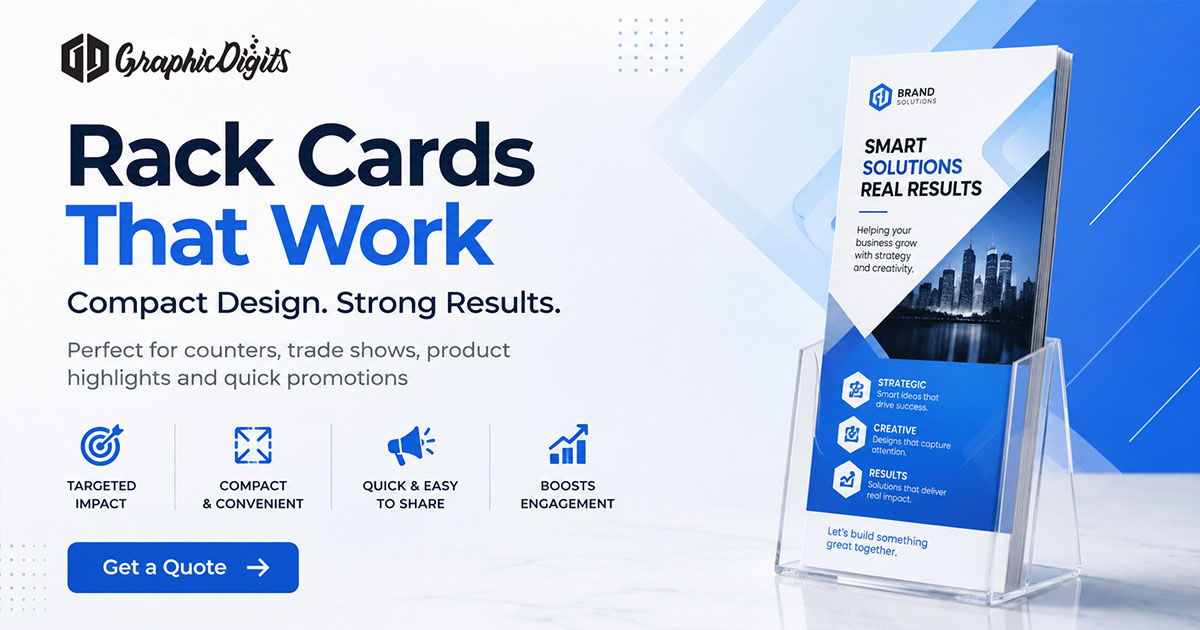
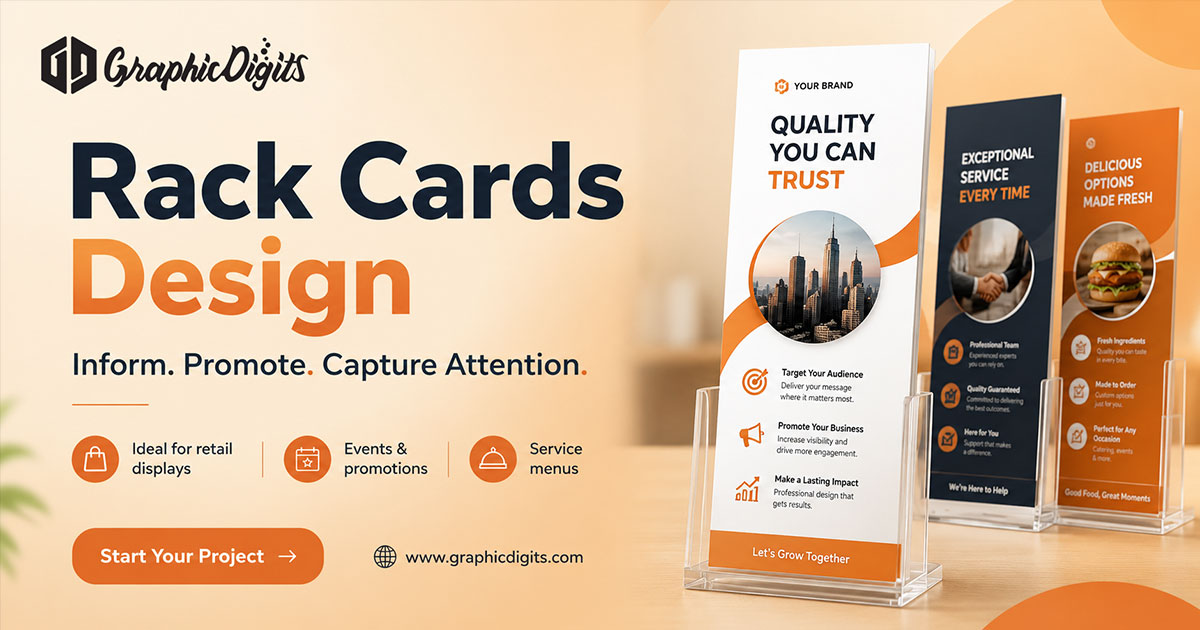
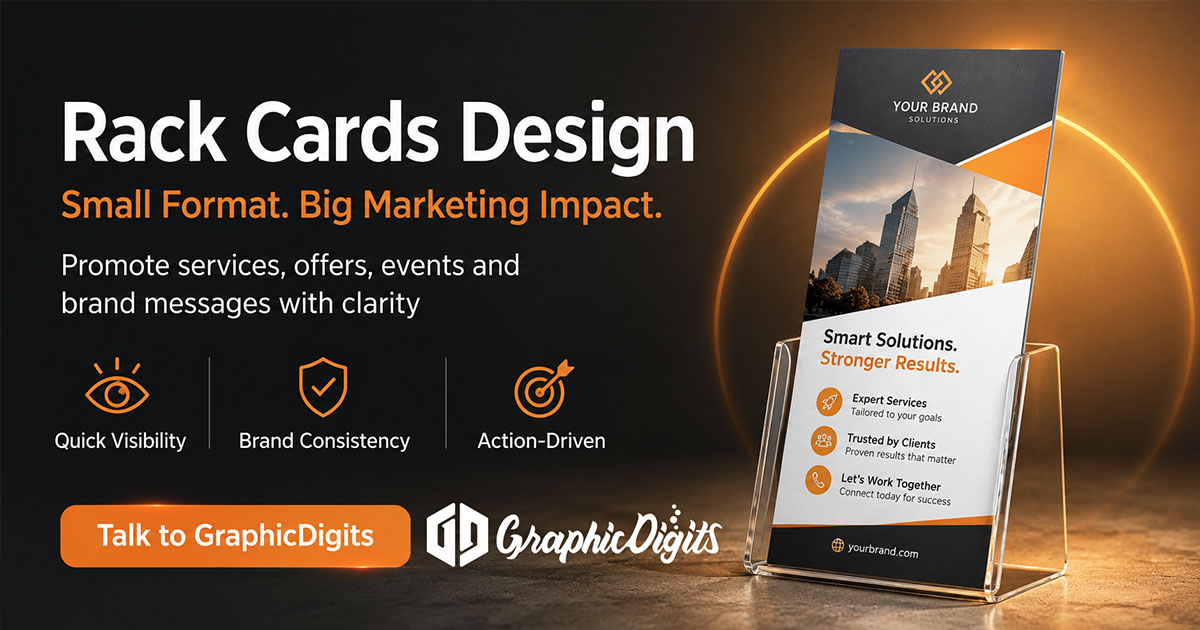
A rack card is a tall, narrow promotional format designed to be seen in a display rack and picked up quickly. The common 4 by 9 inch proportion creates a vertical reading path: a headline and image can catch attention at the top, while the lower area carries essential details and contact information.
GraphicDigits develops rack-card layouts as print-ready promotional design files. This guide explains planning and layout choices, not print production or distribution.
Rack card vs flyer vs brochure
- Rack card: narrow, upright, display-rack friendly, and focused on one quick message.
- Flyer: a flexible single-sheet format for handouts, mailers, and notices.
- Brochure: typically a folded or multi-panel piece with room for deeper explanation.
Choose the format based on the available display space and how much a reader needs to know before taking action.
Common layout mistakes
- Treating the card like a brochure and adding too much copy
- Putting the most important message too low for a rack display
- Using type too small to read while standing
- Ignoring safe areas, especially near the bottom edge
- Giving a QR code no supporting reason to scan
Frequently Asked Questions about Rack Cards
What is a rack card?
A rack card is a tall, narrow promotional card made for display in brochure racks, counters, visitor centers, and similar spaces. A common finished size is 4 by 9 inches.
How are rack cards different from flyers and brochures?
A rack card is narrower and built for rack display, with a quick visual message. A flyer can use many sizes and distribution methods. A brochure usually has more space or panels for detailed information.
What information should a rack card include?
Use a clear headline, one main image or visual focus, essential benefits or details, a call to action, contact information, and a QR code or URL only when it helps the reader take the next step.
Can rack cards be prepared for printing?
Yes. Rack-card artwork can be supplied as print-ready files with the printer's size, bleed, safe margins, color mode, and file requirements. GraphicDigits provides design files rather than printing.